Progress
Fitness Apps for Progress: Food, Lifting and Photos
Real screenshots and App Store data for MacroFactor, MyFitnessPal, Strong, Hevy and other fitness apps, with a clear look at their existing photo features.
On this page 5 sections
You don't need to replace a good food diary or workout log to track progress photos. Keep the app you already use for food or training, and pair it with one built for photos. MacroFactor, MyFitnessPal, Strong and Hevy can store a picture; a dedicated journal coaches you through a full set of poses and lines every photo up for you.
We make Progress, a photo journal that works alongside all of them. Here's what each app does with photos, and how to put them together.
The big names at a glance
These nine apps cover nutrition, training and weight trends, sorted by how many US App Store ratings they have.
| App | Rating | Ratings | Main job |
|---|---|---|---|
 MyFitnessPal MyFitnessPal | 4.71/5 | 2,371,906 | Food diary, calorie/macro tracking and weight entries. |
 Lose It! Lose It! | 4.77/5 | 779,839 | Calorie budgeting, food records and weight goals. |
 Fitbod Fitbod | 4.81/5 | 286,614 | Suggested workouts based on your goals, history and equipment. |
 Strong Strong | 4.86/5 | 108,527 | Exercise sets, reps, routines and workout history. |
 Cronometer Cronometer | 4.77/5 | 98,996 | Food logging with detailed nutrient tracking. |
 Hevy Hevy | 4.92/5 | 96,308 | Workout logging, lift progression and a training community. |
 Happy Scale Happy Scale | 4.89/5 | 58,037 | Weight smoothing, milestones and projections. |
 MacroFactor Nutrition MacroFactor Nutrition | 4.84/5 | 22,917 | Adaptive calorie and macro targets, food logging and weight trends. |
 MacroFactor Workouts MacroFactor Workouts | 4.84/5 | 4,647 | Program creation, workout logging and progression. |
Choose the app for the job
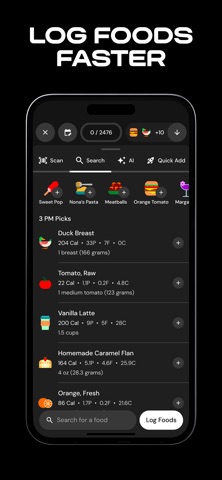
MacroFactor Nutrition
Keep it for: Adaptive calorie and macro targets, food logging and weight trends.
MacroFactor already includes progress photos and body metrics alongside its nutrition coaching. Keep it for the food-and-weight feedback loop, and try its photo tools before adding a separate journal.
Price: Subscription after a seven-day free trial.
MacroFactor - Macro TrackerStronger By Science Technologies LLC
App Store · Developer website · Version 5.8.9, updated September 24, 2026.
Read the full Progress and MacroFactor Nutrition comparison.
MacroFactor Workouts
Keep it for: Program creation, workout logging and progression.
This is a separate app from MacroFactor Nutrition. Body metrics and progress photos sync between the two, so you can use either one for check-ins.
Price: Its own subscription, or a bundle with Nutrition.
MacroFactor Workouts - TrackerStronger By Science Technologies LLC
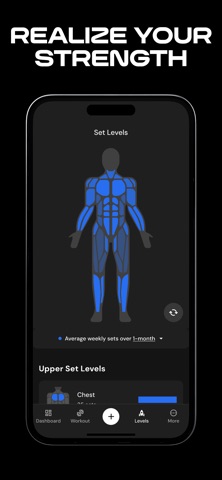
App Store · Developer website · Version 1.4.1, updated October 3, 2026.
MyFitnessPal
Keep it for: Food diary, calorie/macro tracking and weight entries.
MyFitnessPal’s progress photos attach to your weigh-ins, can be shared and are stored with your account. If you just want a visual checkpoint beside a weight entry, that may be all you need.
Price: Free tier, plus Premium and Premium Plus.
MyFitnessPal: Calorie CounterMyFitnessPal, Inc.
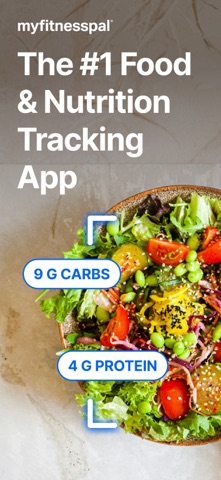
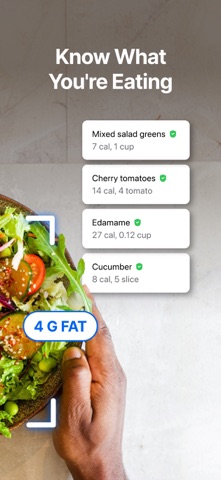
App Store · Developer website · Version 26.39.0, updated September 29, 2026.
Read the full Progress and MyFitnessPal comparison.
Strong
Keep it for: Exercise sets, reps, routines and workout history.
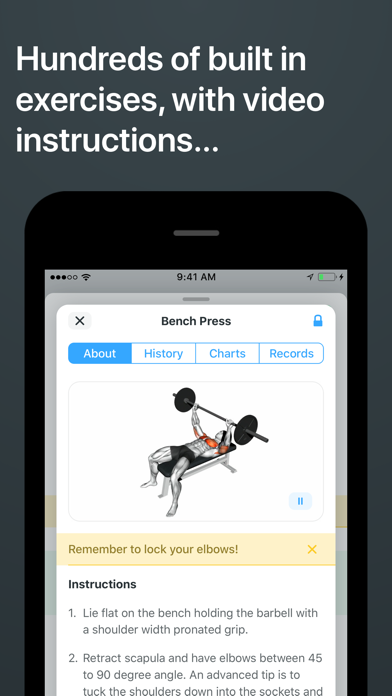
Strong lets you attach pictures and notes to workouts, and tracks body measurements with data export. If a photo alongside your training log is all you want, it has you covered.
Price: Free for unlimited workouts and three custom routines; PRO removes the routine limit.
Strong Workout Tracker Gym LogStrong Fitness PTE Limited
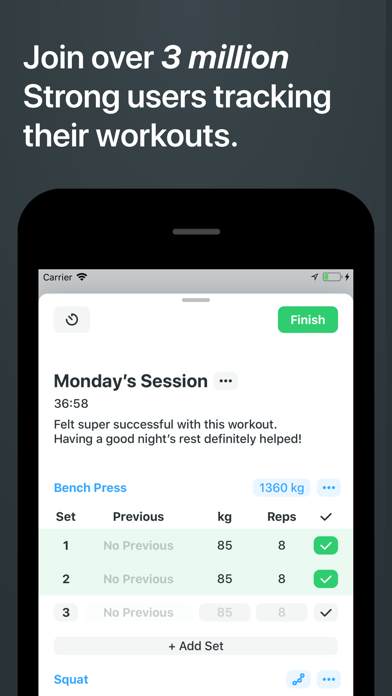
App Store · Developer website · Version 6.5.0, updated August 12, 2026.
Read the full Progress and Strong comparison.
Hevy
Keep it for: Workout logging, lift progression and a training community.
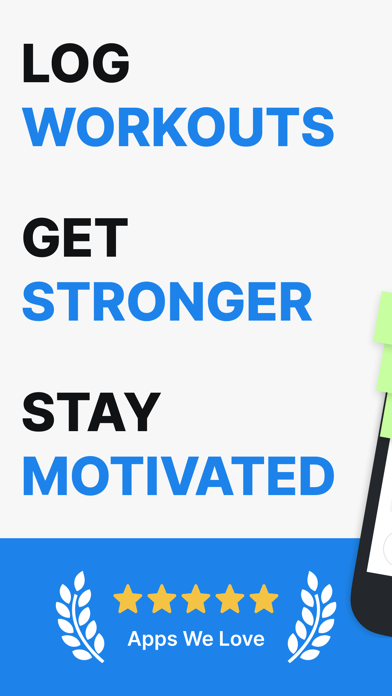
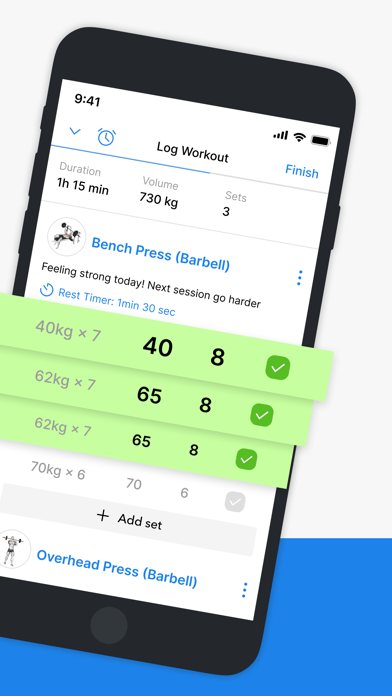
Hevy has capture overlays, comparisons and private progress photos, with one progress photo per day. That's perfect for a simple checkpoint, and tight if you shoot several poses each session.
Price: Free tier; Pro adds more measurements and advanced features.
Hevy - Workout Tracker Gym LogHevy Studios S.L.
App Store · Developer website · Version 3.1.16, updated October 2, 2026.
Read the full Progress and Hevy comparison.
Happy Scale
Keep it for: Weight smoothing, milestones and projections.
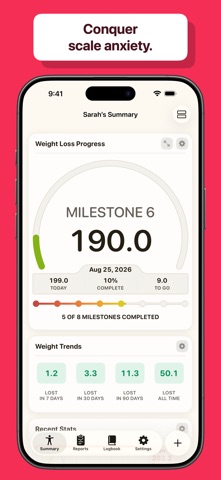
Happy Scale turns a noisy series of weigh-ins into a clear trend. Photos answer a different question, so keep it if the trend helps you.
Price: Free download; Deluxe is an in-app purchase.
Happy ScaleFront Pocket Software LLC
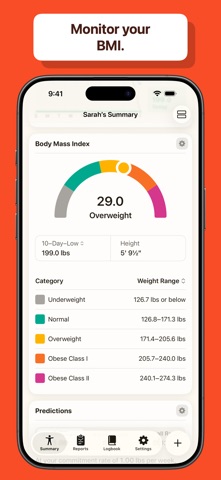
App Store · Developer website · Version 2026.7, updated September 13, 2026.
Read the full Progress and Happy Scale comparison.
Cronometer
Keep it for: Food logging with detailed nutrient tracking.
The barcode scanner is free; Gold adds tools like photo and voice meal logging. Those photos are of your food, not progress photos.
Price: Free tier; optional Gold subscription.
Cronometer: Calorie CounterCronometer Software Inc
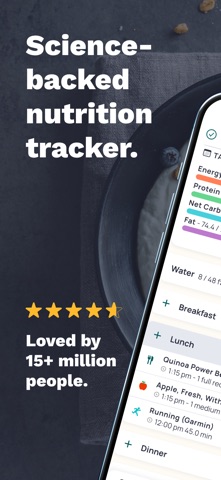
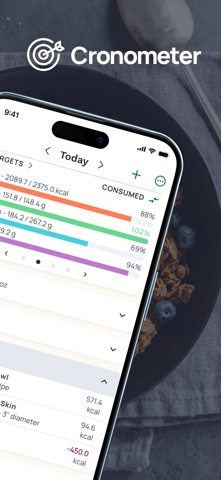
App Store · Developer website · Version 4.59.1, updated September 13, 2026.
Lose It!
Keep it for: Calorie budgeting, food records and weight goals.
Basic calorie tracking is free; Premium adds barcode scanning, advanced tracking and photo meal logging. Keep it if it's the food diary you actually stick with. A photo journal sits alongside it just fine.
Price: Free basic tier; more tools in Premium.
Lose It! – Calorie CounterFitNow, Inc.
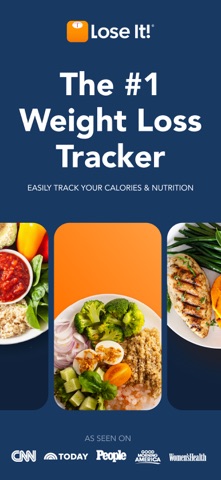
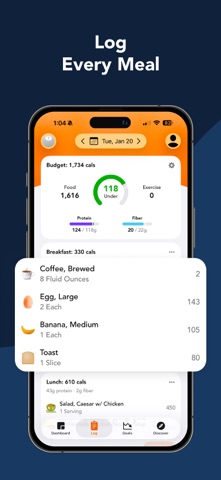
App Store · Developer website · Version 18.5.400, updated September 30, 2026.
Fitbod
Keep it for: Suggested workouts based on your goals, history and equipment.
Fitbod is for when you want help deciding what to train, not just a place to record sets. It builds workouts for you, with exercise demonstrations and integrations. Progress doesn't create training programs.
Price: Subscription after a free trial.
Fitbod: Gym & Fitness PlannerFitbod Inc.
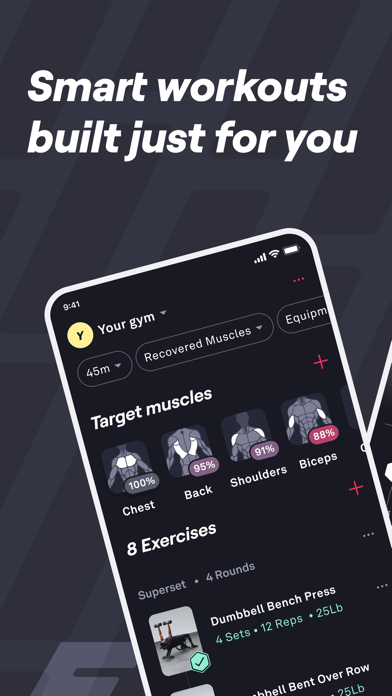
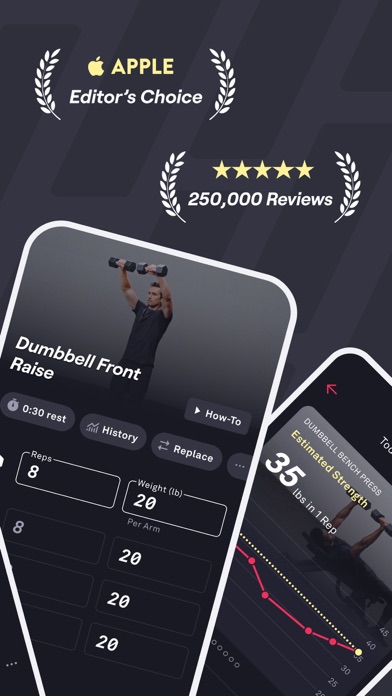
App Store · Developer website · Version 8.35.1, updated October 5, 2026.
A routine with fewer duplicate entries
Pick one place for food, one for training, and a photo app only if you want one. A few examples:
- Already using MacroFactor: keep it and try its photo gallery. MacroFactor Workouts shares the same body metrics and photos.
- Already using Hevy: try its progress-photo entry with your usual check-in. Add a photo journal only if you need more than one photo a day.
- Already using Strong and MyFitnessPal: keep those histories. See whether workout pictures or weigh-in photos are enough before starting another library.
- Mostly tracking weight: Happy Scale handles the trend; a dated photo album can be enough for visual checkpoints.
Progress can read weight and body-fat percentage from Apple Health. It doesn't connect to other apps’ food diaries or workout history, but any photos you've saved to Photos or Files can come in. Pick one app as the source for weigh-ins so your numbers stay consistent.
When Progress earns its place
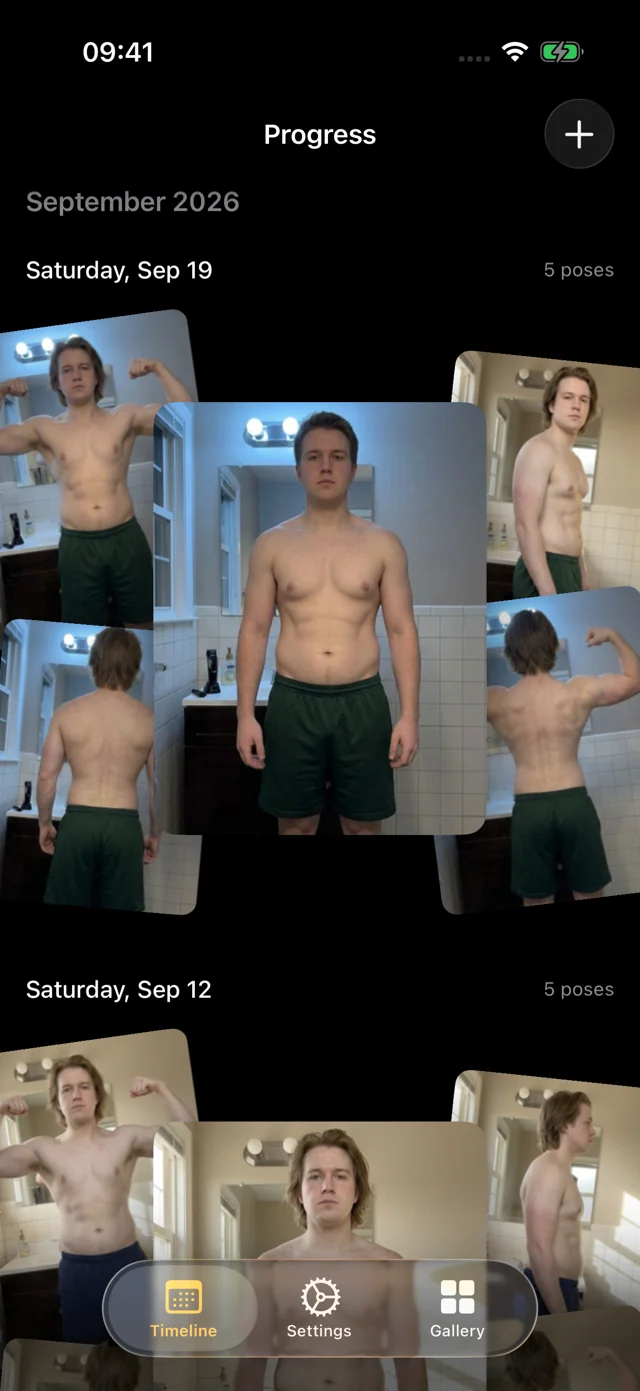
The apps above store a photo. Progress is built to make your photos comparable, and does the fiddly parts for you:
- AI-guided capture. Prop the phone on a shelf and step back. Progress watches through the camera and talks you into each pose: "Turn to your right until your left side faces the camera," "Lift your elbows to shoulder height and flex." When you're in place and still, it takes the photo itself. Five poses in about a minute.
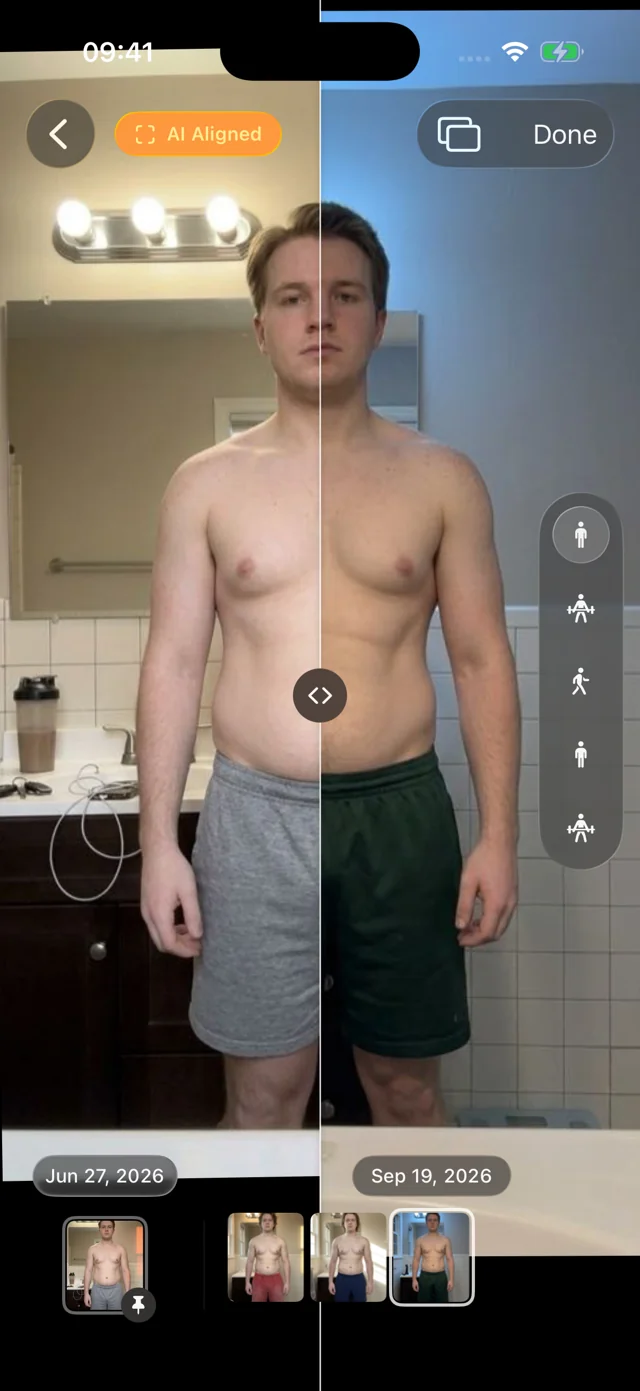
- AI alignment, not ghost overlays. An overlay still asks you to match your last photo by eye. Progress aligns every photo after it's taken, so two dates compare your body, not where the phone was.
- Years of photos, sorted for you. Our own pose model, trained for progress photos and shipped inside the app, recognizes front, side and back. Import a year of pictures at once and they fall into dated, aligned sessions with nothing to label.
- A pleasure to use. Photos appear instantly, the filmstrip scrubs with light haptics, and your weight from Apple Health sits beside each session.
There's no account. Your personal data (photos, measurements, health data) never leaves your iPhone. We only collect anonymous usage data to improve the app, and you can turn it off in Settings. It's a free TestFlight beta for iOS 26+, and it doesn't have a food diary, workout programming, circumference tracking, timelapse export or iCloud sync.
If your existing app’s photos work for you, keep using them. If you want to compare many dates in the same pose without doing the work yourself, see how the dedicated photo apps compare, including several alternatives to ours.
FAQ
Are these official Progress integrations?
No. Progress doesn't connect to these apps’ accounts or photos. With your permission, it can read the weight and body-fat percentage they save to Apple Health.
Is “Heavy” the app named Hevy?
Yes. The workout tracker is spelled Hevy, made by Hevy Studios. Strong is a separate app.
Does Progress replace MyFitnessPal or MacroFactor?
No. Progress doesn't log food or build a nutrition plan, so keep those apps if they help. Their built-in photo features may already cover what you need.
Which app is the biggest?
MyFitnessPal, by a wide margin. It has about 2.4 million US App Store ratings, roughly three times as many as Lose It!, the next largest here.