Progress
Cutting and Bulking App: Progress Photos for Lifters
A bodybuilding and cutting app for progress photos. Flexed front and back poses, AI aligned, with weight beside every session for cuts, lean bulks and recomps.
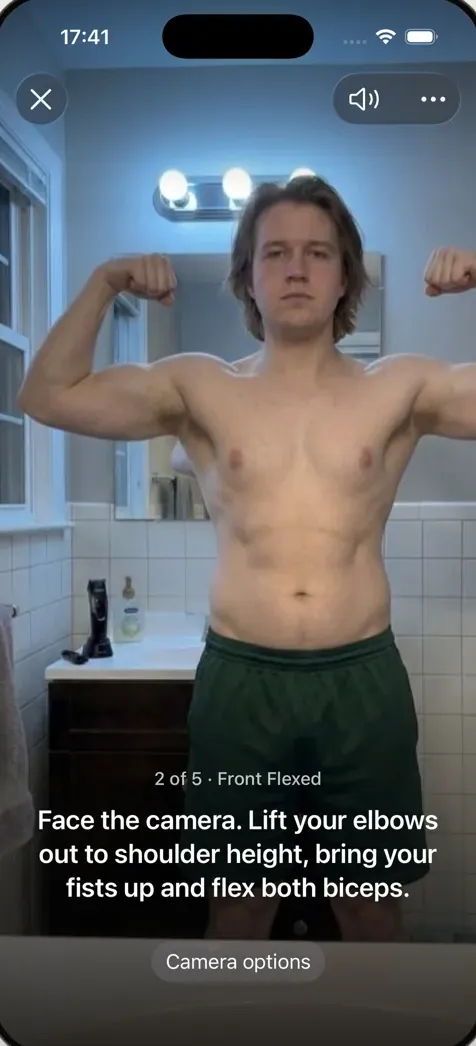
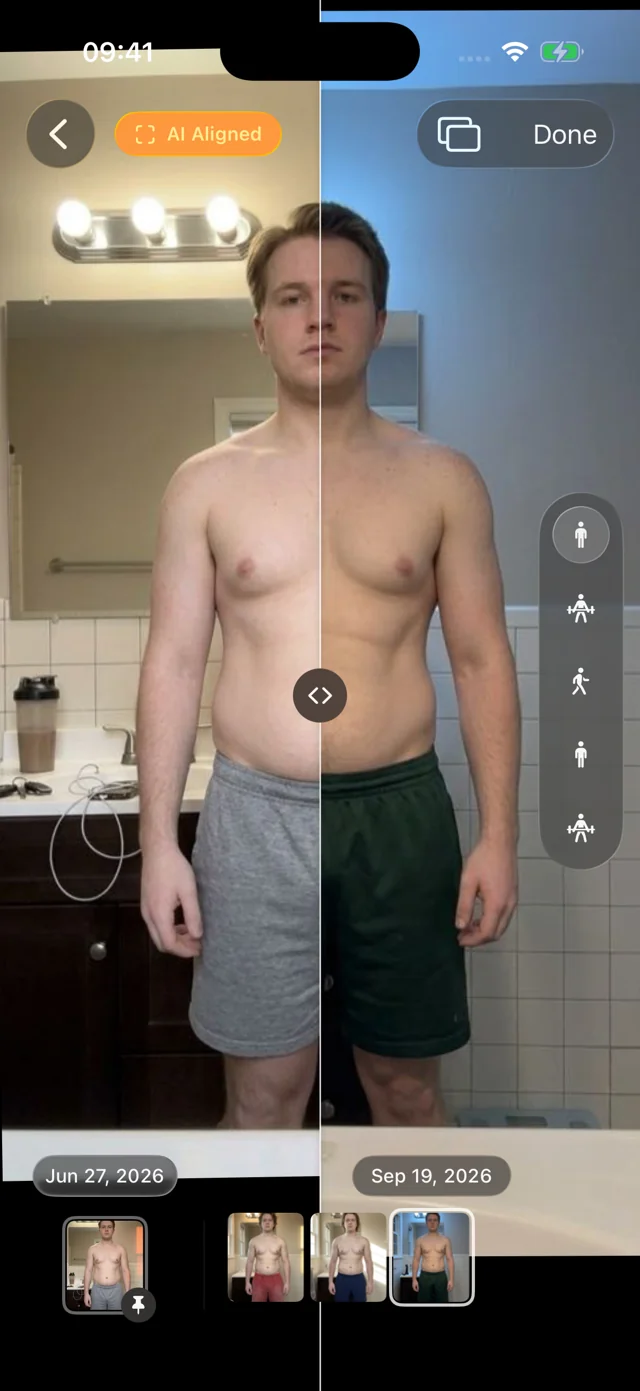
Progress is a photo app for lifters: a cutting app, bulking app and recomp log for what your training log and food tracker can't show. It takes the same five poses every session, front and back flexed included, hands-free in about a minute. On-device AI lines up every photo so you can compare week 1 with week 16, with your weight beside each session.
It doesn't log sets, reps or macros. Keep your training app and food tracker; Progress answers what they can't: is the weight you're gaining or losing the weight you wanted?
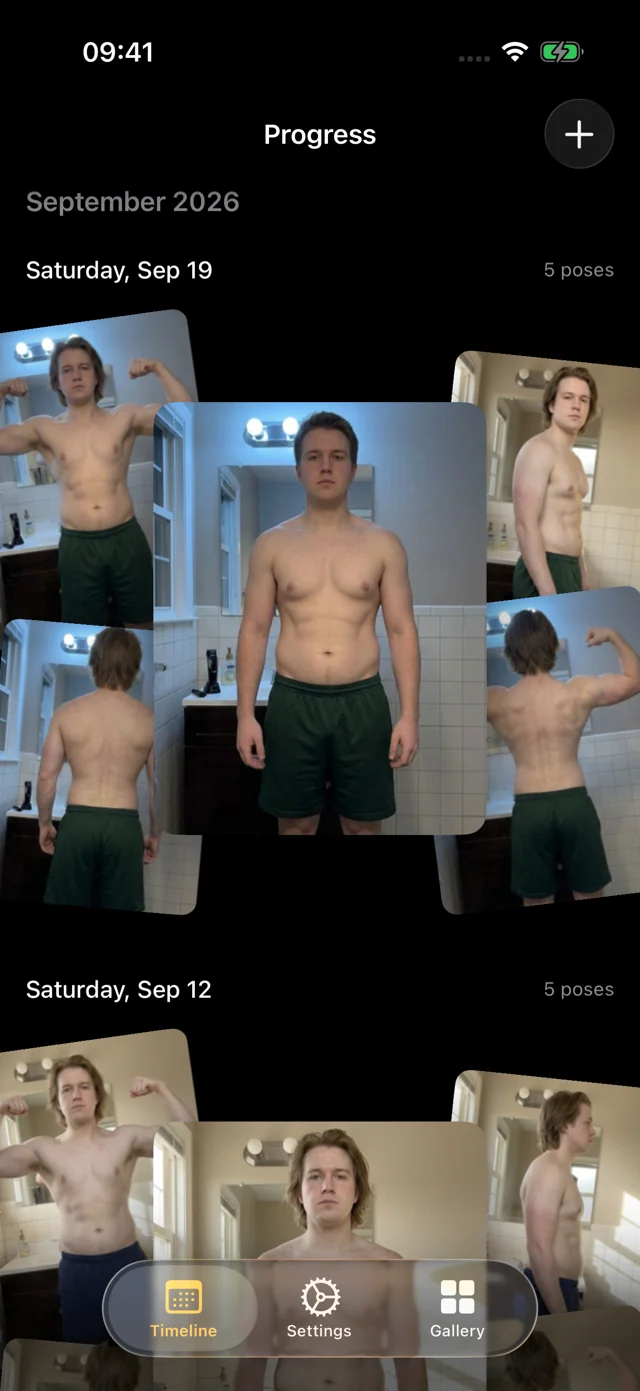
Bodybuilding poses, flexed ones included
Relaxed poses show shape and waist; flexed poses show what a cut is uncovering and what a bulk is building. Progress calls all five in the same order every time. Pick a pose to see the cue.
Face the camera, feet hip-width, arms a few inches from your sides, breathing out normally. The pose that shows your waist and overall shape best.
Elbows at shoulder height, fists up, and flex arms, chest and abs together. Hold it the same way every session; consistency beats intensity.
Right shoulder to the camera, standing tall without sucking in. Side view shows chest, glutes and the profile of your midsection.
Back to the camera, arms at your sides, heels on the same marks. Shows back width and the taper from lats to waist.
Arms up into a double biceps and spread your lats, head facing forward so your shoulders stay level. The pose most lifters never see.
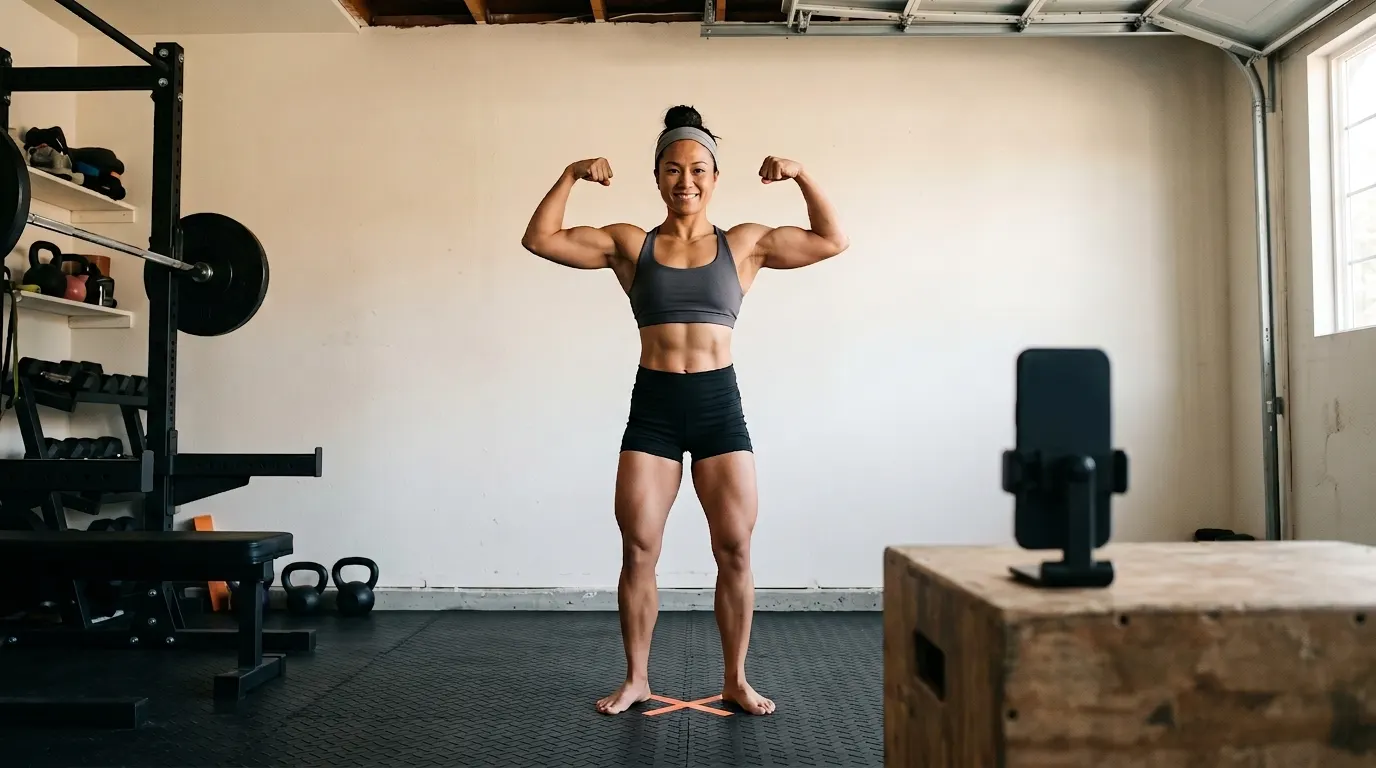
Hands-free capture waits until you're fully in frame and still, counts you in, and a recorded voice calls each pose, so you never walk back to the phone. Our progress photo poses guide covers each one.
A cutting app for when the scale and mirror disagree
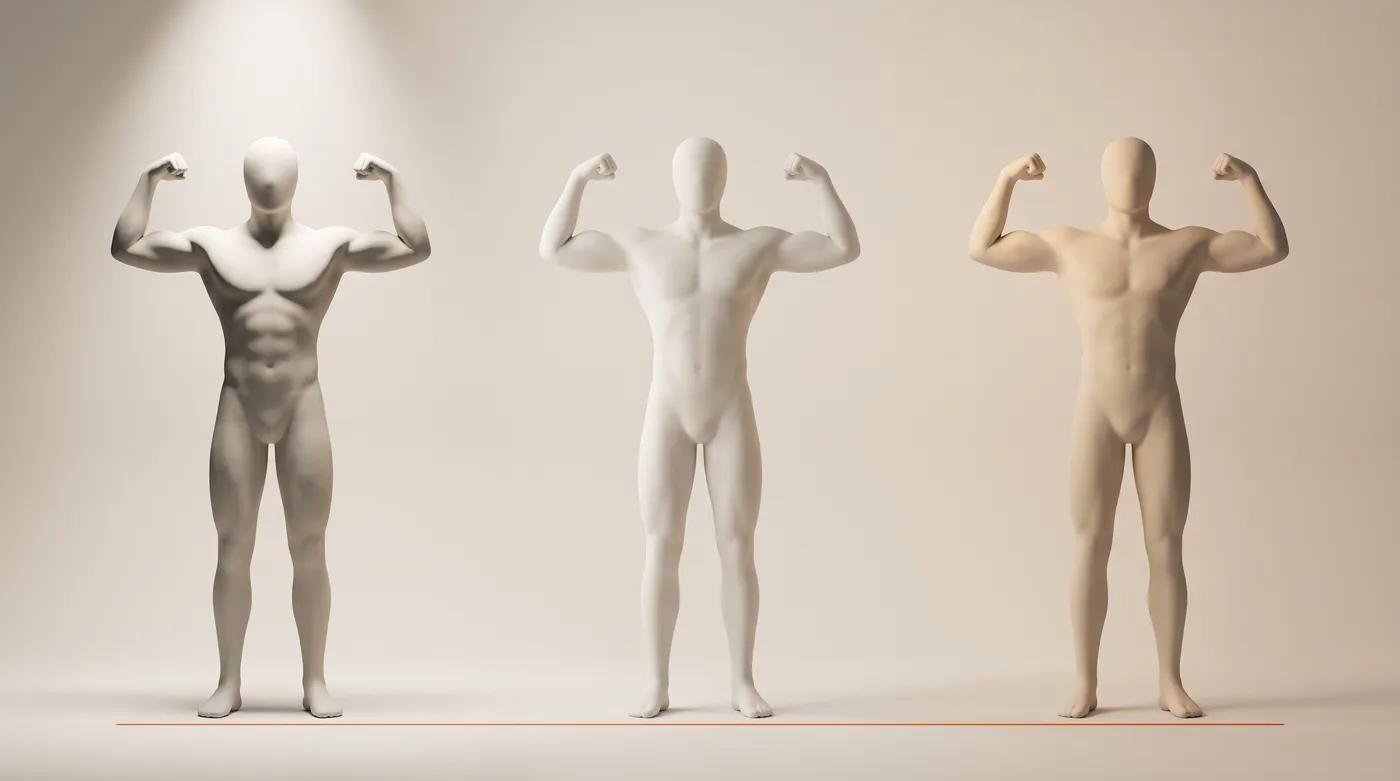
On a cut the scale goes down, but it can't tell fat from muscle, water or glycogen. The mirror is worse: you see yourself every day, in different light, with or without a pump. Light alone can add or erase definition:
The fix is boring: same spot, same light, same time of day, before training. Progress handles the rest. Every photo is AI aligned to the same frame, so a slightly closer phone can't fake a week of progress. Pin the first day of your cut as the reference and scrub through every session since; the filmstrip ticks with a light haptic on each one. Log your weight with each session, typed in or read from Apple Health, and the two tell one story.
On a lean bulk: the scale goes up on purpose
A lean bulk is meant to move the scale slowly. Daily weigh-ins bounce with water, salt and carbs, so the trend matters more than any single number:
Illustrative data: twelve weeks of daily weigh-ins on a lean bulk starting at 172 lb. Day-to-day readings swing by 2 to 3 lb, while the 7-day average climbs slowly, about half a pound a week.
The trend tells you how fast you're gaining. Photos tell you where it's going. If the back flexed pose is getting wider and the side view isn't growing a belly, the surplus is about right. If the waist is outpacing the shoulders, it's time to trim. Our lean bulk guide covers surplus size and gain rates, and the FFMI calculator gives you a number to watch alongside the photos.
On a recomp: same weight, different body
A recomp is the hardest phase to see. The scale barely moves for months while you lose fat and gain muscle, and your eye adapts with you. Aligned photos are often the only evidence: a narrower waist in front relaxed, more shape in the flexed poses, at the same body weight. See body recomposition before and after for what to expect, or skinny fat if that's your starting point.
Bring older photos too. Import them from Photos or Files and Progress suggests dates and poses and aligns them, so last year's cut sits next to this year's.
Kept between you and your phone
Your personal data (photos, measurements, health data) never leaves your iPhone; we only collect basic usage data to improve the app, and you can turn it off. No account, no social feed, no streaks or badges. The library lives in the app, out of your camera roll, behind an optional Face ID, Touch ID or passcode lock.
How it works
- Join the free beta. iPhone or iPad with iOS 26 or later, through TestFlight. No account.
- Set up once. A plain wall, a tape mark on the floor, the phone at about chest height, the same light each time.
- Take the set weekly or every two weeks. Hands-free capture calls all five poses in about a minute. Add your weight, or let Apple Health fill it in.
- Compare phases. Pin the first day of a cut or bulk and slide or swap to any session since.
FAQ
Which app is best for cutting?
A cut runs best on three tools: a food tracker for calories and protein, a training log for sets and reps, and something that shows what your body is doing. Progress is the third: aligned progress photos with your weight. It doesn't count calories or log workouts.
What are some good apps for bodybuilders?
A workout logger, a food tracker and a progress photo app cover most of it. Progress handles the photos: front, side and back plus front and back flexed, captured hands-free and AI aligned so sessions compare.
How often should I take progress photos on a cut or bulk?
Weekly or every two weeks is plenty, at the same time of day, before training. Judge change across four weeks or more; session-to-session differences are mostly water, food and light.
Is Progress free?
Yes, during the TestFlight beta, on iPhone and iPad with iOS 26 or later.