Progress
75 Hard App for the Daily Progress Picture
A 75 Hard app for the daily progress picture rule: hands-free capture in about a minute, and AI alignment so day 1 and day 75 line up. Free iPhone beta.
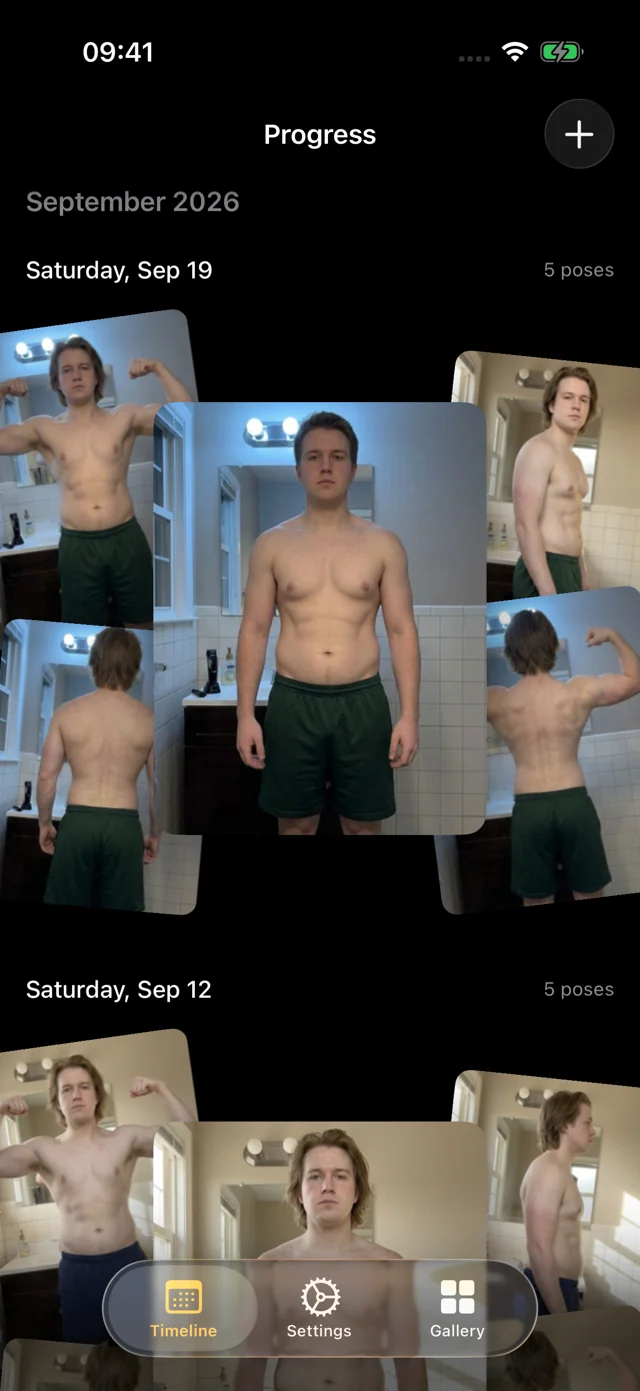
Progress is a 75 Hard app for exactly one rule: the daily progress picture. Set your phone down, step back, and hands-free capture takes the set in about a minute, with a voice calling each pose. On-device AI lines up every photo, so on day 75 you can drag a divider across day 1 and see the change instead of a different camera angle.
Progress doesn't track the other four tasks. For workouts, diet, water and reading, use the free 75 Hard tracker (it runs in your browser and prints a checklist) or any habit app.
The daily picture, without the timer dance
With the camera's self-timer, every pose is a round trip: tap, run to your spot, hold, walk back, check, repeat. By week three it's one rushed front photo, often a mirror selfie, and the side and back shots are gone.
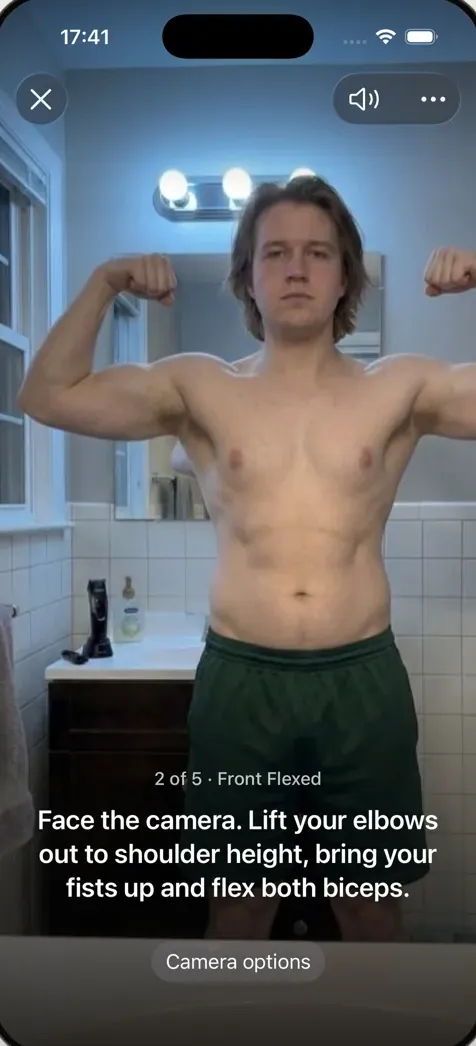
In Progress you start the session once and stay on your mark. Live on-device pose detection waits until you're fully in frame and holding still, counts you in, and a recorded voice calls each of the five poses: front relaxed, front flexed, right side, back relaxed and back flexed. The whole set takes about a minute, which matters when you're also fitting in two workouts, a gallon of water and ten pages.
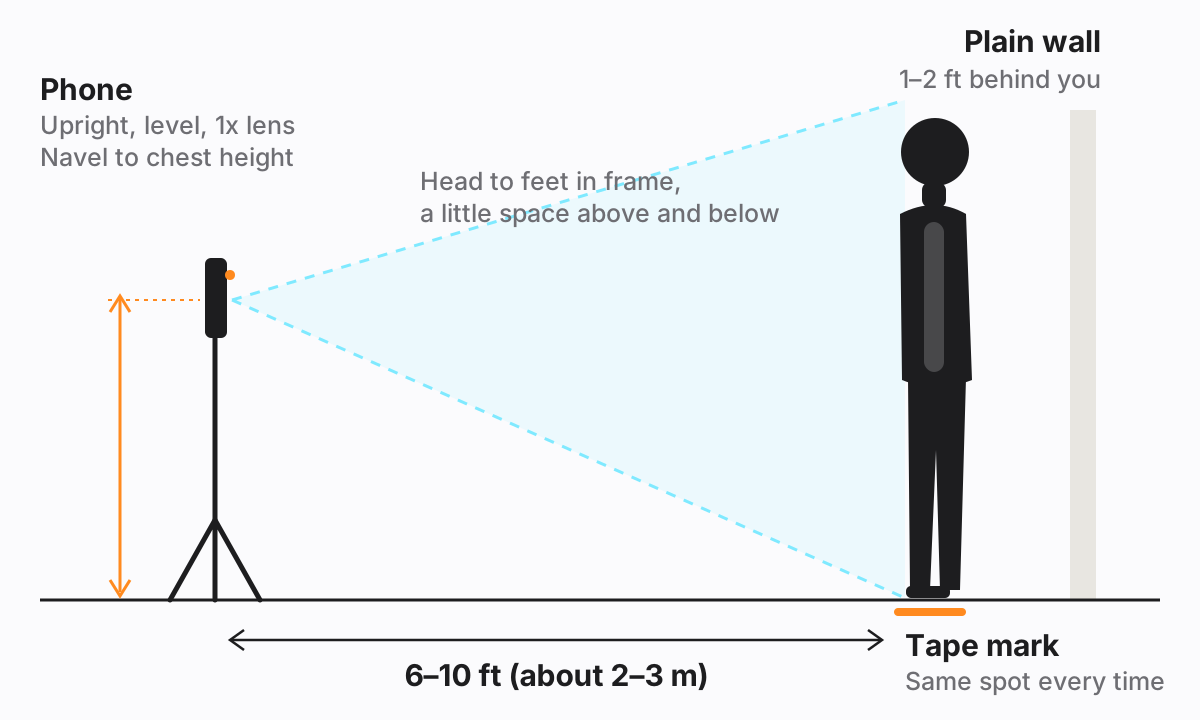
Get the setup right on day 1. Drag the phone or use the sliders to see what the camera sees.
Day 1 vs day 75, actually lined up
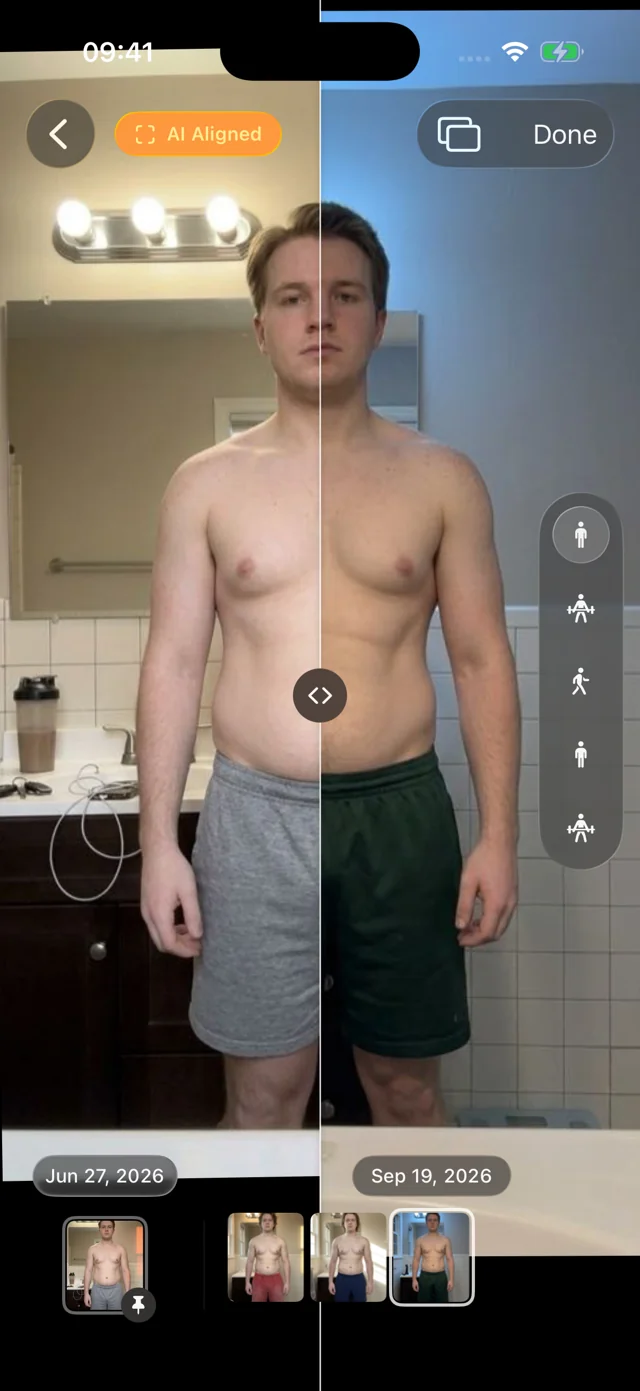
Seventy-five days of photos only help if they compare. Different distances and angles make a body look bigger, smaller or straighter than it is. Progress lines up every photo to the same frame automatically, with originals untouched. Drag the divider below, then turn AI aligned off to see the same photos as they were shot.
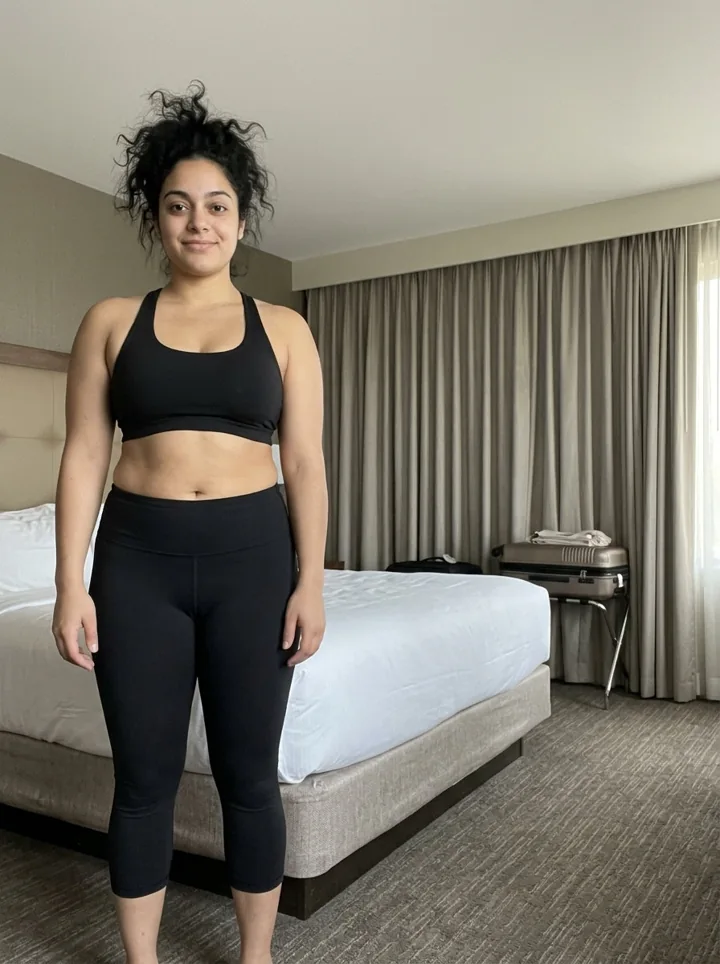
In the app, pin day 1 as your reference and scrub the filmstrip through every day since, with a light haptic tick on each session. Compare checkpoints like days 25, 50 and 75; day-to-day differences are mostly water and light. Our guide to 75 Hard progress pictures covers fair comparisons and what to expect.
Travel days and early mornings
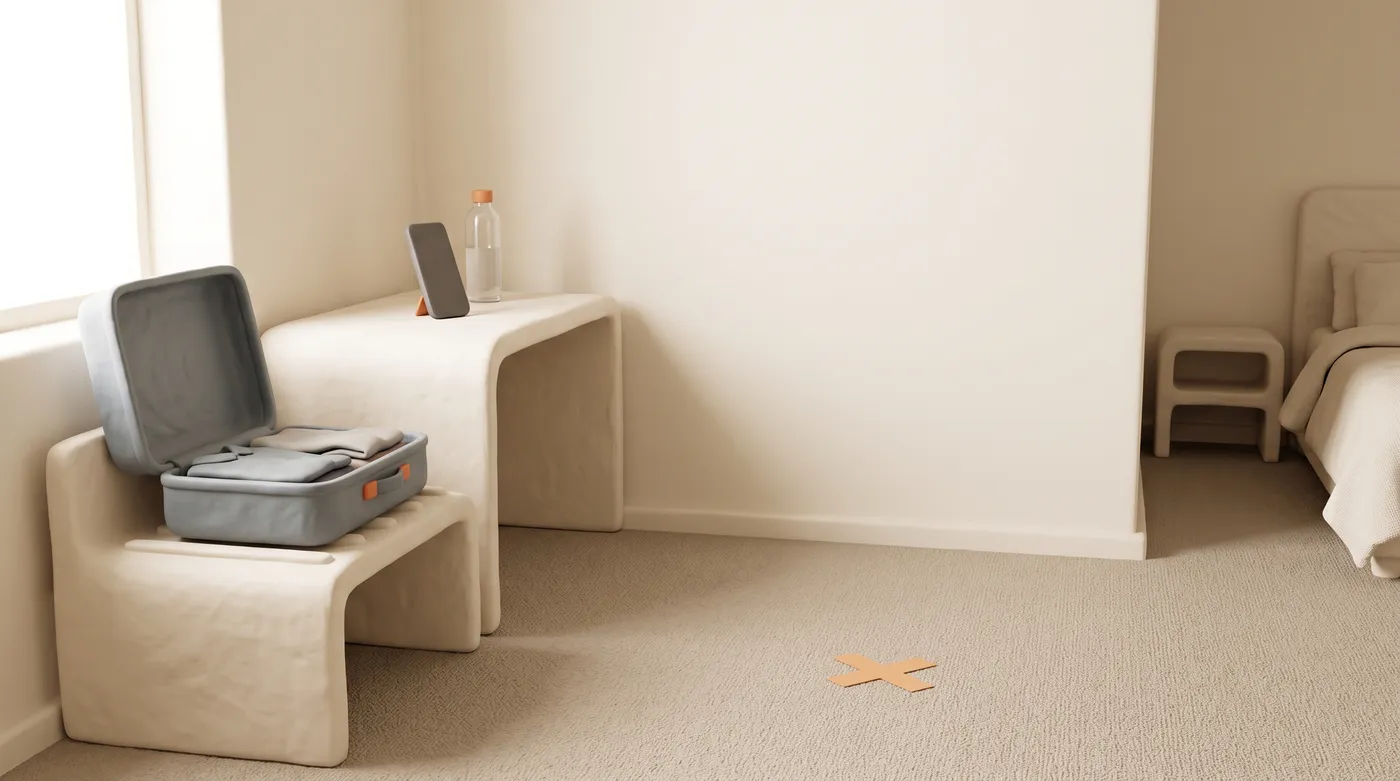
The rule doesn't take days off. In a hotel room, prop the phone against anything stable, find a plain wall, and step back. Progress aligns each photo, so a slightly different setup on the road still lines up with the rest of your series. Keep the poses and outfit the same.
Starting late, or restarted on day 30? Import earlier photos from Photos or Files. Progress suggests dates and poses and aligns them too.
What this 75 Hard app doesn't do
| Daily task (official rules) | Where to track it |
|---|---|
| Progress picture | Progress: hands-free, AI aligned |
| Two 45-minute workouts | 75 Hard tracker or a habit app |
| Diet, no alcohol or cheat meals | 75 Hard tracker or a habit app |
| A gallon of water | 75 Hard tracker or a habit app |
| 10 pages of nonfiction | 75 Hard tracker or a habit app |
Progress has no streaks or badges, and reminders are coming soon. You can log your weight with any session, typed in or read from Apple Health. Your personal data (photos, measurements, health data) never leaves your iPhone; we only collect basic usage data to improve the app, and you can turn it off. No account, and your photos stay out of your camera roll, behind an optional Face ID lock.
How it works
- Join the free beta. iPhone or iPad with iOS 26 or later, through TestFlight. No account.
- Set up once on day 1. Plain wall, tape mark, phone at about chest height. Wear the outfit you'll repeat.
- Take the daily picture. Start capture, step back, and hold each pose as it's called. About a minute.
- Compare checkpoints. Pin day 1 and slide or swap to day 25, 50 and 75.
FAQ
Is there an official 75 Hard app?
Yes. The program's creator sells an official 75 HARD app with task tracking and photos. Progress is independent and focuses on the progress picture, with hands-free capture and AI alignment.
Which is the best 75 Hard app?
For all five tasks in one checklist, use the official app, a habit tracker or our free 75 Hard tracker. If the daily picture is the part you dread, or you want day 1 and day 75 to actually compare, Progress is built for that.
Is there a free app for 75 Hard progress pictures?
Progress is free during its TestFlight beta on iPhone and iPad. It works just as well for 75 Soft or any daily or weekly photo challenge.
Do I have to take all five poses every day?
The rules just say "a progress picture," so one front photo counts. But side and back views often show change first, and the full set takes about a minute hands-free.