Progress
Weight Loss Journal App for When the Scale Stalls
A photo-first weight loss journal for iPhone. AI-aligned progress photos and your weight on one timeline, so a stalled scale doesn't hide real change.

Progress is a weight loss journal built around photos instead of pages. Each entry is a session: five progress photos taken hands-free in about a minute, with your weight (and body-fat percentage, if you track it) beside them. On-device AI lines up every photo, so months later you can slide between any two entries and see the change the scale keeps hiding.
It's for the weeks when the number won't move. A weight log tells you what the scale said; a photo journal shows what your body did. Progress keeps both together, privately, on your iPhone.
In short
- One entry is one session: five aligned photos plus your weight.
- Weight can be typed in or read from Apple Health.
- Compare any two entries with a divider, or scrub through all of them.
- No account. Your photos stay on your iPhone, out of your camera roll.
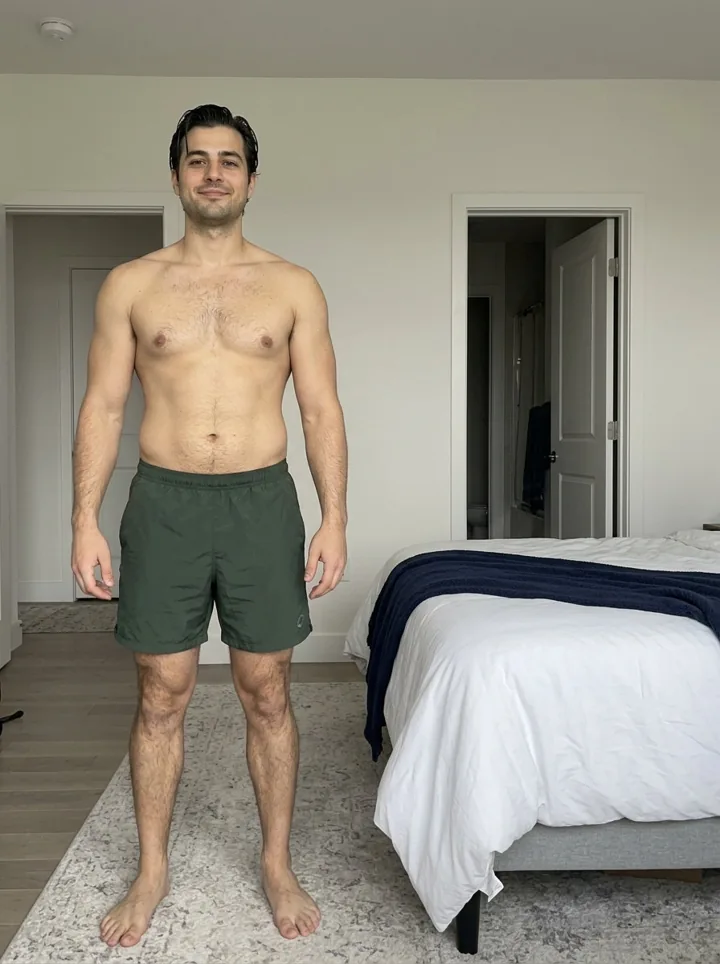
Drag across the photo or the filmstrip, or press play. Turn AI aligned off to see how the same entries look as shot.
Why a photo-first weight loss journal
Self-monitoring is one of the habits most consistently linked to weight loss (Burke et al., J Am Diet Assoc, 2011). But most people monitor one number, and it swings by a few pounds overnight with water, salt and digestion.
Illustrative data: eight weeks of daily weigh-ins. The 7-day average falls for four weeks, then flattens for four more, while the daily readings jump around by 2 to 3 lb.
A flat month on the scale doesn't mean nothing changed. Water retention, a new training block or a rough week of sleep can mask fat loss for weeks. Aligned photos show your side profile, your waist and the way clothes sit, which is often where change shows first. Our weight loss plateau guide explains what's usually behind a stall, and the water weight calculator smooths your daily weigh-ins into a trend.
What goes in each entry
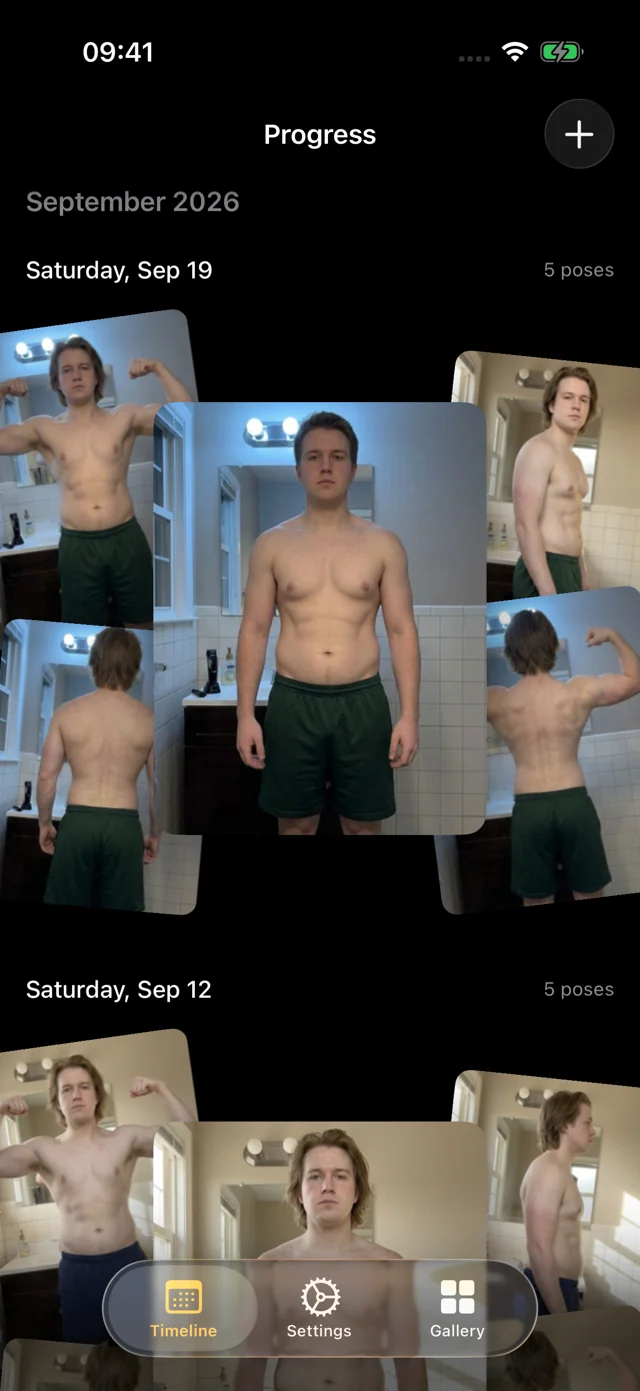
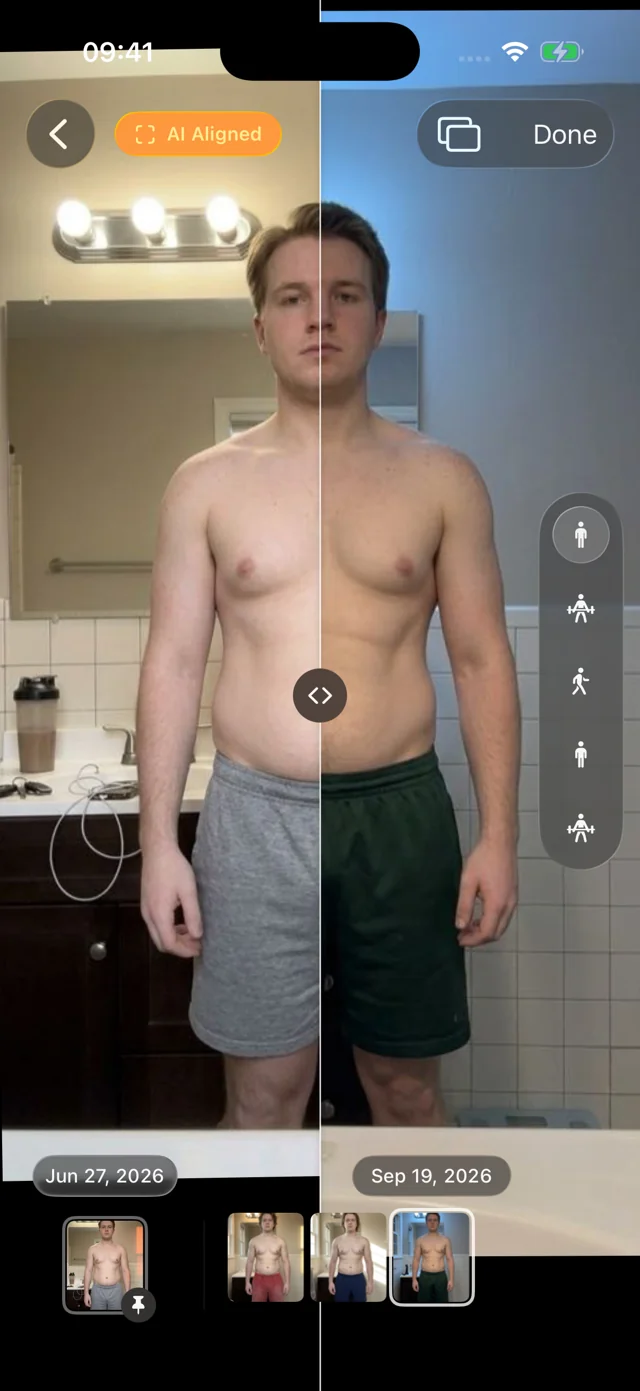
- Five photos. Front relaxed, front flexed, right side, back relaxed and back flexed. Set the phone down and step back: hands-free capture waits until you're in frame and still, counts you in, and a voice calls each pose. About a minute.
- Your weight. Type it in, or let Progress read it from Apple Health. It can also write weight entries back to Health.
- Body-fat percentage, if you measure it. Same options.
Progress doesn't log tape measurements, food or workouts. If you track your waist, a notebook next to the scale works fine.
Non-scale victories, on the record
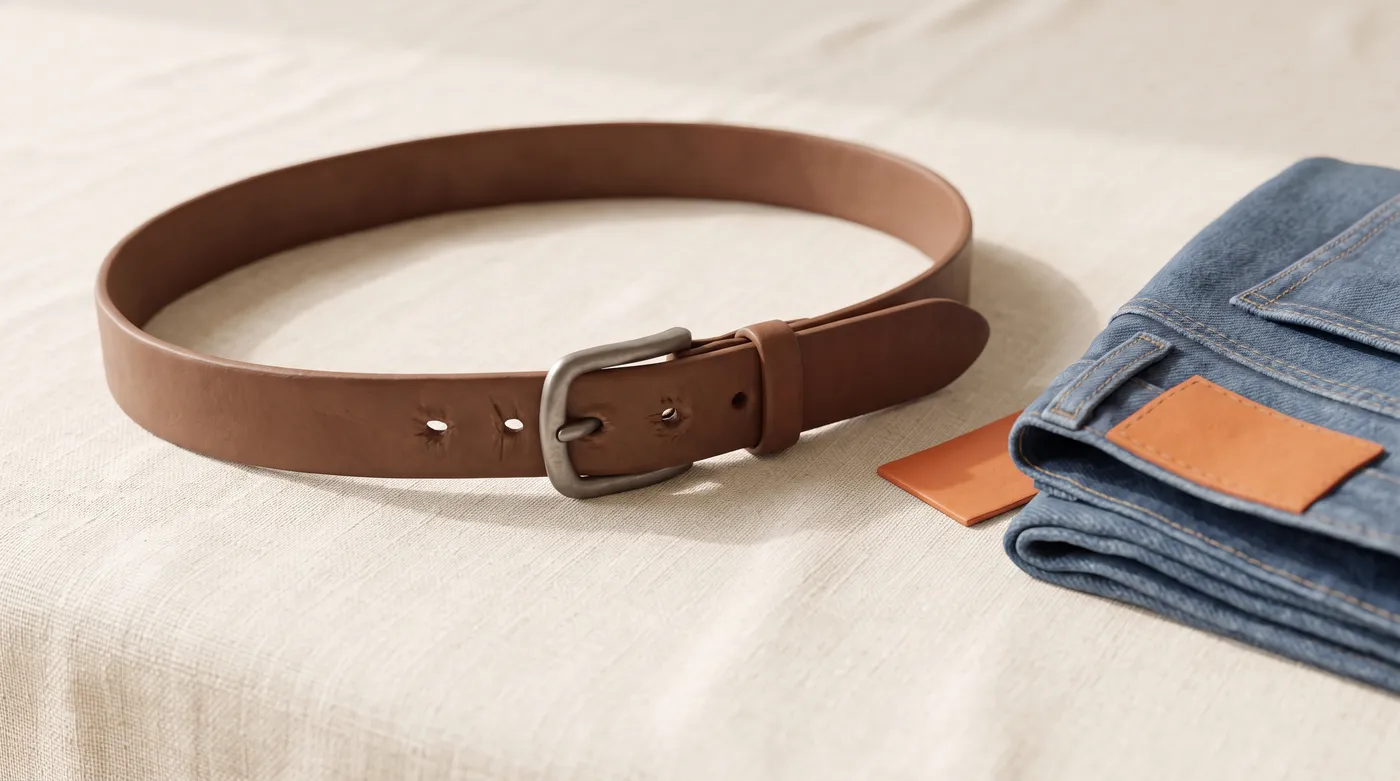
A tighter belt notch or jeans that fit again are real progress, but they fade from memory fast. Aligned photos keep them. Pin your first entry as the reference, then slide a divider across any later date or swap between them full-screen. Scrub the filmstrip through every session, with a light haptic on each, and months of slow change play out in seconds.
Started a while ago? Bring your old photos
Your journal can start before today. Import older photos from Photos or Files, and Progress suggests their dates and poses and aligns them with everything else, so a photo from last spring can sit next to this morning's.
On a GLP-1 medication? See Progress for GLP-1 for a check-in rhythm. For setup basics (light, distance, clothes), read how to take progress photos.
A journal that stays private
Your personal data (photos, measurements, health data) never leaves your iPhone; we only collect basic usage data to improve the app, and you can turn it off. No account, no social feed, no streaks or badges. The photos live inside the app, out of your camera roll, with an optional Face ID, Touch ID or passcode lock, and Export Data gives you a copy whenever you want one.
How it works
- Join the free beta. iPhone or iPad with iOS 26 or later, through TestFlight. No account.
- Make your first entry. Plain wall, phone at about chest height, step back and hold each pose as it's called. Add your weight.
- Repeat every one to four weeks. Same spot, light and clothes. Weigh in as often as you like.
- Look back. Pin your first entry and slide, swap or scrub to see the change.
FAQ
What is the best journal for weight loss?
The one you'll keep. A paper journal or weight app is great for daily notes and numbers; a photo journal like Progress records what the numbers miss. Weigh in daily and take photos every few weeks.
Is a weight loss photo app better than a scale?
They answer different questions. The scale measures total weight, including water. Photos show shape, which changes even when weight stalls. Progress keeps both on one timeline.
How often should I take weight loss progress photos?
Every two to four weeks, at the same time of day and in the same spot. Weekly is fine if it motivates you, but compare entries a month or more apart.
Is Progress free?
Yes, during its TestFlight beta, on iPhone and iPad with iOS 26 or later.