Progress
Progress vs MyFitnessPal: Photos Beside Your Food Log
MyFitnessPal already stores progress photos with weigh-ins. See its real screenshots, documented photo workflow and when a separate journal is useful.
MyFitnessPal already does progress photos. If you want a picture beside a weigh-in, start there. Keep MyFitnessPal for food tracking, and add Progress when you want photos that compare: an AI that coaches you through each pose and takes the shot, and every photo aligned for you.
We make Progress, so weigh that.

MyFitnessPal: Calorie CounterMyFitnessPal, Inc.
What MyFitnessPal already does
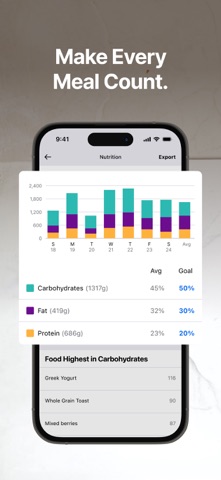
You can attach a photo to a weight entry, either a new one or one from your camera roll (Progress Photos FAQ). Photos are cropped square, saved to your account, private unless you share them, and viewable in the iPhone and Android apps but not on the web.
The square crop is worth checking: make sure the part of your body you want to compare stays in frame. If it does, you can keep weight and photos in one place.
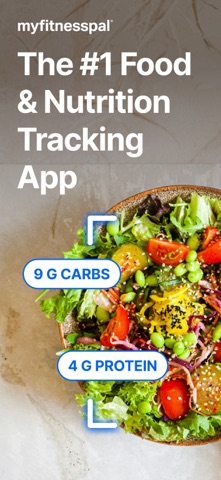
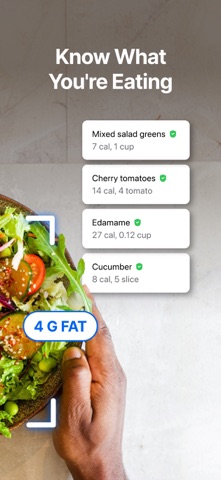
Beyond photos, MyFitnessPal is a food, calorie and macro tracker, with Premium and Premium Plus adding faster food logging and meal planning. A photo journal doesn't replace any of that.
Match the app to the task
| Your task | Start with |
|---|---|
| Record meals and nutrients | MyFitnessPal |
| Add an occasional photo to a weight entry | MyFitnessPal |
| AI-guided, hands-free capture of five poses | Progress |
| Photos AI aligned automatically, any two dates | Progress |
| Bulk import of old photos, poses recognized automatically | Progress |
If you already log food every day, the easiest option is the photo feature in the same app. If your photos are a separate ritual with several poses, a dedicated journal will keep those sessions together.
What it costs
MyFitnessPal has a free tier and paid Premium plans. Progress is a free beta, but it has no food database, meal plans or calorie targets. If those are why you pay for MyFitnessPal, keep paying for it; you don't need a second subscription just for photos you can already take there.
Using both
Keep logging food in MyFitnessPal, pick one app for your weight, and keep photos wherever you'll actually stick with them. The apps don't connect, and Apple Health doesn't move photos between them. To bring older pictures into Progress, save them from MyFitnessPal to your phone (it supports saving through the share sheet) and import them in one batch; Progress recognizes each pose and lines them up with nothing to label.
What Progress adds
A photo on a weigh-in is a record. Progress makes it a comparison.
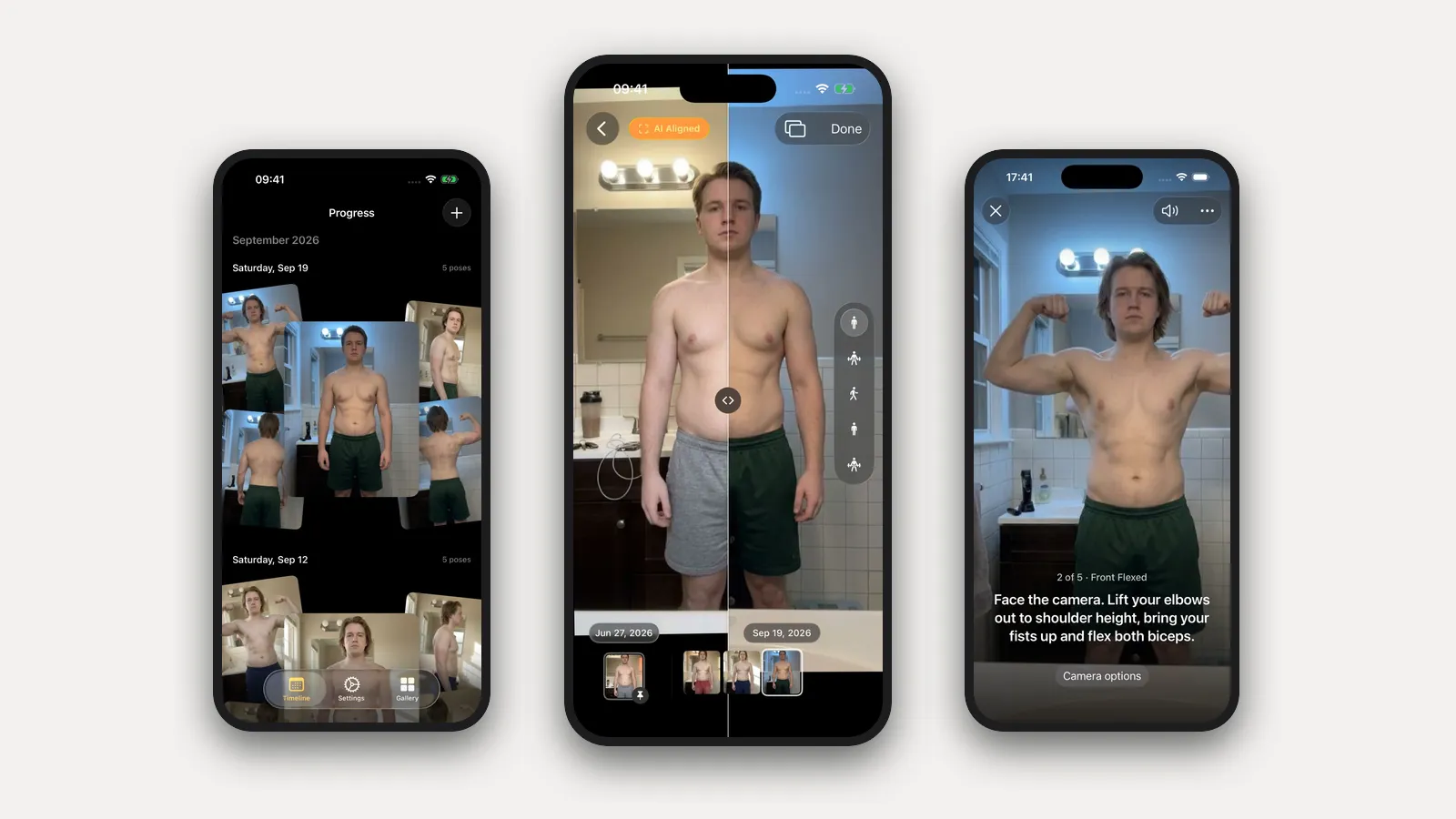
- It coaches you through the shoot. Set the phone on a shelf and step back. Progress watches through the camera and talks you into each pose: "Face the camera and stand tall," "Turn to your right until your left side faces the camera." When you're in place and still, it takes the photo itself. Five poses in about a minute.
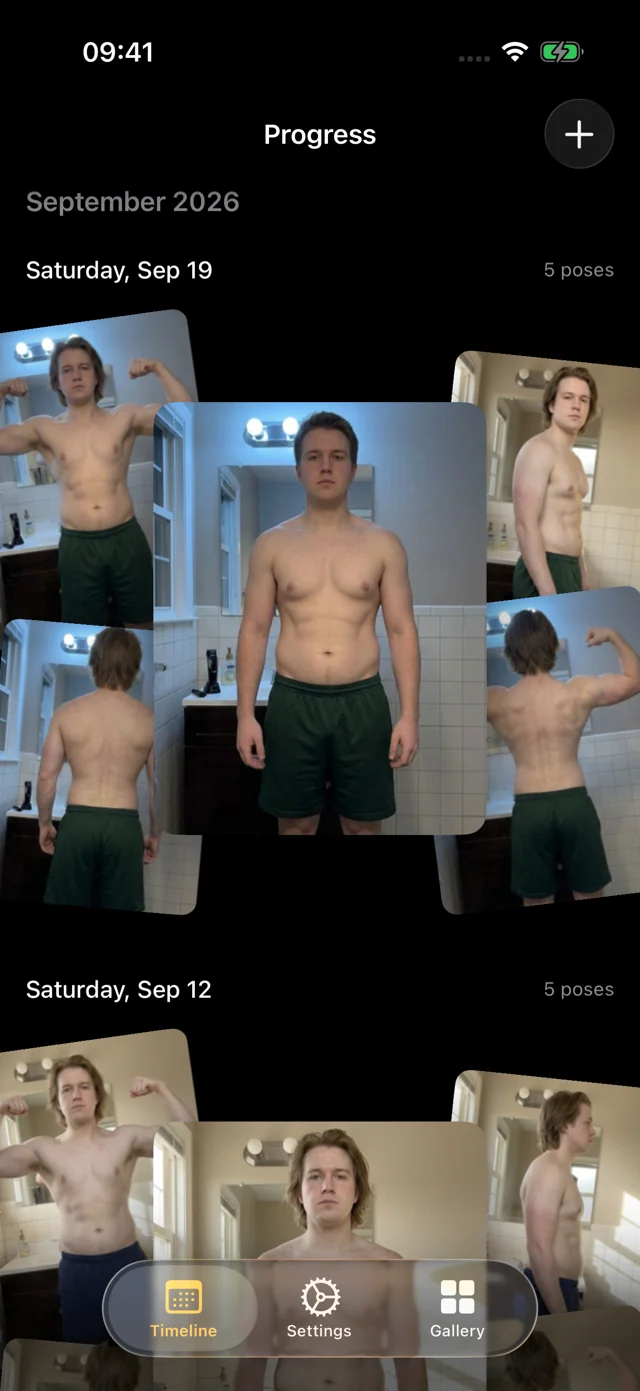
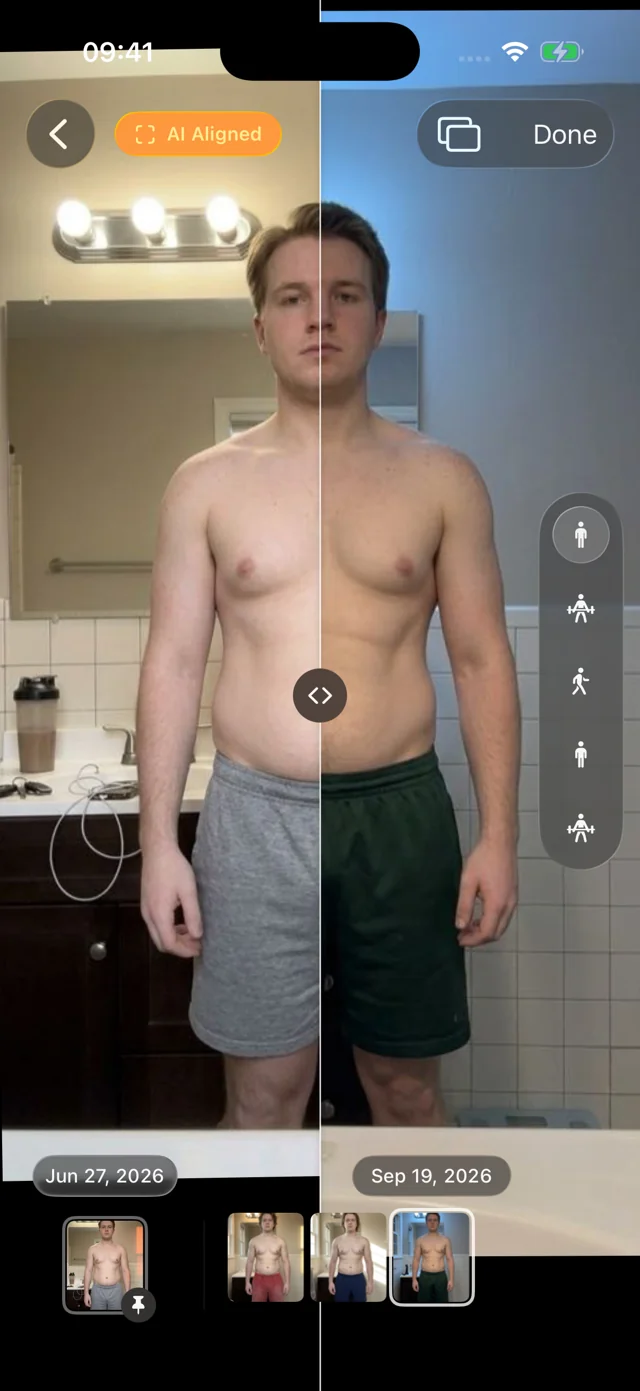
- It aligns the photos for you. You never stand in exactly the same spot twice. Progress's AI aligns every photo after it's taken, so the comparison shows your body, not the camera. Slide a divider between any two dates, or pin your first session and scrub through everything since.
- Old photos fall into place. Our own pose model, trained for progress photos and shipped inside the app, recognizes front, side and back. Select a year of pictures at once and Progress sorts them into dated sessions and lines them up, with nothing to label.
- It's a pleasure to use. Photos appear instantly, the filmstrip scrubs with light haptics, and your weight from Apple Health sits beside each session.
It's a free TestFlight beta for iOS and iPadOS 26. There's no account. Your personal data (photos, measurements, health data) never leaves your iPhone. We only collect anonymous usage data to improve the app, and you can turn it off in Settings. Progress doesn't log food or workouts, so keep MyFitnessPal for nutrition. Timelapse and iCloud sync are coming soon; Export Data gives you a copy of everything today.
FAQ
Should I cancel MyFitnessPal and use Progress?
Not if you need a food diary. They do different jobs. Judge your MyFitnessPal plan on its nutrition features.
Can I use both?
Yes. Log food in one and keep photos in the other. They don't sync, so it's a routine rather than an integration.
Does MyFitnessPal crop progress photos?
Yes, to a square. Check that your whole torso, or whatever you're tracking, fits before relying on it for comparisons.
For other options, see the dedicated progress photo app comparison and the food, lifting and photo app guide. For consistent capture, start with how to take progress photos.