Progress
Progress vs Metamorph: Capture, Compare and Export
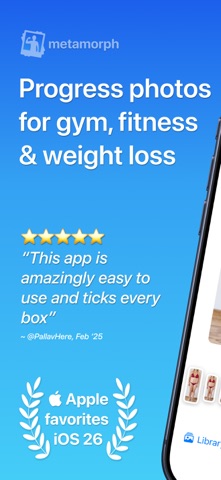
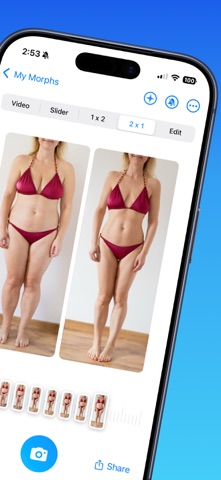
Metamorph is a real photo-journal alternative with alignment and video exports. Compare its official screenshots with what Progress actually ships today.
Metamorph is a direct alternative to Progress, and the better pick if you want timelapse exports today. Both are dedicated progress-photo journals with automatic alignment. Metamorph adds reminders and video and GIF exports. Progress is the one that takes the photos for you: its AI coaches you through each pose and shoots when you're ready, and our own pose model sorts years of imported photos without any labeling.
We make Progress, so weigh that.
Body Progress Pics: MetamorphTiny Ideas Pty Ltd
What Metamorph does
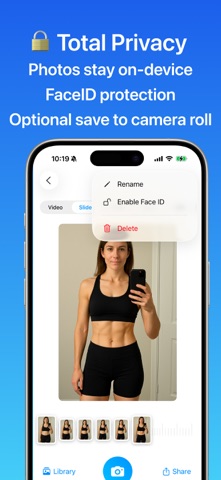
Metamorph lets you take or import photos, aligns them automatically, shows an overlay while you shoot, reminds you when a photo is due and turns your history into a shareable sequence (App Store). Your photos stay on your device or in your iCloud, and the developer doesn't store them.
That's a lot of what people want from a progress-photo app, and it's private by design too. If that list covers you, Metamorph is a good choice.
Pick by the feature you'll use
| Your priority | Choose |
|---|---|
| GIF and video exports of your photos | Metamorph |
| Reminders to keep the habit going | Metamorph |
| Photos synced through your iCloud | Metamorph |
| AI-guided, hands-free capture of five poses | Progress |
| Bulk import of old photos, poses recognized automatically | Progress |
| A pinned reference and instant, aligned date scrubbing | Progress |
| Automatic alignment | Both |
If you want to post a timelapse today, Metamorph does it and Progress doesn't yet. Timelapse and iCloud sync are coming soon to Progress; for now, Export Data gives you a copy of everything.
Try both with your own photos
Store screenshots always show perfectly framed photos. Yours won't be. Import a small set into each app: an older photo with slightly different framing, a side view and a recent shot in the same pose. See which one handles dates, poses and the comparison the way you want, then do the thing you'll do most, whether that's flicking between two dates or exporting a sequence.
Price
Metamorph is free to download, with in-app purchases. Progress is a free TestFlight beta. When searching the App Store, look for Body Progress Pics: Metamorph by Tiny Ideas; plenty of apps have similar names.
What Progress adds
Both apps align your photos. Progress puts its effort into everything around that.
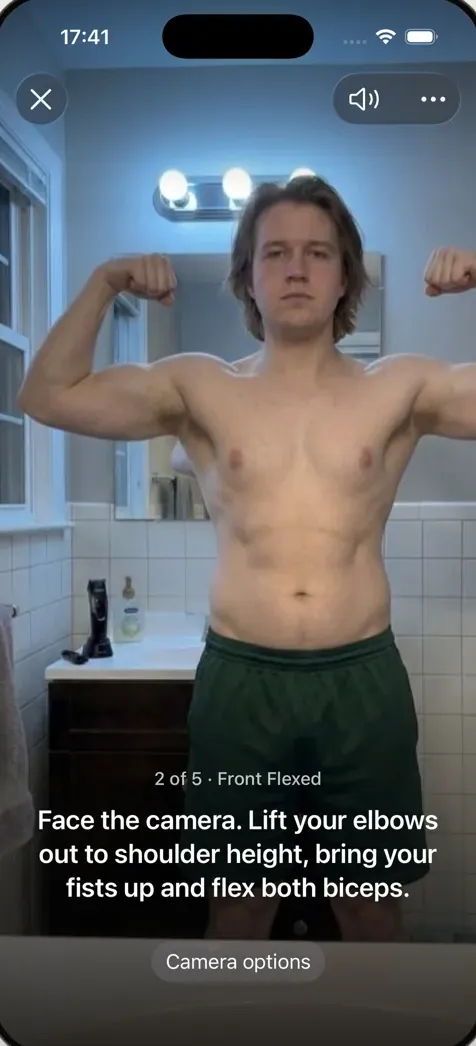
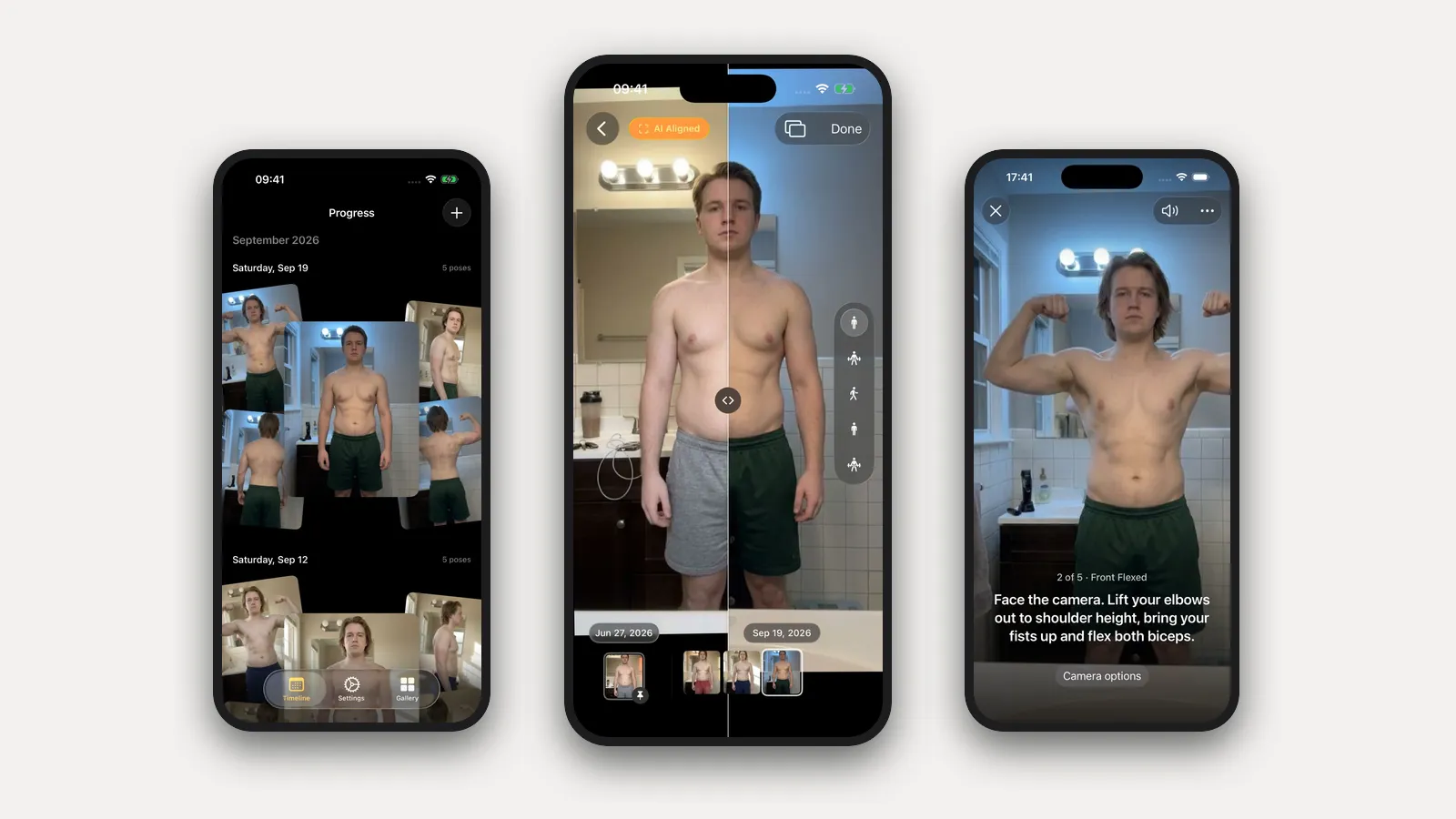
- It coaches you through the shoot. Metamorph shows an overlay so you can match your last photo. Progress doesn't ask you to match anything: prop the phone on a shelf, step back, and it talks you into each pose ("Turn to your right until your left side faces the camera," "Lift your elbows to shoulder height and flex"), then takes the photo itself when you're in place and still. Five poses in about a minute.
- Old photos fall into place. Our own pose model, trained for progress photos and shipped inside the app, recognizes front, side and back. Select years of pictures at once and Progress sorts them into dated sessions and aligns them, with nothing to label.
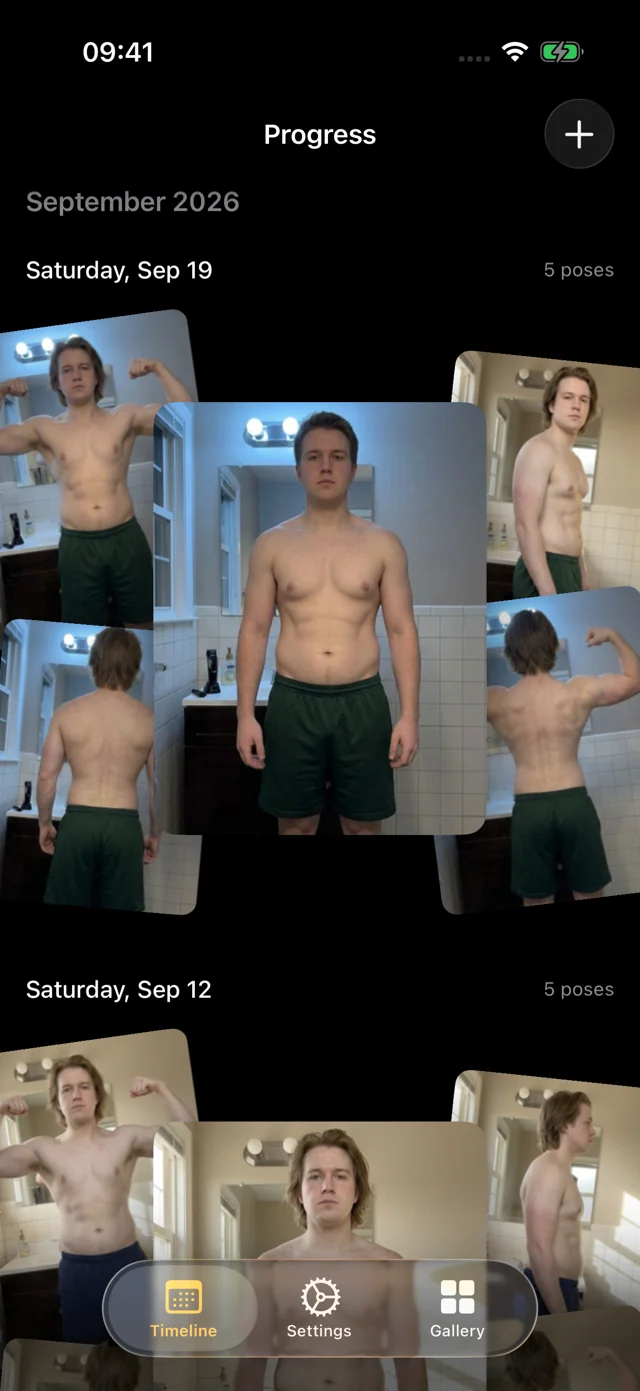
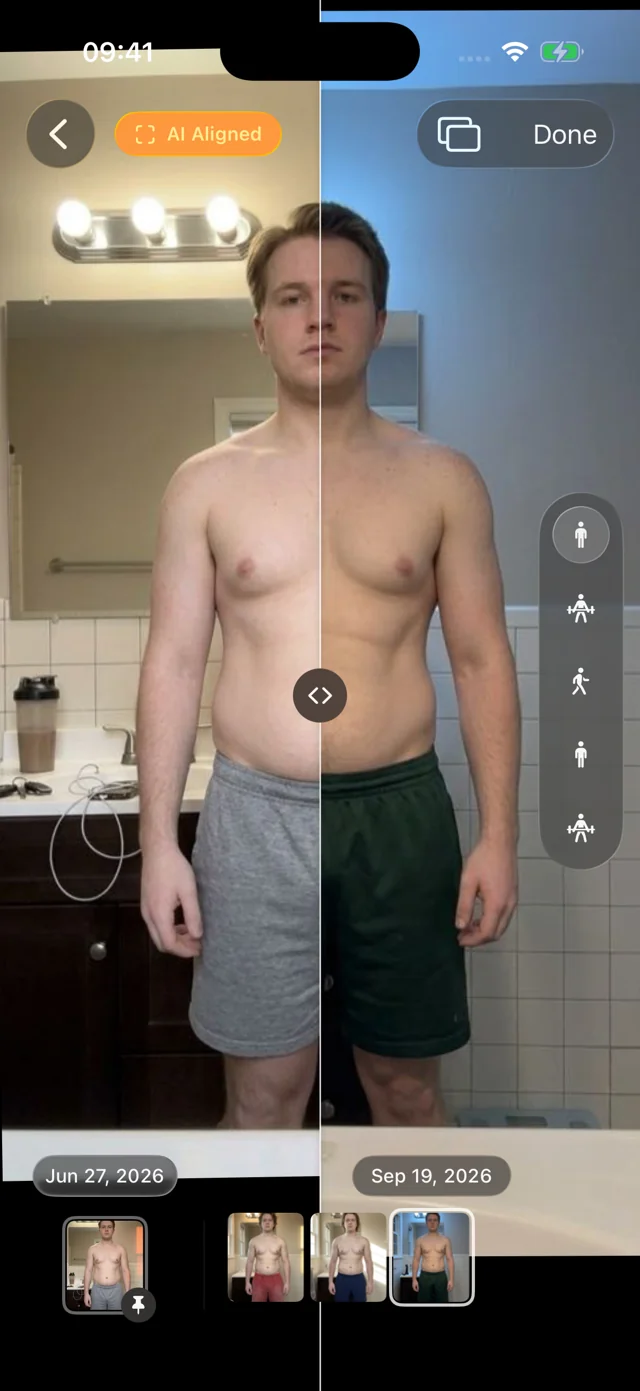
- Comparing is instant. Slide a divider between any two dates, swap full-screen, or pin a reference and scrub every session since. Photos appear instantly and the filmstrip moves with light haptics; nothing waits on a spinner.
- It's built with care. We sweat every interaction, from the pose picker to the way a photo settles when you zoom, because you'll open it every week.
It's a free TestFlight beta for iOS and iPadOS 26. There's no account. Your personal data (photos, measurements, health data) never leaves your iPhone. We only collect anonymous usage data to improve the app, and you can turn it off in Settings. It doesn't log food or workouts.
FAQ
Which app has better automatic alignment?
Try the same few photos in both. Alignment depends a lot on your own photos, so the app that lines up yours best is the one to keep.
Can I export a timelapse from Progress today?
Not yet; it's coming soon. Metamorph exports video and GIFs today.
Why would I choose Progress instead?
For capture that does the work: set the phone down and Progress coaches you through five poses and takes each photo itself. Add bulk import that recognizes your poses with no labeling, and a pinned comparison you can scrub through instantly. If Metamorph already does what you need, stick with it.
For other options, see the dedicated progress photo app comparison and the food, lifting and photo app guide. For consistent capture, start with how to take progress photos.