Best Progress Photo Apps: Real Options Compared
Compare real progress photo apps with official screenshots, dated App Store data, paid-feature limits and honest reasons to choose each app for your routine.
On this page 7 sections
The best progress photo app makes your photos easy to compare: it helps you take the same shot every time, lines photos up for you, and lets you see two dates side by side. Food and workout apps like MacroFactor, MyFitnessPal, Hevy and Strong can store a photo, but they aren't built to line photos up or guide a full set of poses.
We make Progress, a photo journal built for exactly this, so weigh that. Here's how the options compare, and which fits what you're trying to do.
Compare the actual photo workflow
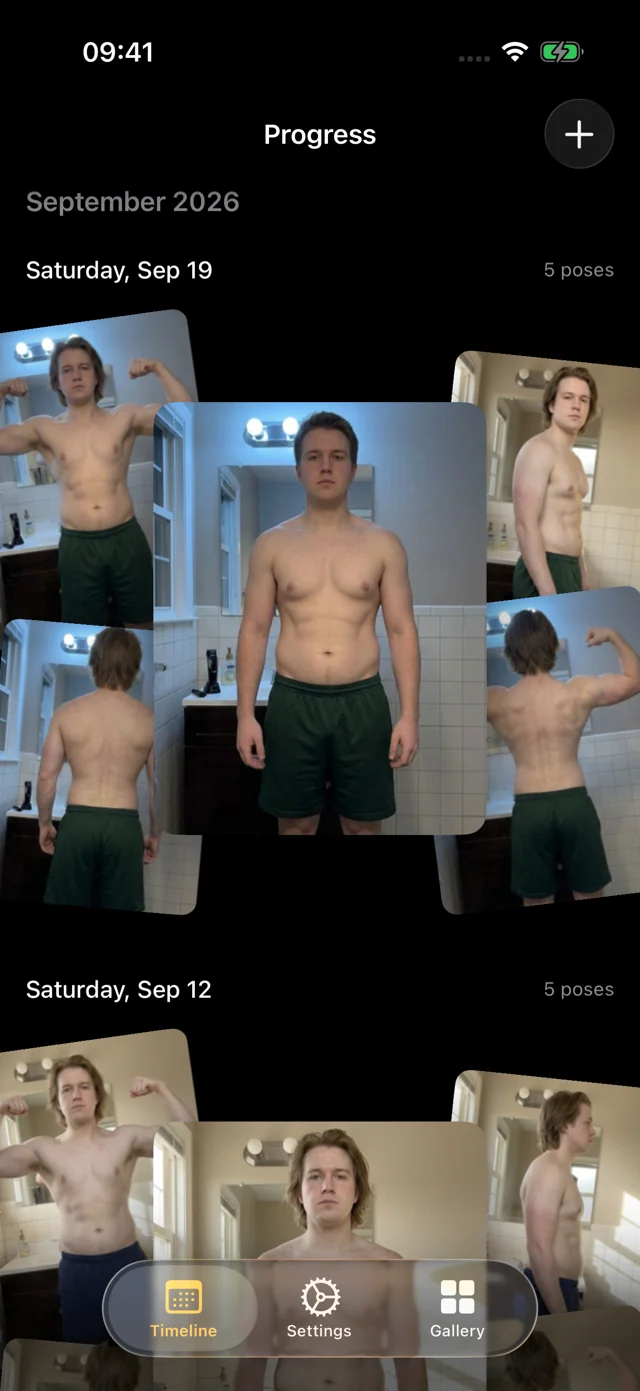
An overlay, automatic alignment and a collage solve different problems. An overlay helps you match the next shot. Automatic alignment adjusts framing after capture. A collage places selected images on a canvas. None can correct different lighting, posture or clothing.
| App | Best at | Price |
|---|---|---|
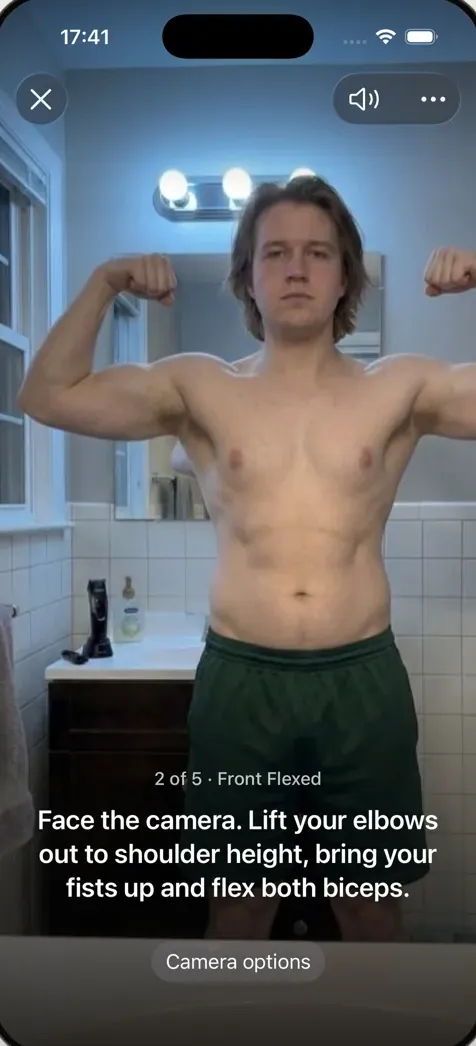
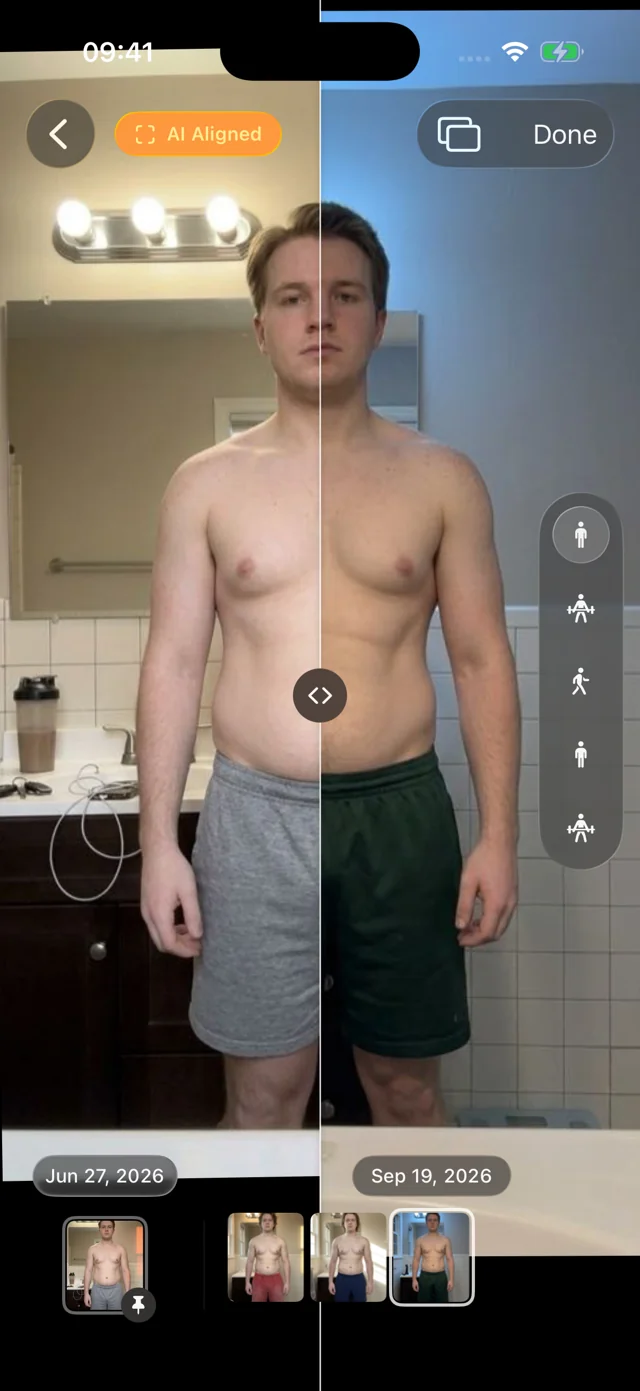
 Progress Ours Progress Ours | AI-guided, hands-free capture + AI aligned automatically + bulk import, poses recognized | Free beta (iOS 26+) |
 Body Progress Pics: Metamorph Body Progress Pics: Metamorph | Alignment + video exports | Free, with in-app purchases |
 Progress Pics: Body Tracker Progress Pics: Body Tracker | Auto-aligned photo timeline | Free trial, then subscription |
 Body Measurements Tracker App Body Measurements Tracker App | Measurements + photos | Free tier; photos require Pro |
 GainFrame: Gym Progress Photos GainFrame: Gym Progress Photos | Photos + AI analysis | Free, with in-app purchases |
 Body Tracker - Photo Journey Body Tracker - Photo Journey | Scheduled journeys + exports | Free trial, then subscription for unlimited photos and HD exports |
 Autoframe: Progress Pics Autoframe: Progress Pics | Aligned collages | Free; one-time premium adds 4K, no watermark |
Dedicated photo apps and body journals
These ten apps are built around progress photos. Each entry covers who it suits and what it costs.
Metamorph: aligned sequences and video export
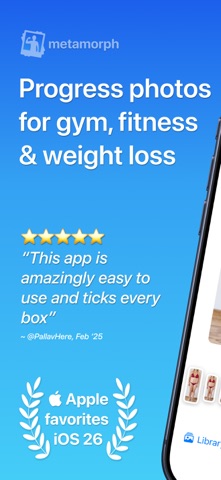
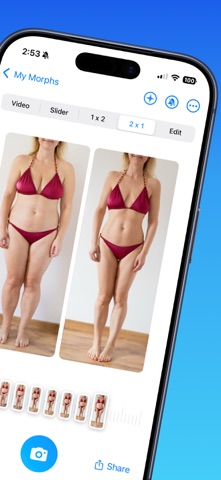
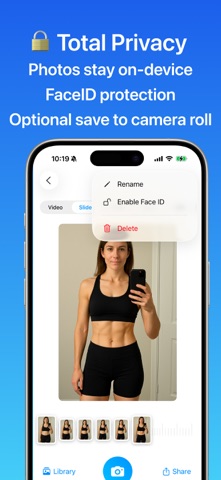
Metamorph is a full photo journal with automatic alignment, capture overlays, reminders, and GIF or video exports. Photos stay on your device or in iCloud. Choose it if turning a photo series into something shareable matters most. If you want timelapse export or iCloud sync, Metamorph has both and Progress doesn't yet.
Price: Free download with in-app purchases.
Body Progress Pics: MetamorphTiny Ideas Pty Ltd
App Store · Developer website · Version 2.17, updated August 6, 2026.
Body Tracker by THUMBSTONE LABS: automatic alignment
This is the app behind bodytrackerapp.com, not the similarly named trackers below. It automatically aligns photos you take or import by your pose, with manual crop and rotation, weight entries and timelapse export, and your photos stay on your device. If automatic alignment is what you're after, it's a direct alternative to Progress.
Price: Free trial, then a subscription for full access.
Progress Pics: Body TrackerTHUMBSTONE LABS LTD
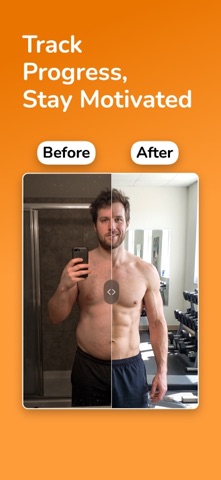
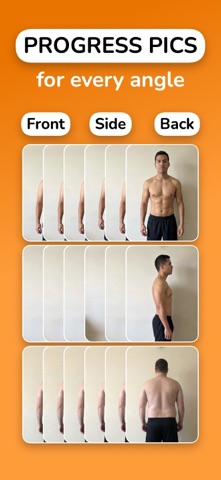
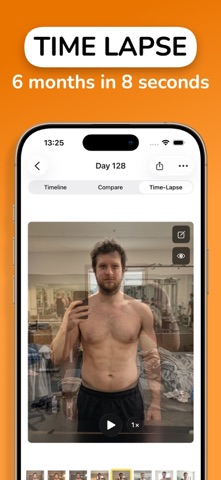
App Store · Developer website · Version 1.9.4, updated September 24, 2026.
Body Measurements Tracker App: the other Progress
Lasmit TLB Ltd makes a separate app that also calls itself Progress. It combines circumference measurements, weight, body-fat logging, charts and side-by-side photos; Pro unlocks photos, unlimited measurement areas, reports and past-data entry. Choose it when tape measurements are central to your routine, since our Progress doesn't track waist, arm or thigh circumference. Look for Lasmit as the seller in the App Store.
Price: Free tier; progress photos require Pro.
Body Measurements Tracker AppLasmit TLB Ltd
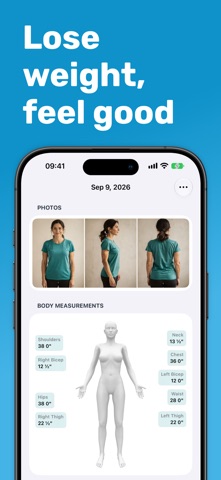
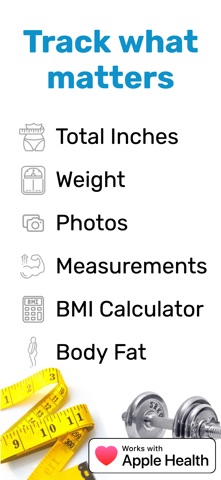
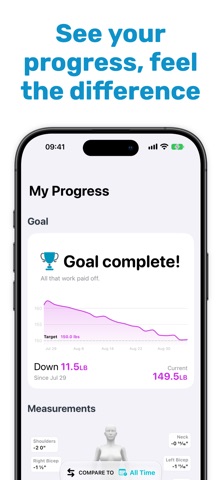
App Store · Developer website · Version 2026.22, updated September 22, 2026.
GainFrame by Michael Rode: photo analysis and coaching
GainFrame pairs comparison photos with physique scores, estimated body fat, muscle-group insights and AI coaching, plus guided poses, imports and connections to your training data. Choose it if you want that analysis layer. Keep in mind that a score is an estimate, while a photo shows what you actually looked like that day. This is Michael Rode’s GainFrame, not the one by Evan Aldrich.
Price: Free download with in-app purchases.
GainFrame: Gym Progress PhotosMichael Rode
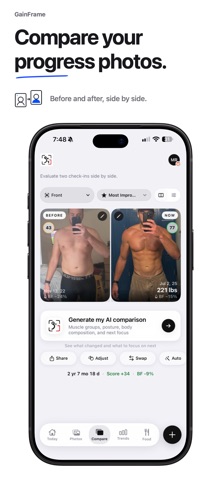
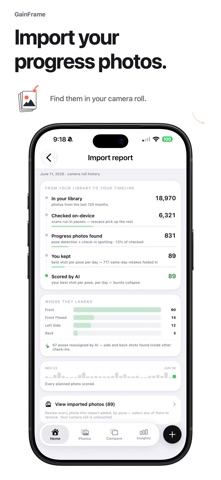
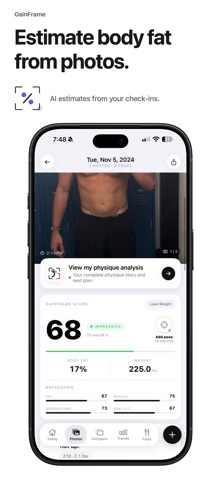
App Store · Developer website · Version 3.24, updated October 3, 2026.
Photo Journey: reminders, overlays and timelapses
Photo Journey organizes projects into journeys, with capture overlays, countdowns, reminders, swipe comparisons and video/GIF exports. A subscription unlocks unlimited journeys, unlimited photos and HD exports. It's handy if you want to document several kinds of change in one app, say your fitness and a home renovation.
Price: Free trial, then a subscription for unlimited photos and journeys and HD exports.
Body Tracker - Photo JourneyShipyard Studios Ltd
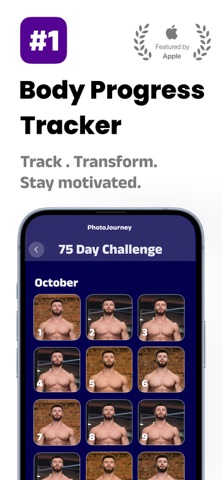
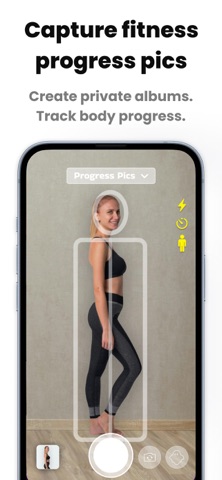
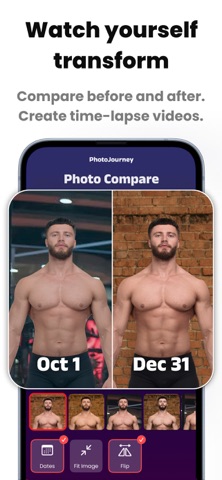
App Store · Developer website · Version 1.12.7, updated August 1, 2026.
Autoframe: align an existing set for a collage
Autoframe aligns photos automatically by face or body, with manual adjustments, face blurring, multiple layouts and canvas sizes. It's the pick when you already have the photos and want a shareable comparison. Processing happens on your device.
Price: Free download; a one-time premium purchase adds 4K and removes the watermark.
Autoframe: Progress PicsBiBi Builds LLC
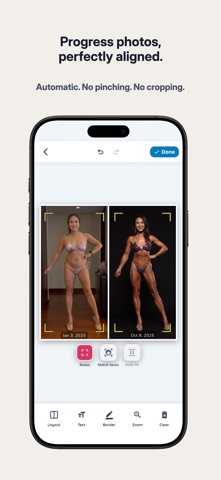
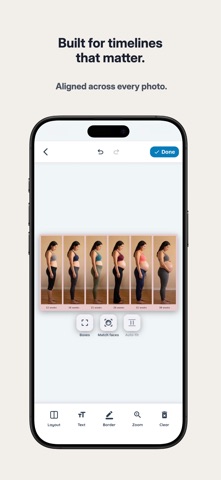
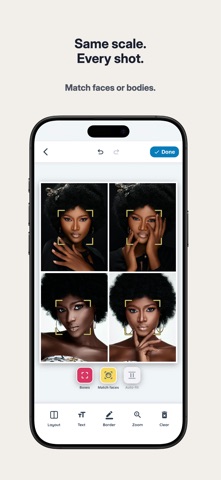
App Store · Developer website · Version 1.0.3, updated August 27, 2026.
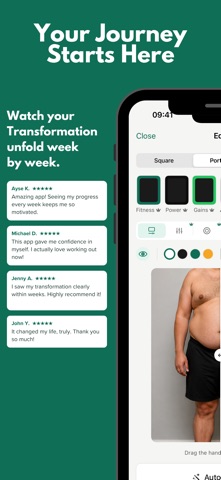
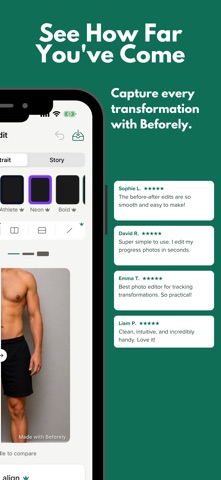
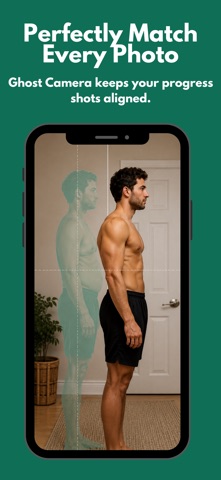
Beforely: journals and designed exports
Beforely offers a capture overlay, one-tap alignment, side-by-side and slider views, reminders, journals and timelapses with music. Premium adds unlimited journals and HD, watermark-free exports. It suits someone who wants presentation tools alongside a journal. For an honest comparison, keep the originals and skip the filters.
Price: Premium subscription, billed weekly, monthly or yearly.
Beforely: Progress Photo MakerMUCAHIT RAMAZAN SAROGLU
App Store · Developer website · Version 1.1, updated June 26, 2026.
Body Tracker by HEXI SAAS: weight plus photo check-ins
HEXI SAAS offers guided framing, a before-and-after slider, weight trends and an optional AI check-in. Photos you send to the AI check-in leave your phone, so decide whether you're comfortable with that before you use it.
Price: Premium subscription, monthly or yearly.
Body Tracker: Progress PhotosHEXI SAAS
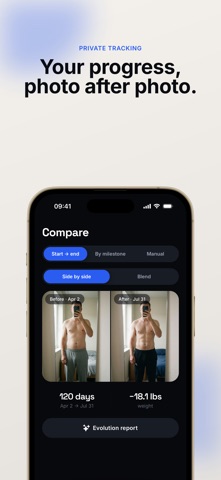
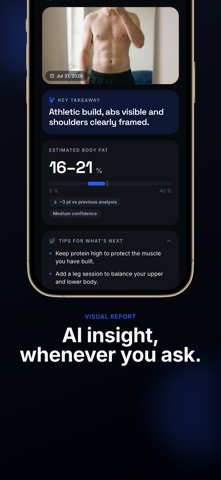

App Store · Developer website · Version 1.1.1, updated September 29, 2026.
Progress Pics by Lucas Howlett: multi-angle tracking
Lucas Howlett’s app captures front, back, left and right views, with measurements, notes, comparisons and timelapses. Data stays on your device first, with optional encrypted cloud backup, plus a lock and a blur mode. Pro adds unlimited check-ins and comparisons, HD timelapse, sync and AI estimates. Not to be confused with THUMBSTONE LABS’ Progress Pics above.
Price: Free download; Pro unlocks full history and exports.
Progress Pics - Body TrackerLucas Howlett
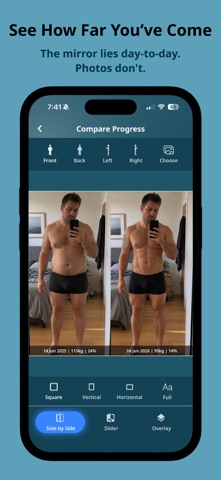
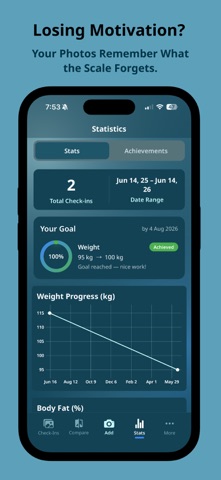
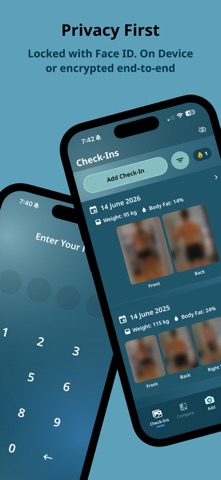
App Store · Developer website · Version 2.0.3, updated September 6, 2026.
Snapsie: free, but last updated in 2017
Snapsie offers capture overlays, imports, side-by-side comparisons, movies, reminders and Apple Health weight sync, all for free. Its last update was in August 2017, so try it with a few photos before trusting it with years of them.
Price: Free.
Snapsie - Take progress picturesNibble Apps Ltd
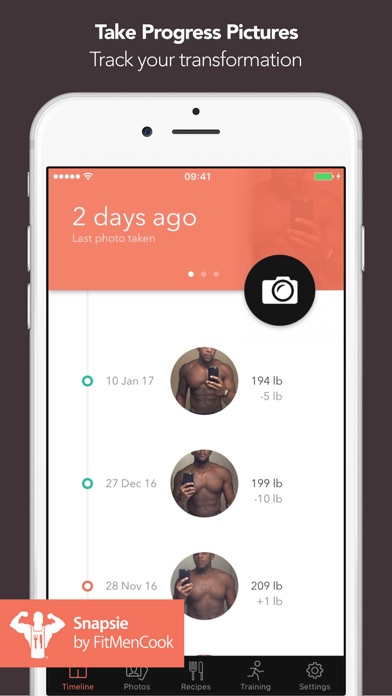
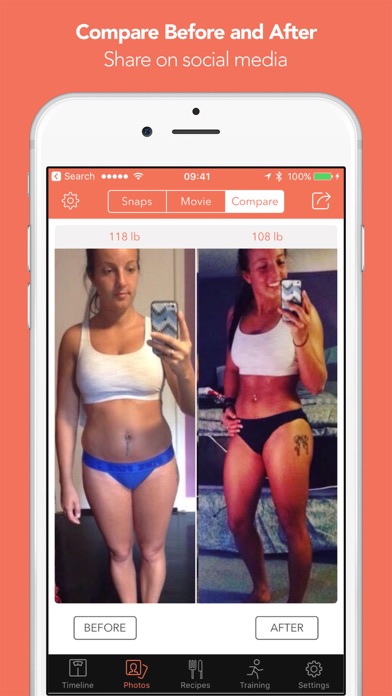
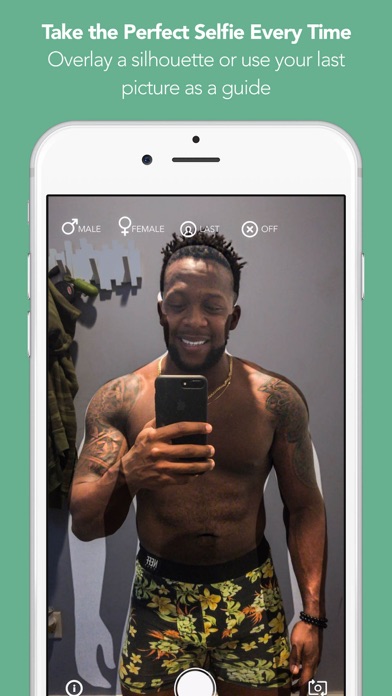
App Store · Developer website · Version 1.1, updated August 3, 2017.
Where our Progress fits
Progress: Photo Journal is for people who want the app to do the hard part. A ghost overlay still asks you to match an outline by eye, and manual alignment means dragging photos around yourself. Progress takes both jobs off your hands:
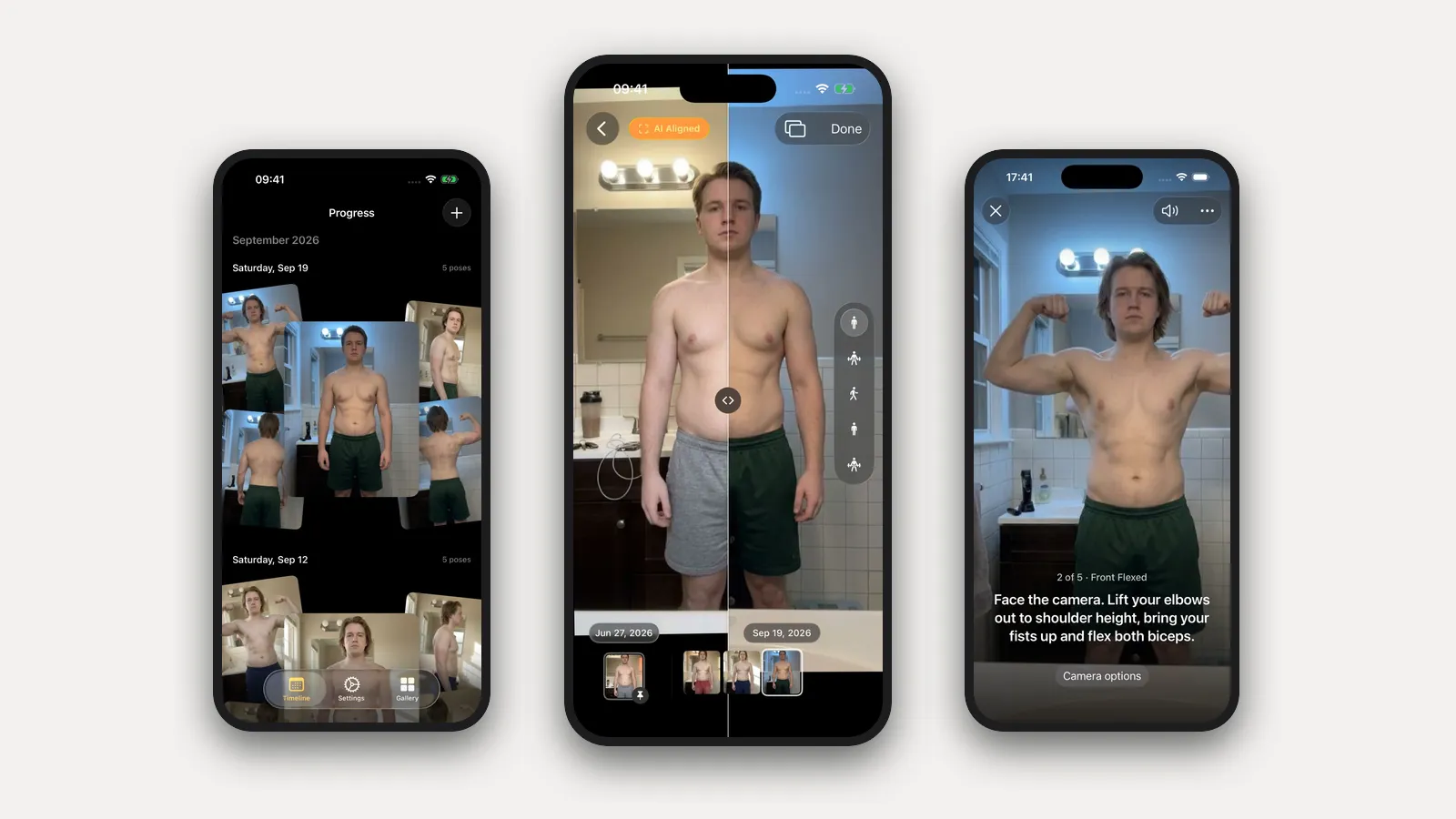
- AI-guided capture. Prop the phone on a shelf and step back. Progress watches through the camera and talks you into each pose: "Turn to your right until your left side faces the camera," "Lift your elbows to shoulder height and flex." When you're in place and still, it takes the photo itself. Five poses in about a minute, without touching the phone.
- AI alignment, every photo. Every photo you take or import is aligned for you, so a step closer or a lower shelf never reads as change. Slide or swap between any two dates, or pin a reference and scrub every session since.
- Our own pose model. Custom-trained for progress photos and shipped inside the app, it recognizes front, side and back. Import years of photos from Photos or Files at once and they fall into dated, aligned sessions with nothing to label.
- The nicest app of the bunch. Photos appear instantly, the filmstrip scrubs with light haptics, and nothing waits on a spinner. We sweat every interaction.
Log weight and body-fat percentage with each session, or read them from Apple Health. There's no account. Your personal data (photos, measurements, health data) never leaves your iPhone. We only collect anonymous usage data to improve the app, and you can turn it off in Settings.
Progress is a free TestFlight beta for iPhone and iPad on iOS 26+. It doesn't have a food diary, exercise log, circumference tracking, timelapse export or iCloud sync yet. Export Data saves all your photos and entries to a file you can keep anywhere.
Pick another app when you need one of those features today. Pick Progress when you want an app that coaches every session, aligns every photo and makes years of history easy to flip through. Our Progress vs Metamorph comparison covers that choice head to head.
Nutrition and training apps already have a place
If you use MacroFactor, MyFitnessPal, Strong or Hevy, keep them: they record what you eat or lift, and a photo journal can't replace that history. Equally, you shouldn't need a nutrition subscription just to compare two photos.
Our fitness app companion guide covers those four plus MacroFactor Workouts, Cronometer, Lose It!, Fitbod and Happy Scale, including what their photo features can already do.
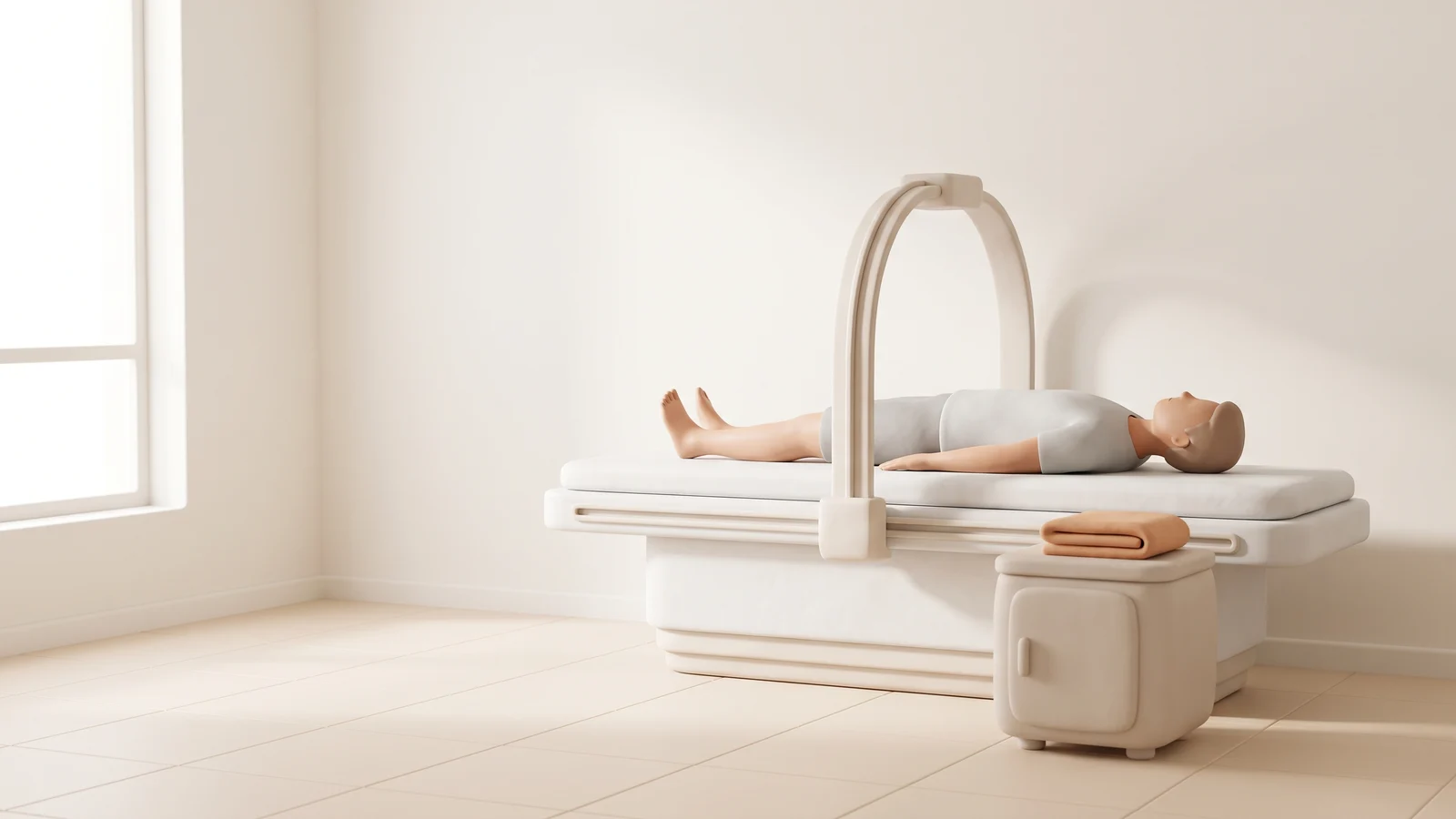
Body scanners are a separate category
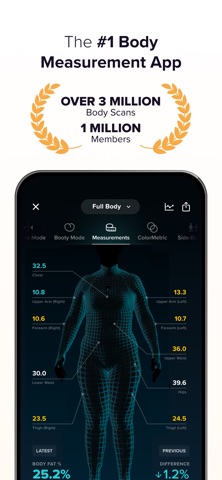
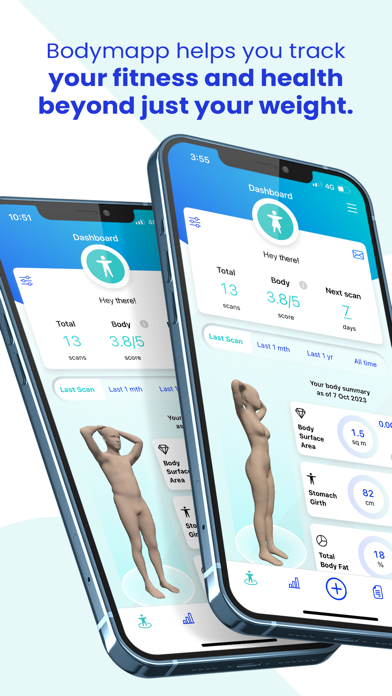
MeThreeSixty, ZOZOFIT and Bodymapp estimate body measurements from 3D scans. That's a different job from keeping photographs, and none of them replaces a clinical assessment.
MeThreeSixty: 3D Body Scanner
MeThreeSixty offers front and side capture, a 3D avatar, measurements and scan comparisons, with more history and features in Premium.
MeThreeSixty: 3D Body ScannerSize Stream LLC
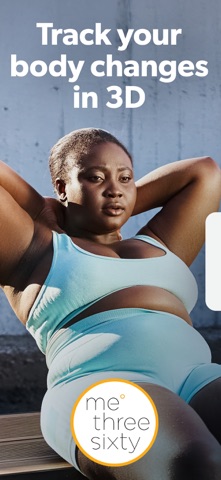
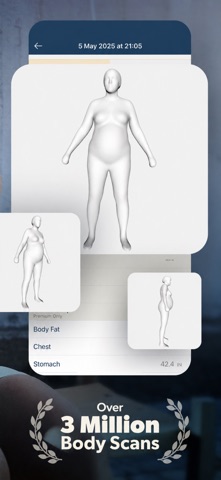
App Store · Developer website · Version 6.0.0, updated September 22, 2026.
ZOZOFIT: 3D Body Scanner
ZOZOFIT offers 3D measurements, comparisons, transformation videos and more tracking tools. Check that your iPhone is supported before buying.

ZOZOFIT: 3D Body ScannerZOZO Apparel USA, Inc.
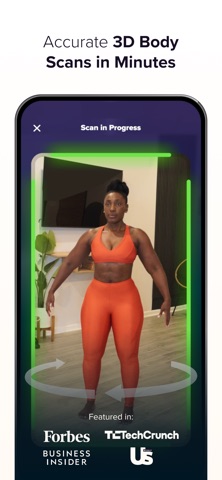
App Store · Developer website · Version 5.30, updated October 1, 2026.
Bodymapp - At home body scans
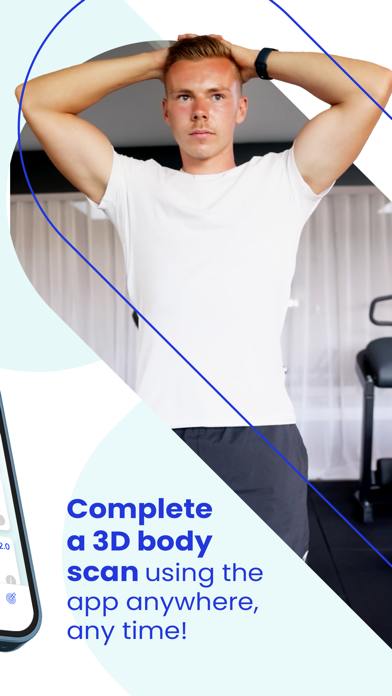
Bodymapp offers 3D scans and body metrics. It needs an iPhone with working Face ID, so check your model, not just your iOS version.

Bodymapp - At home body scansmPort Ltd
App Store · Developer website · Version 5.6.4, updated September 24, 2026.
Try this before moving your photo library
Use five representative photos: two dates in the same pose, a side view, an older import and one awkwardly framed shot. Check that the original dates survive import, compare the same pose across dates, then export and look at the files you get back. Try the features you need before subscribing.
For a free starting point, keep a dated album in Photos and use our before-and-after photo maker for a pair. If you want guidance on the photography itself, start with how to take progress photos.
FAQ
Is there one best free progress photo app?
It depends on what you need. Snapsie is free but hasn't been updated since 2017. Progress is free during its beta (iOS 26+, via TestFlight). Many other apps are free to download but charge for photos or exports, so check the feature you need, not just the download price.
Does automatic alignment make the comparison accurate?
It removes differences in scale and position. It can't undo a different pose, lens, light or time of day, so keep those consistent when you shoot.
Why do some apps have very few ratings?
Many of these apps are new or made by small teams. A low count just means fewer people have rated them yet; judge each app by whether it fits your routine.
Are cloud-stored photos public?
Not automatically. Cloud storage gives you sync and recovery; local storage keeps your photos off someone else's servers. Sharing, optional AI uploads and backups are separate choices, so read each app's privacy policy and try exporting before you commit.