Progress
Line Up Old Progress Photos: Import and AI-Align
Bring years of progress photos from your camera roll into Progress. It suggests dates and poses, then on-device AI lines up old photos to compare honestly.
If you've been taking progress photos for a while, your record already exists. It's just scattered across your camera roll, shot in different rooms, at different distances, from different heights. Progress imports those old photos from Photos or Files, suggests a date and pose for each one, and uses on-device AI to line up old progress photos so they compare cleanly with each other and with every photo you take from now on.
Key takeaways
- Import from Apple Photos or Files, as many photos as you like.
- Progress suggests a date and pose for each photo; you confirm anything it isn't sure about.
- Old photos are AI aligned just like new ones, so years-old shots compare cleanly with today.
- Your camera roll is left as it is.
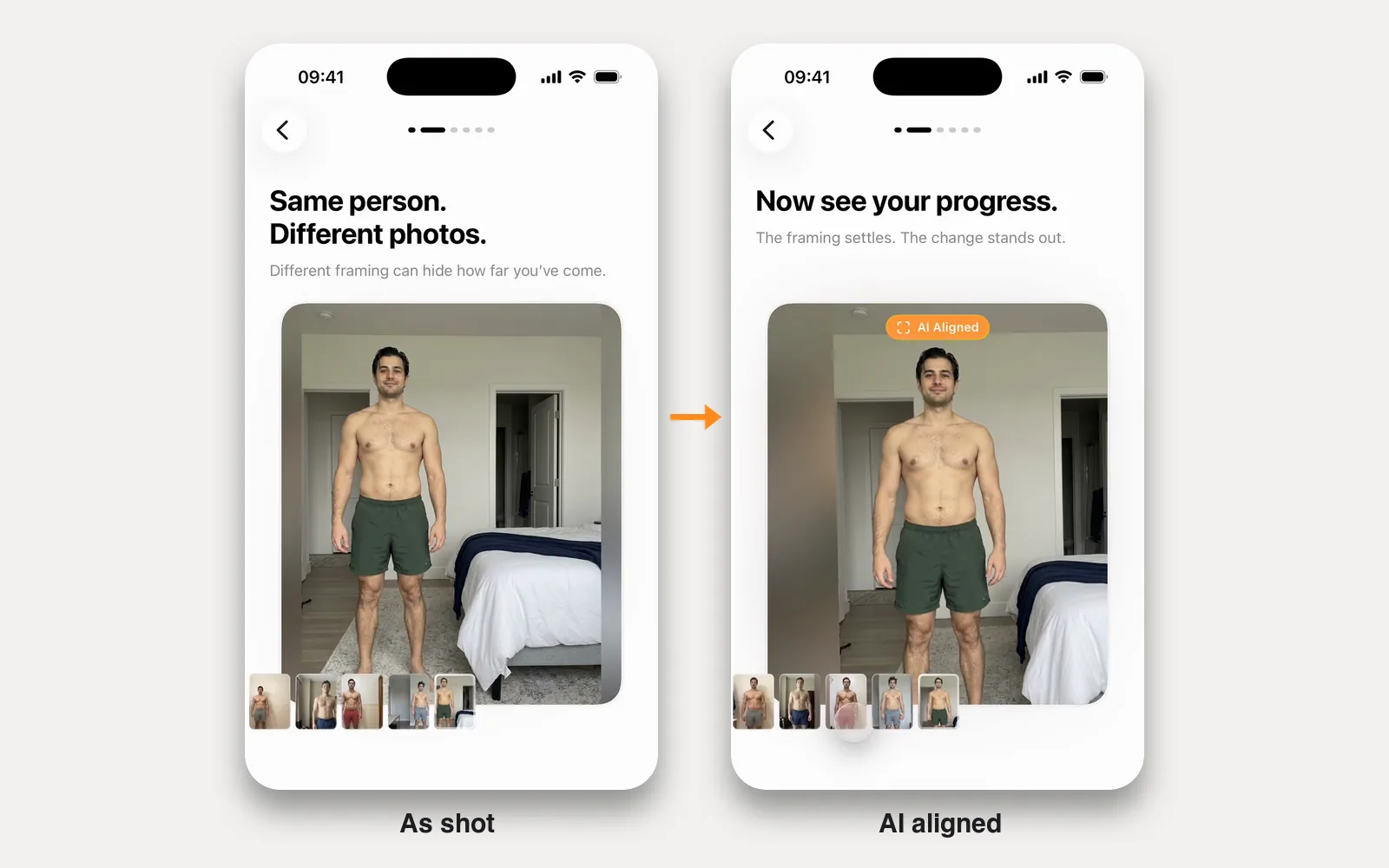
These two sample series were shot with the phone set up a little differently every time. Press play or drag along the filmstrip, then switch AI aligned off to see the originals.
Your camera roll is already a progress journal
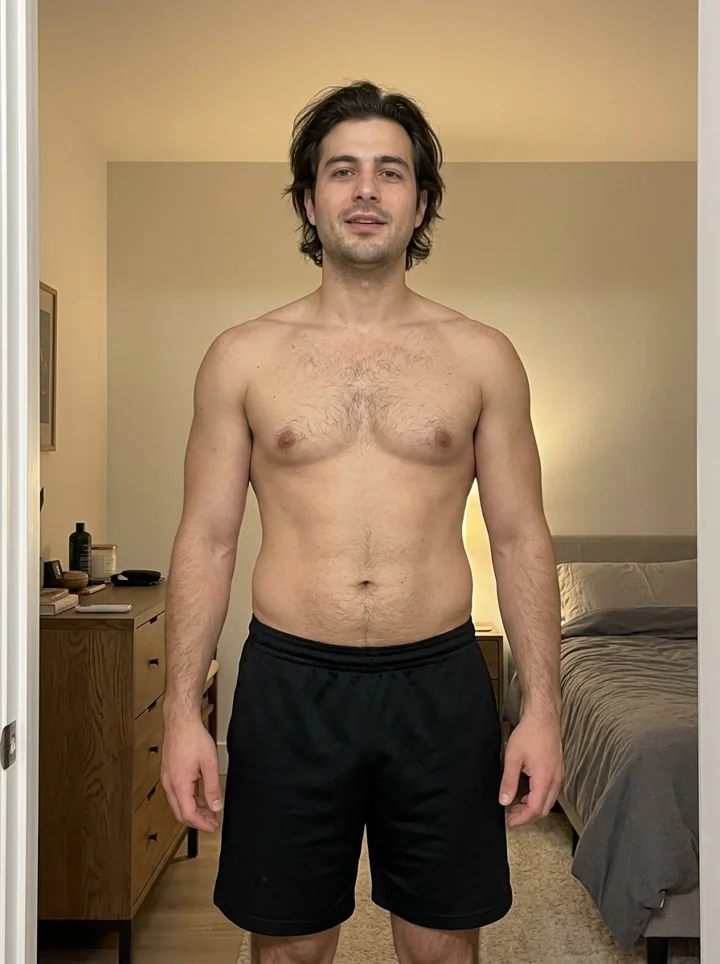
Most people don't start with a tripod and tape marks on the floor. They start with a few photos in the bathroom, a couple more in the bedroom, one from a hotel gym on a trip. Months later they're buried between screenshots and receipts, and side by side the framing is so different you can't tell what changed.
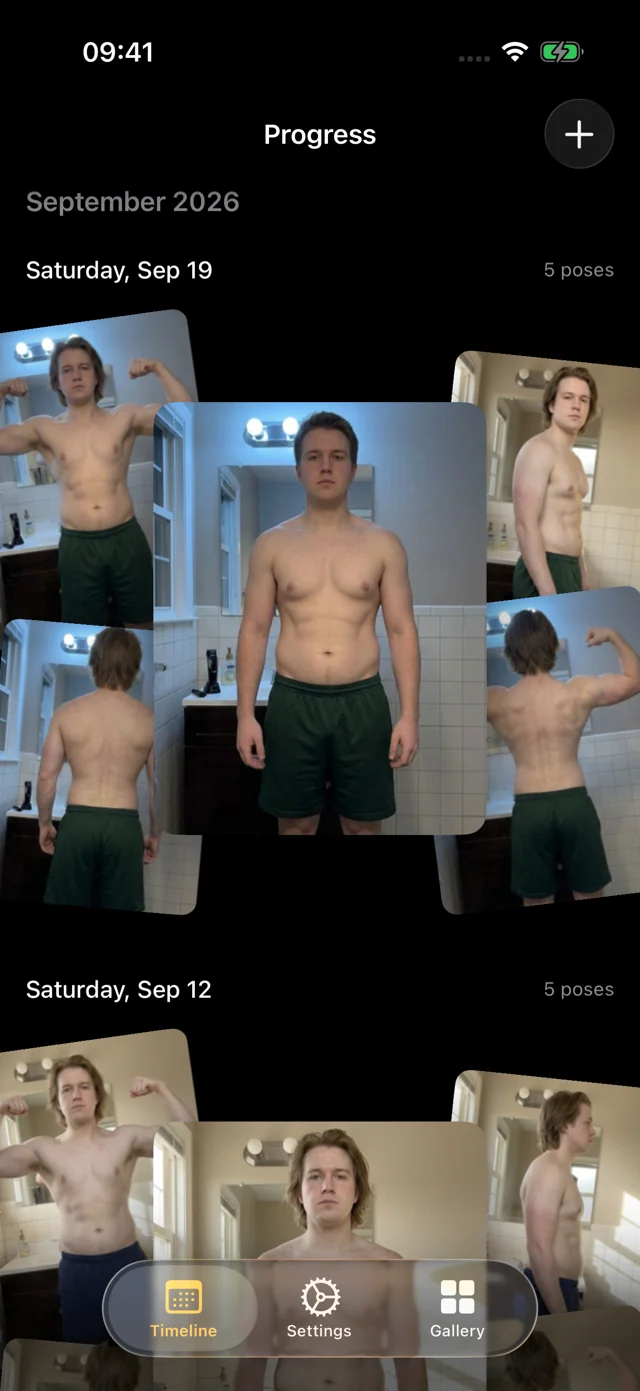
Import them and they become sessions on a timeline, sorted by date and pose, each AI aligned to the same frame as the rest of your library. Years of inconsistent snapshots become a history you can compare.
Dates and poses, suggested for you
Sorting hundreds of photos by hand is tedious. Progress does the first pass:
- Dates. Progress uses when each photo was taken. If a photo has no date, it asks you to confirm one.
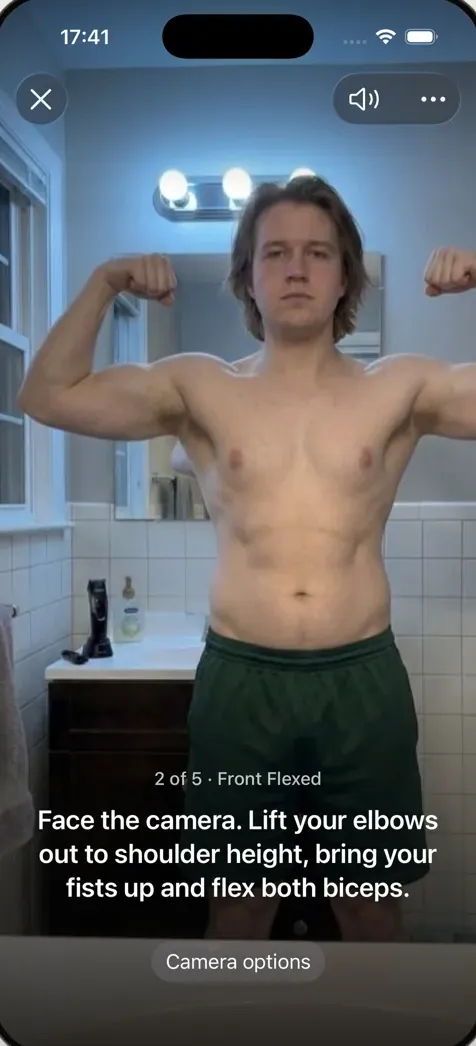
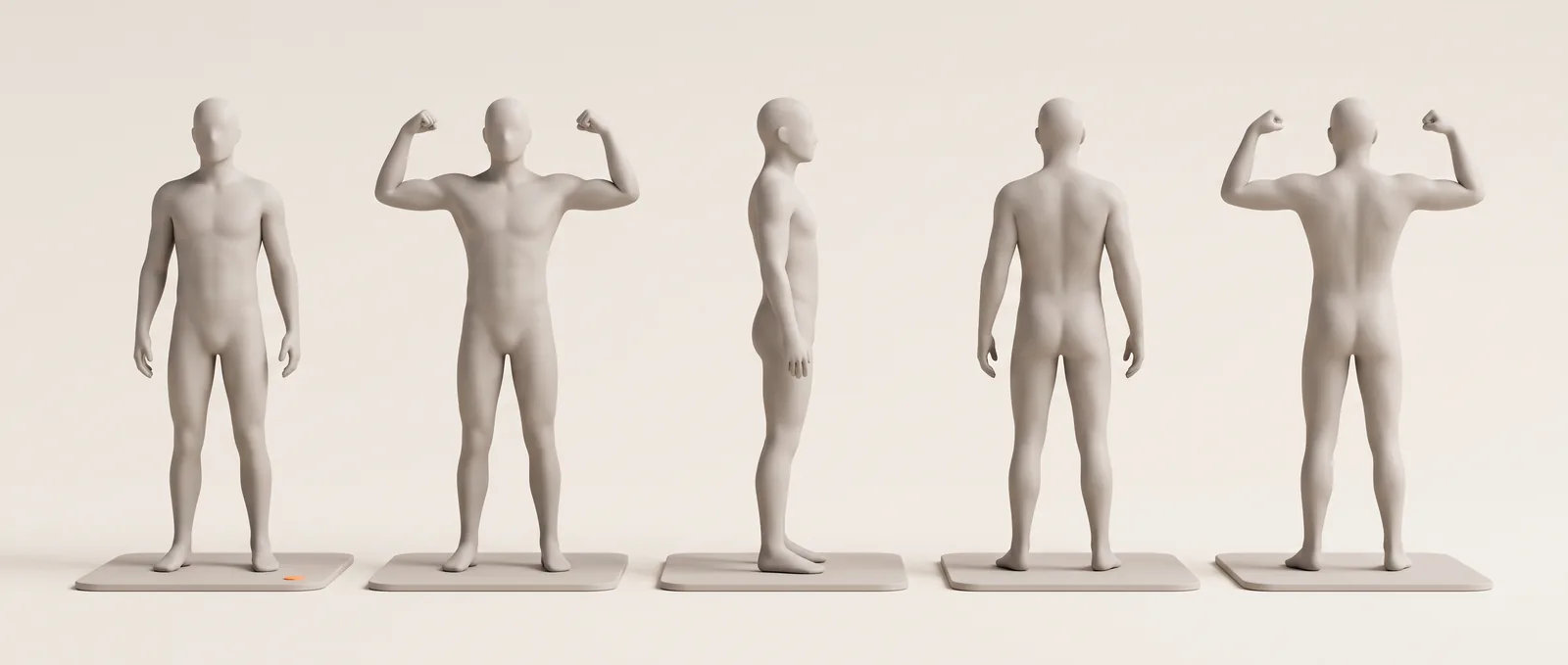
- Poses. Progress suggests which of the five poses each photo shows: front relaxed, front flexed, right side, back relaxed or back flexed. If it isn't sure, you choose.
- Sessions. Photos from the same date are grouped into one session, so a front and a side shot from the same morning sit together.
You review everything before it's saved, and you can leave out any photo that doesn't belong, like a blurry shot or a picture of someone else.
Old photos, aligned to your new ones
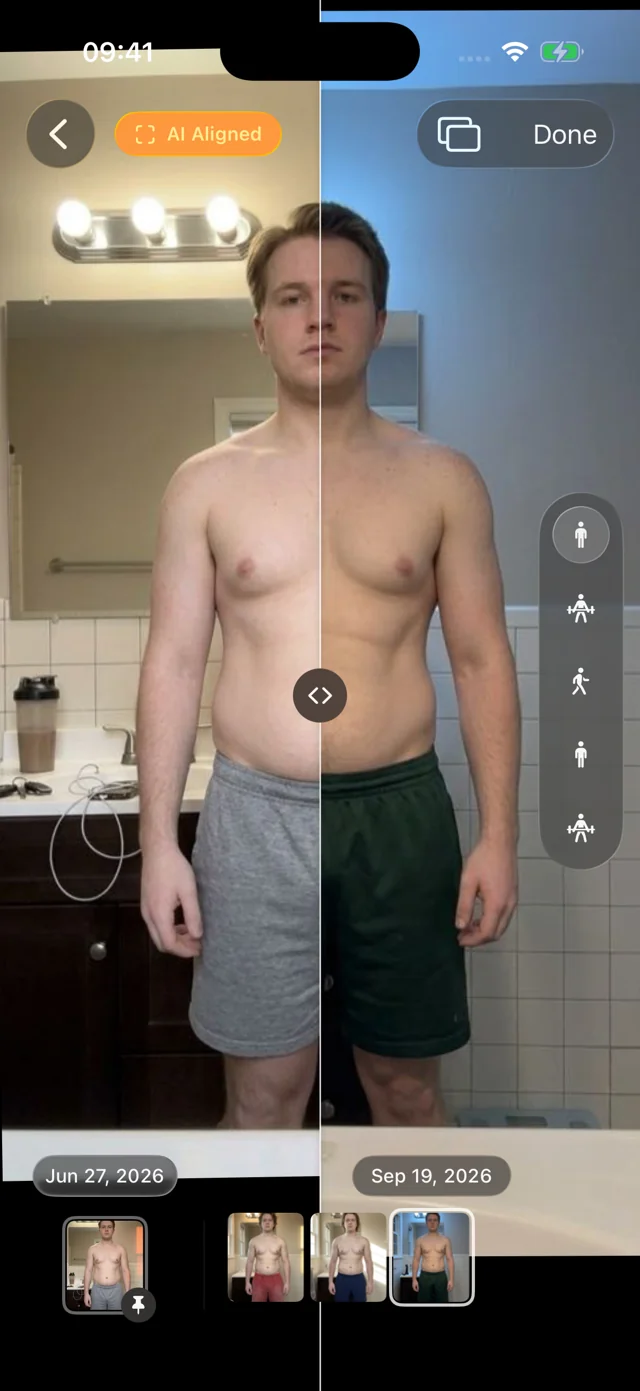
Imported photos are aligned exactly like the ones you take in the app. Your very first bathroom photo can sit on one side of the divider and this morning's on the other, lined up so the comparison is about you, not where the phone happened to be.
Pin that first photo as your reference and scrub the filmstrip forward through every session since. Outliers stand out: a photo that looks dramatically better or worse than its neighbors is usually lighting or a post-workout pump, not real change. More on AI-aligned comparison.
Your originals stay where they are
Importing copies photos into the Progress library on your device. Your camera roll and Files stay as they are, and alignment never edits a photo: switch it off to see each one exactly as shot. Your personal data (photos, measurements, health data) never leaves your iPhone. We only collect basic usage data to improve the app, and you can turn it off in Settings. There's no account, and you can lock the app with Face ID, Touch ID or your passcode.
Then keep going, hands-free
Set your phone down, start a session, and Progress waits until you're fully in frame and holding still, counts you in, and a recorded voice calls each of the five poses. About a minute, on the same timeline as your imported history. Our guide to taking progress photos covers the setup.
How it works
- Join the beta. Install TestFlight, then join the free Progress beta on an iPhone or iPad running iOS or iPadOS 26 or later.
- Choose photos. Import from Apple Photos or from Files.
- Check the suggestions. Confirm or change the suggested dates and poses, and leave out anything that doesn't belong.
- Compare. Your old photos appear as sessions on your timeline, AI aligned and ready to compare with the divider or scrub through on the filmstrip.
Only need to line up one old pair? The free before and after photo maker aligns two photos in your browser. For planning checkpoints across a longer journey, see our body transformation timeline guide.
FAQ
How do I align old progress photos?
By hand: open both in an editor, scale one until your body is the same height in both, and line them up by your body, not the photo edges. With Progress, import them and they're aligned automatically, along with every photo you add later.
Can I import from Files, not just Apple Photos?
Yes. Progress imports from Apple Photos or from Files, so photos saved from an old phone, a cloud drive or a computer work too.
What if my old photos don't have dates?
Progress asks you to confirm a date before the photo is saved.
Will importing remove photos from my camera roll?
No. Progress keeps its own copy in the app's library on your device. Your camera roll and Files aren't changed.
Do old photos need to match the five poses?
Progress sorts photos into five poses so you always compare front with front and side with side. Leave out any photo that doesn't fit.