Progress
A Private Photo App for Your Progress Photos
Progress is a private photo app for progress pictures: no account, a library kept out of your camera roll, Face ID app lock and an optional Hidden album copy.
Progress photos are some of the most personal pictures on your phone. They don't belong next to your vacation shots or on someone else's server. Progress is a private photo app built only for them: there's no account to create, your library lives inside the app instead of your camera roll, and you can lock it with Face ID. Your personal data (photos, measurements, health data) never leaves your iPhone. We only collect basic usage data to improve the app, and you can turn it off in Settings.
Key takeaways
- No account, no sign-in, no email address.
- Your photos, weight and body-fat entries stay on your device, in the app, out of your camera roll.
- Optional Face ID, Touch ID or passcode lock every time you leave the app.
- Want a copy in Apple Photos? Save new captures to the Hidden album. Export your data any time.
No account to create
Open Progress and start taking photos. There's no email to verify, no password to leak, and no profile tied to your body pictures.
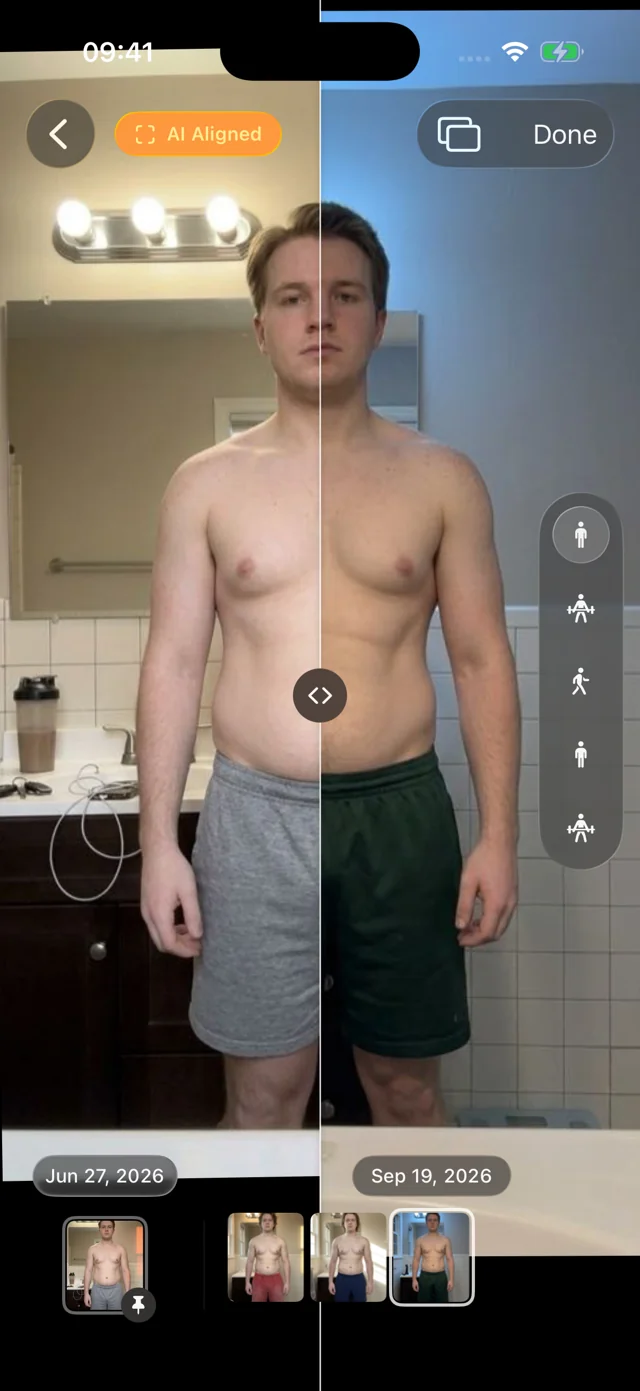
AI alignment, hands-free pose detection and comparisons all run on your iPhone. Your photos are never used to train AI. No ads, no social feed, no streaks or badges, and nothing is shared unless you export it yourself.
Out of your camera roll
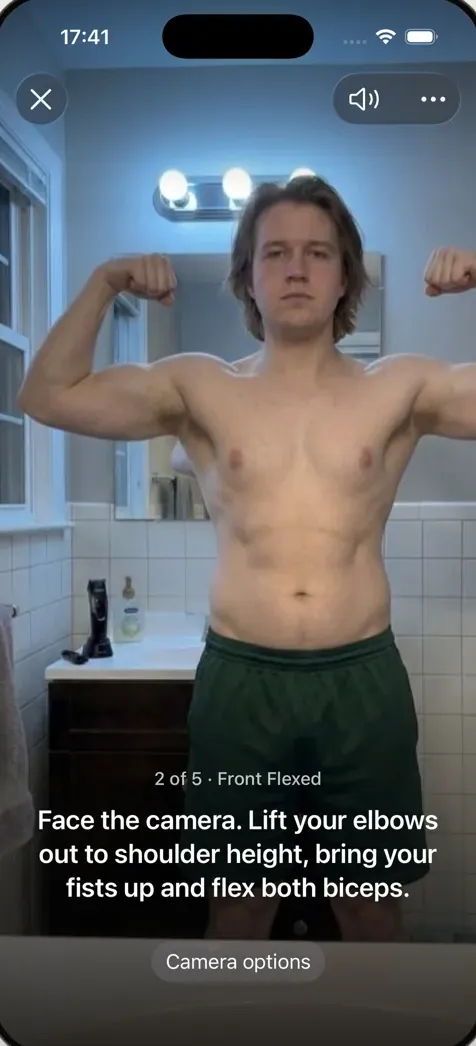
Hand your phone to a friend to show them a photo and they swipe one too far. That's why people hide progress photos. In Progress, captures go straight into the app's own library, not Apple Photos, so they never appear in your camera roll, in Memories or in a shared album.
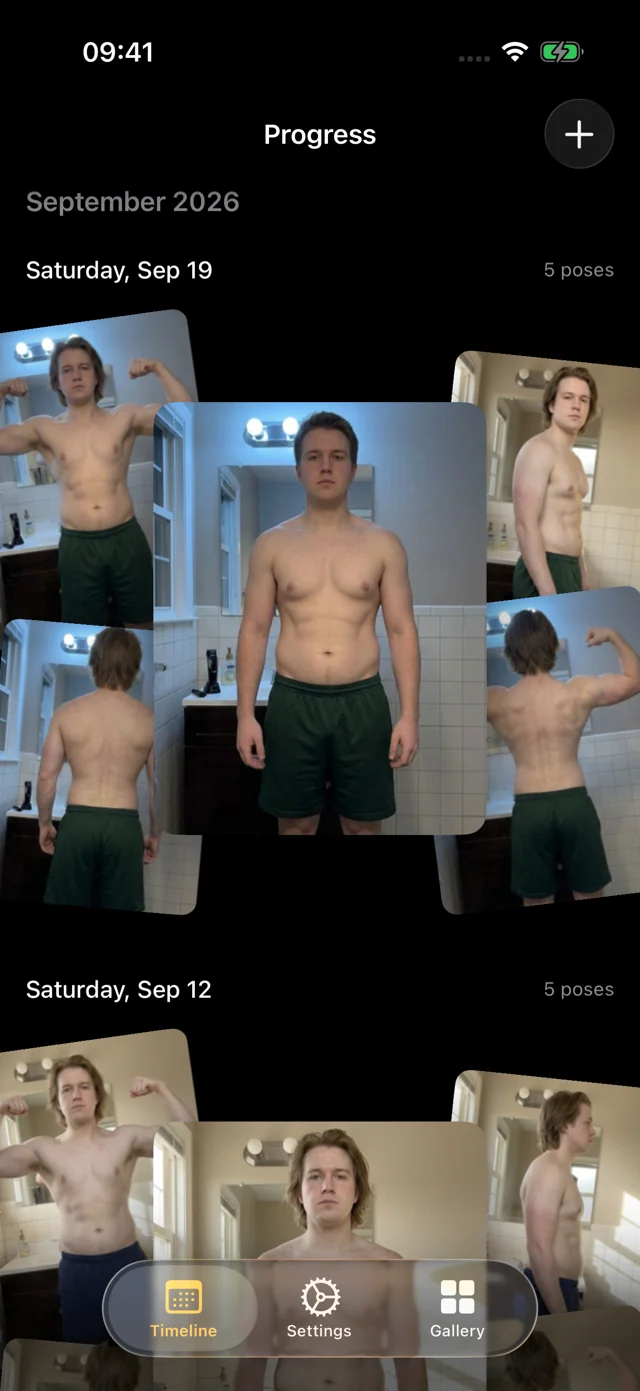
Old photos come with you too: import progress photos from Photos or Files, then delete the originals from your camera roll if you like.
Lock the app with Face ID
Turn on the app lock and Progress locks whenever you leave it. Unlock with Face ID, Touch ID or your passcode; until then, a cover hides your photos.
So if someone borrows your unlocked phone, your progress photos stay out of view.
The little we do collect
To find bugs and see which features help, Progress sends basic usage data: which screens you open, actions like starting a capture or comparing photos, crash reports and your subscription status. Screen recordings show layout only: every photo, number and note is blanked out on your phone first.
It never includes your photos, weight, body fat, health data or notes. It isn't sold or used for ads, and you can switch it off any time in Settings → Privacy → Share Usage Data. The privacy policy lists exactly what's included.
Want a copy in Photos? Use the Hidden album
Turn on Also Save to Photos and Progress saves each new capture there too. By default the copies are hidden: they stay out of your library and albums, under Photos → Hidden, which Apple locks with Face ID.
These are ordinary Apple Photos items, so they sync with iCloud Photos if you use it. Turn hiding off and they appear in a Progress album and your main library. Leave saving off and your progress photos live only in Progress. More in Progress vs the camera roll.
Your data, exportable any time
Export Data saves a copy of your library wherever you choose: a backup before you switch phones, or a folder to share with a coach. iCloud sync is coming soon; until then, export regularly.
How it works
- Join the beta. Install Apple's TestFlight app, then join the free Progress beta. iPhone or iPad with iOS or iPadOS 26 or later.
- Skip the sign-up. There isn't one. Take your first set or import old photos.
- Turn on the lock. In Settings, turn on Require Face ID (or Touch ID).
- Choose your copies. Leave Photos copies off, or save new captures to the Hidden album. Export your data whenever you want a backup.
FAQ
What is the safest app to store private photos?
Look for three things: no required account, storage on your device rather than a company's servers, and a Face ID or passcode lock. For general photos, Apple's Hidden album covers most of this. For progress photos, Progress adds a separate library and on-device alignment. Our roundup of progress photo apps compares the options.
How do I hide progress photos on my iPhone?
Either move them to the Hidden album in Apple Photos (select the photos, tap More, then Hide), or keep them in an app with its own library. Progress keeps new captures out of your camera roll entirely, and imported photos can then be deleted from Photos.
Are my photos uploaded or used for AI training?
No. Alignment runs on your device, and your personal data (photos, measurements, health data) never leaves your iPhone. We only collect basic usage data to improve the app, and you can turn it off in Settings.
What happens to my photos if I delete the app?
They're deleted with it, because the library lives inside the app. Use Export Data first, or turn on Photos copies for new captures, if you want a copy elsewhere.