Progress
Photo Comparison App With AI-Aligned Before and After
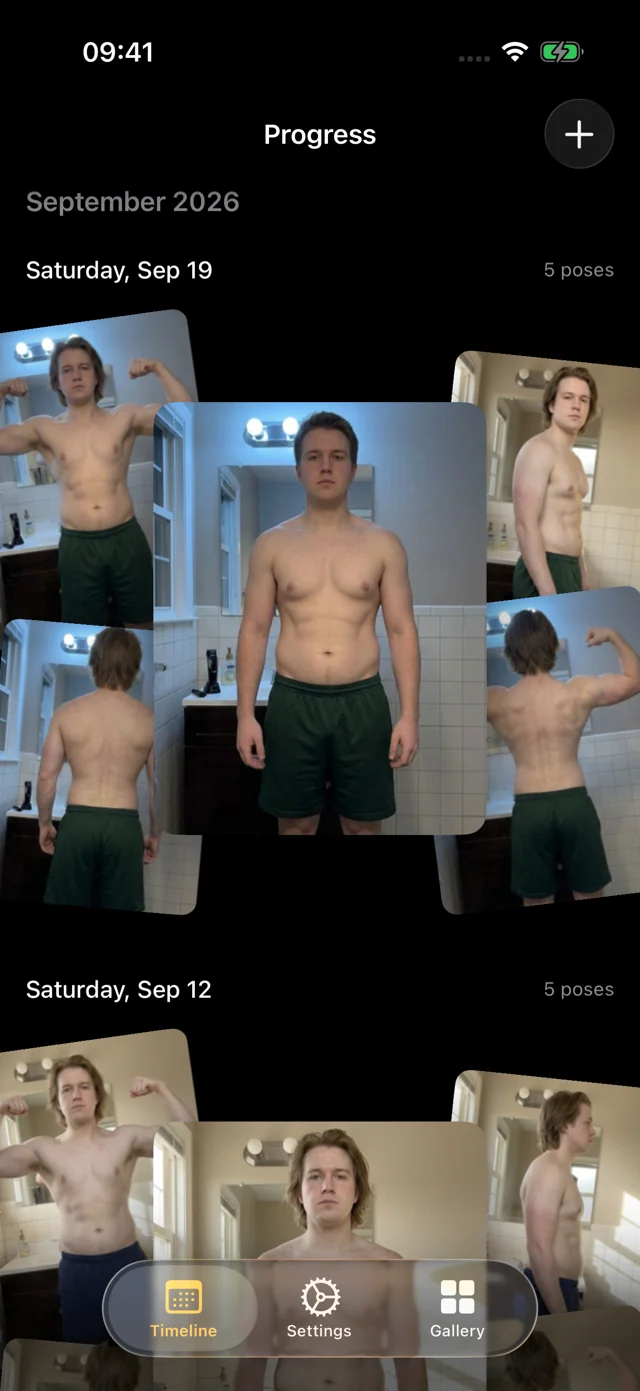
Progress is a photo comparison app for iPhone that lines up every progress photo with on-device AI, so your before and after compares you, not the camera.
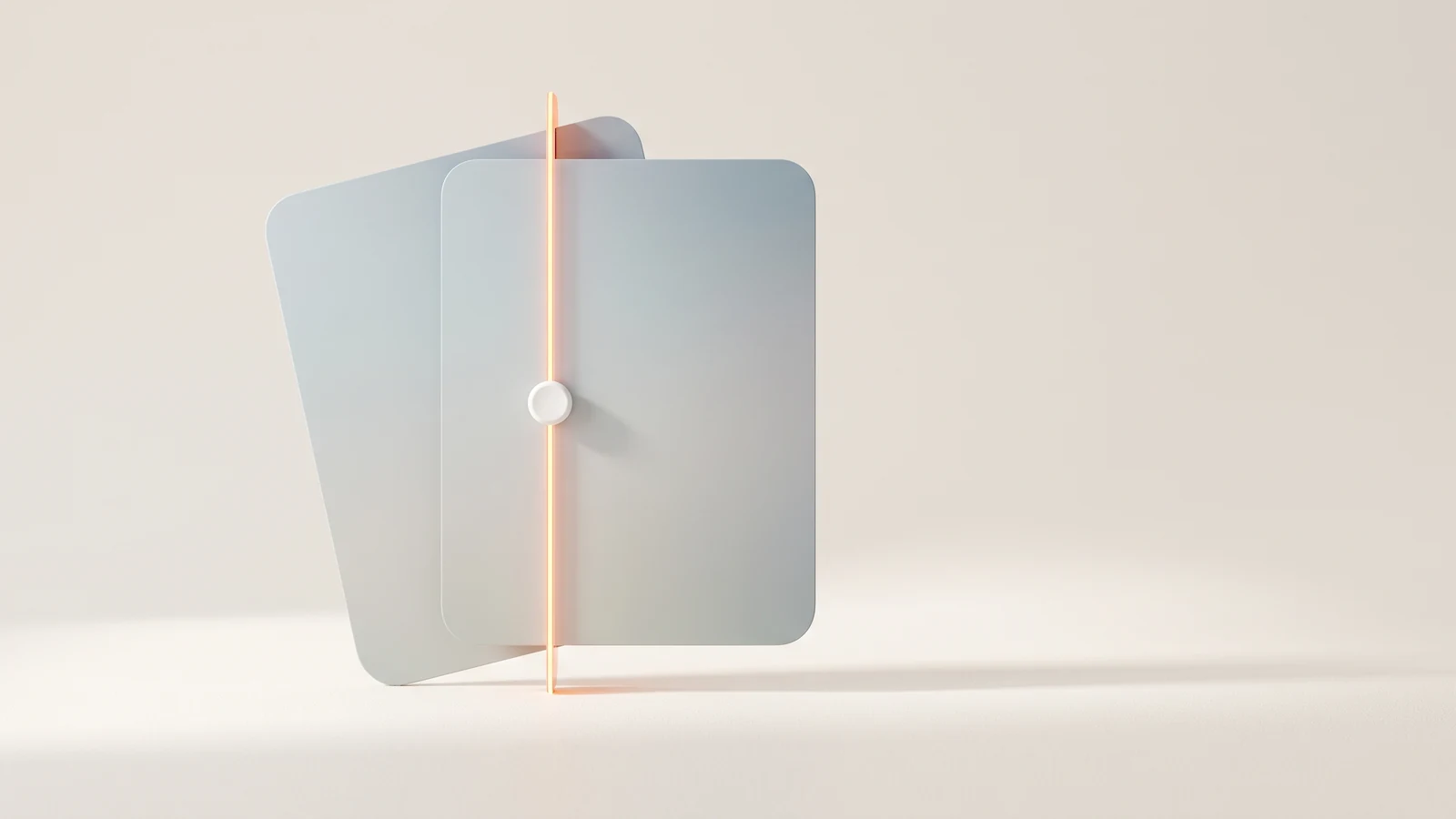
Most before-and-after photos compare two camera setups as much as two bodies. Progress is a photo comparison app for iPhone and iPad that fixes that first: on-device AI lines up every progress photo to the same frame, then lets you slide a divider between any two dates, swap between them full-screen, or scrub through every session in between.
Key takeaways
- Every photo is AI aligned on your device, so both sides of a comparison share the same frame.
- Slide a divider between any two dates, or swap between them full-screen.
- Pin a reference date and scrub every session since on the filmstrip.
- Originals stay exactly as shot; switch alignment off any time.
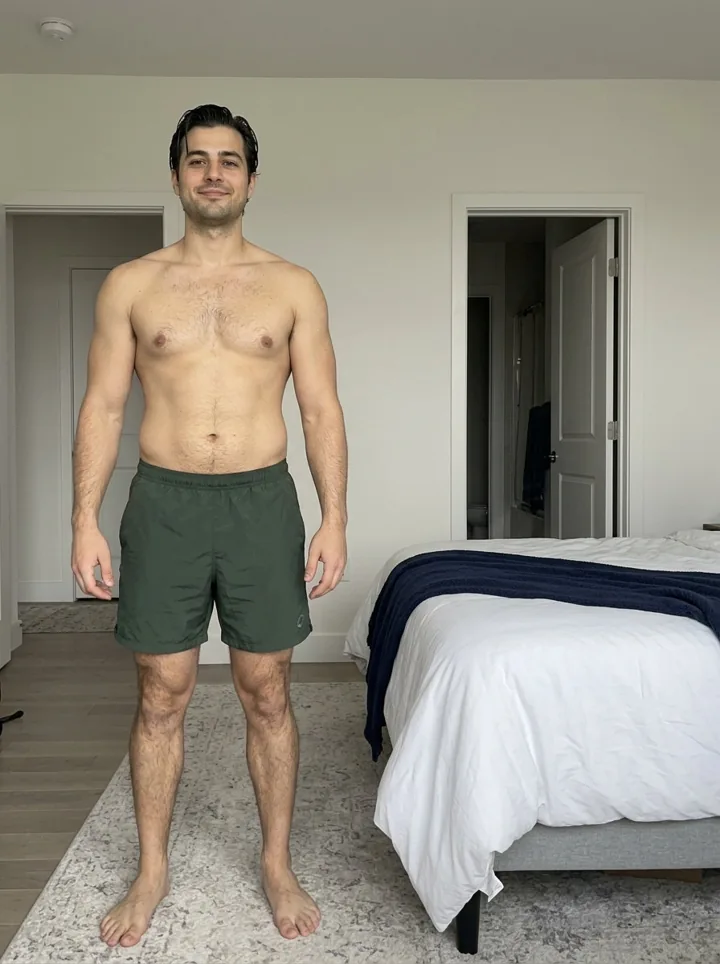
Try it with two sample series below. Drag the divider, then switch AI aligned off to see the photos exactly as they were shot, with the phone a little closer, higher or further away each time.
Why a plain before and after app isn't enough
Any collage app can put two photos side by side. But two photos taken weeks apart are almost never framed the same. Step half a foot closer and your shoulders look broader. Prop the phone a little lower and your legs look longer. Your head lands higher in one frame than the other, so your eye compares the wrong parts of the picture.
A good before and after app corrects that first. Many apps hand the job back to you: a ghost overlay of your last photo to match by eye, or two photos to drag and pinch into place. Progress's AI aligns every photo automatically, on your device, the moment it's added. Your originals stay untouched: alignment changes how Progress shows them, not the files. Our guide to before and after photos covers distance, angle, lens, light and posture.
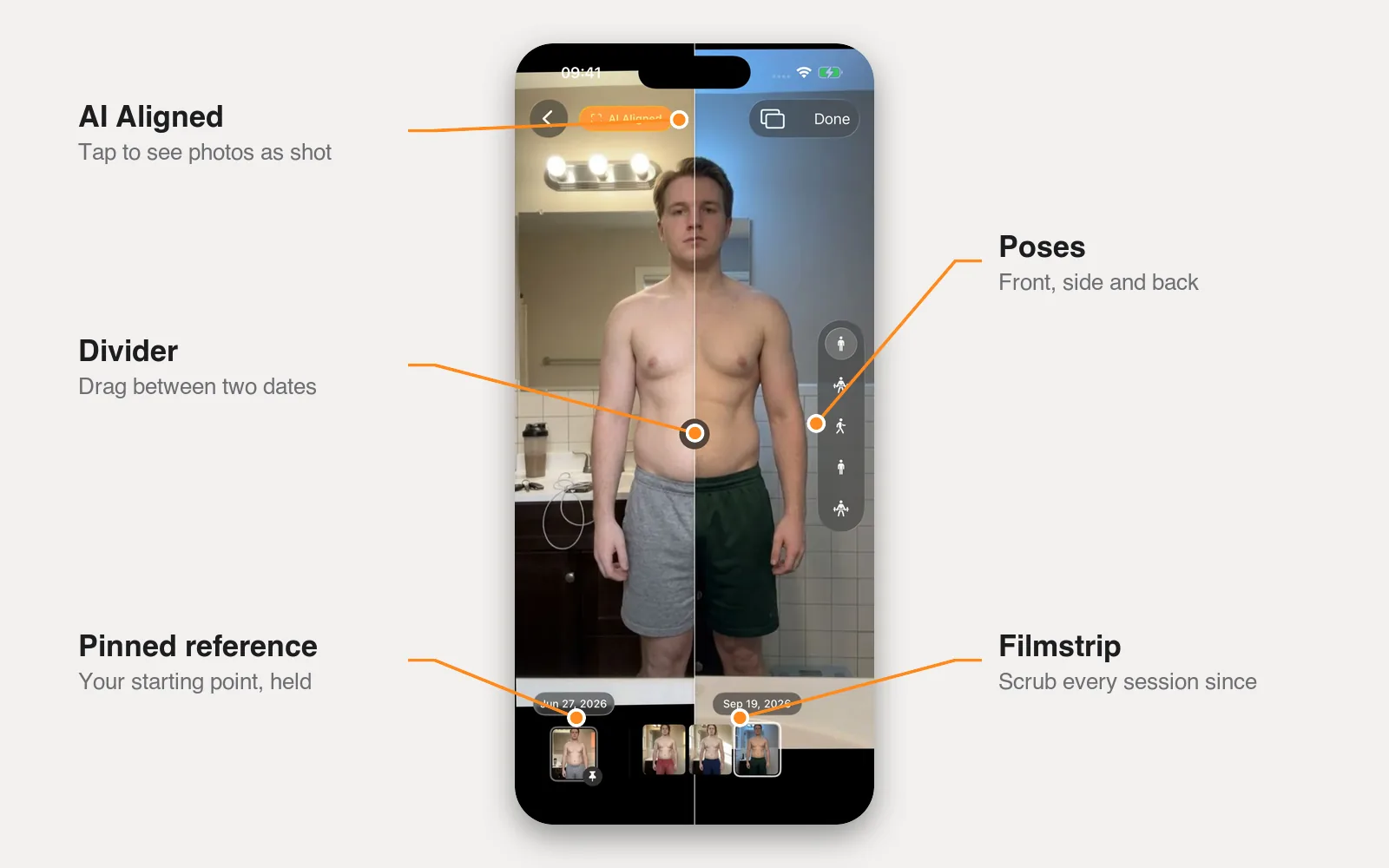
Week 1 vs today, in one drag
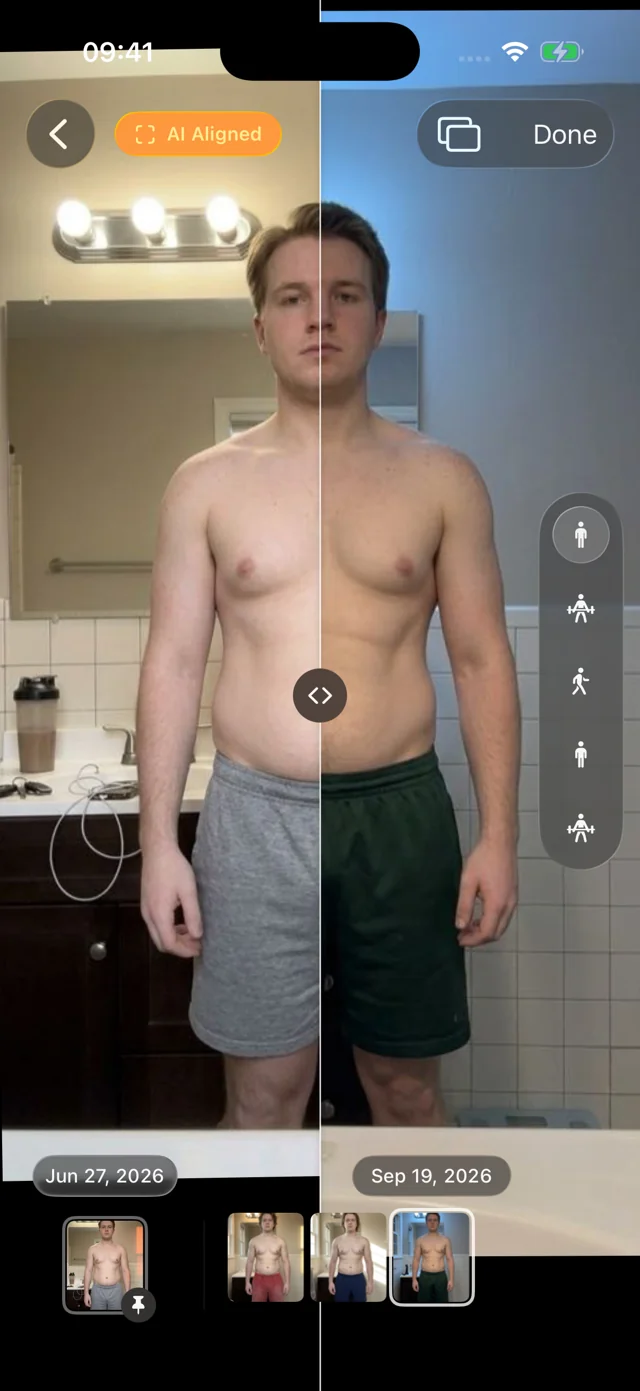
Where you started against where you are now. Open any session, pick an earlier date, and drag the divider across. Because both photos are AI aligned, the line runs through the same part of your body on both sides, so a narrower waist or fuller shoulders shows up as a real step at the divider, not as a shift in framing.
Prefer to see each photo whole? Swap between the two dates full-screen. Flipping back and forth in place shows changes in posture and shape that a split view cuts in half. Switch poses and the comparison follows, across all five.
Pin a reference and scrub everything since
Change rarely comes in a straight line. Weight stalls, then moves; a cut looks flat until it suddenly doesn't. So Progress lets you pin a reference date, usually your first session or the start of a new phase, and hold it on one side of the divider while you move through every session since on the other.
One comparison becomes dozens. Pin the day you started a new program and step forward week by week to see when the change appeared. Pin the morning before a vacation and see how quickly things settled afterward.
Scrub every session with the filmstrip
Below each photo sits a filmstrip of every session for that pose. Drag along it and your photos play back in order, aligned, with light haptics as each session passes under your thumb. Every thumbnail is already loaded, so a year of sessions plays back instantly, with no spinners. You see the trend, not just one pair, and an outlier (bad light, a post-workout pump, a big dinner) stands out instantly.
Weight and body-fat percentage sit beside each session's photos, typed in or read from Apple Health, so you see the number and the picture together.
Your history, comparable from day one
Already have photos? Import old progress photos from Photos or Files, years of them at once. Our own pose model, trained for progress photos and shipped inside the app, recognizes front, side and back, so there's nothing to label: they fall into dated sessions and line up with today's.
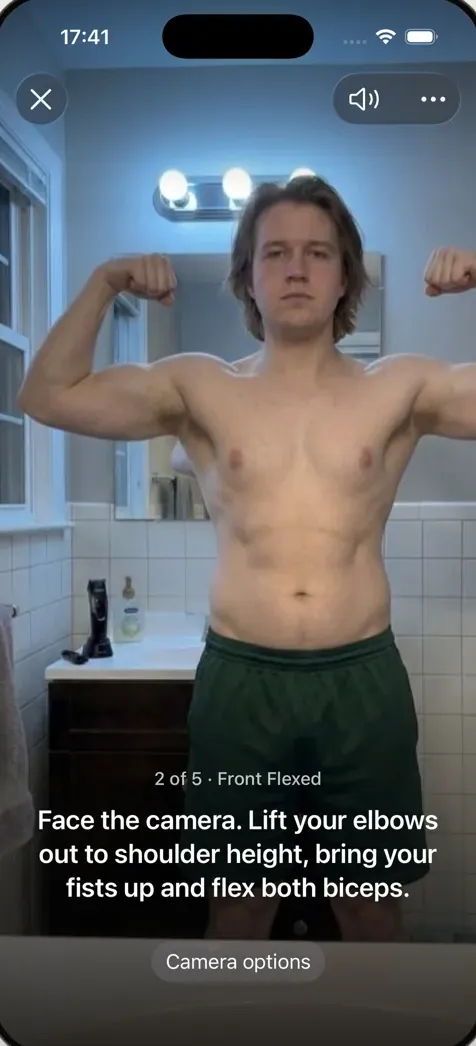
New sessions are hands-free. Prop the phone on a shelf and step back; Progress watches through the camera and talks you into each of the five poses ("Turn to your right until your left side faces the camera," "Move a little closer"), then takes the photo itself when you're in place and still.
Your library lives in the app, out of your camera roll, with no account to create. Your personal data (photos, measurements, health data) never leaves your iPhone. We only collect anonymous usage data to improve the app, and you can turn it off in Settings.
How it works
- Join the beta. Install Apple's TestFlight app, then join the free Progress beta. iOS or iPadOS 26 or later.
- Add your photos. Import existing progress photos or take a new set hands-free. Every photo is AI aligned on your device as it's added.
- Pick two dates. Open a session, choose an earlier date, and drag the divider or swap full-screen.
- Pin and scrub. Pin a reference date, then drag the filmstrip to move through every session since.
Just want to compare a single pair in your browser? The free before and after photo maker lines up two photos by hand, right in your browser. An aligned progress photo timelapse is coming soon.
FAQ
Is there an app for before and after photos?
Yes. Progress is built for comparing your body over time: it aligns every photo automatically, compares any two dates with a divider or full-screen swap, and lets you pin a reference and scrub every session since. See our roundup of progress photo apps for other options.
What is the best app for comparing before and after photos?
Pick one that lines photos up by your body, not the edges of the picture, keeps the same pose on both sides, and stores photos privately. Progress does all three on iPhone and iPad.
How do I put two pictures side by side to compare?
In Progress, open a session, pick a second date and drag the divider. Without the app, place both photos in an editor at the same height, scale one until your body is the same size in both, and line them up before saving. Our before and after photo maker does this in the browser.
Does AI alignment change my original photos?
No. Your originals are kept exactly as shot. Alignment is applied when Progress shows them, and you can switch it off to see the raw framing at any time.
Is Progress free?
Yes, during the TestFlight beta. Membership checkout in the beta uses Apple's test environment, so you're never charged.