Progress
Aligned Progress Photo Timelapse (Coming Soon)
An aligned progress photo timelapse is coming to Progress. See what it will do, make a weight loss or body transformation timelapse today, and get it first.
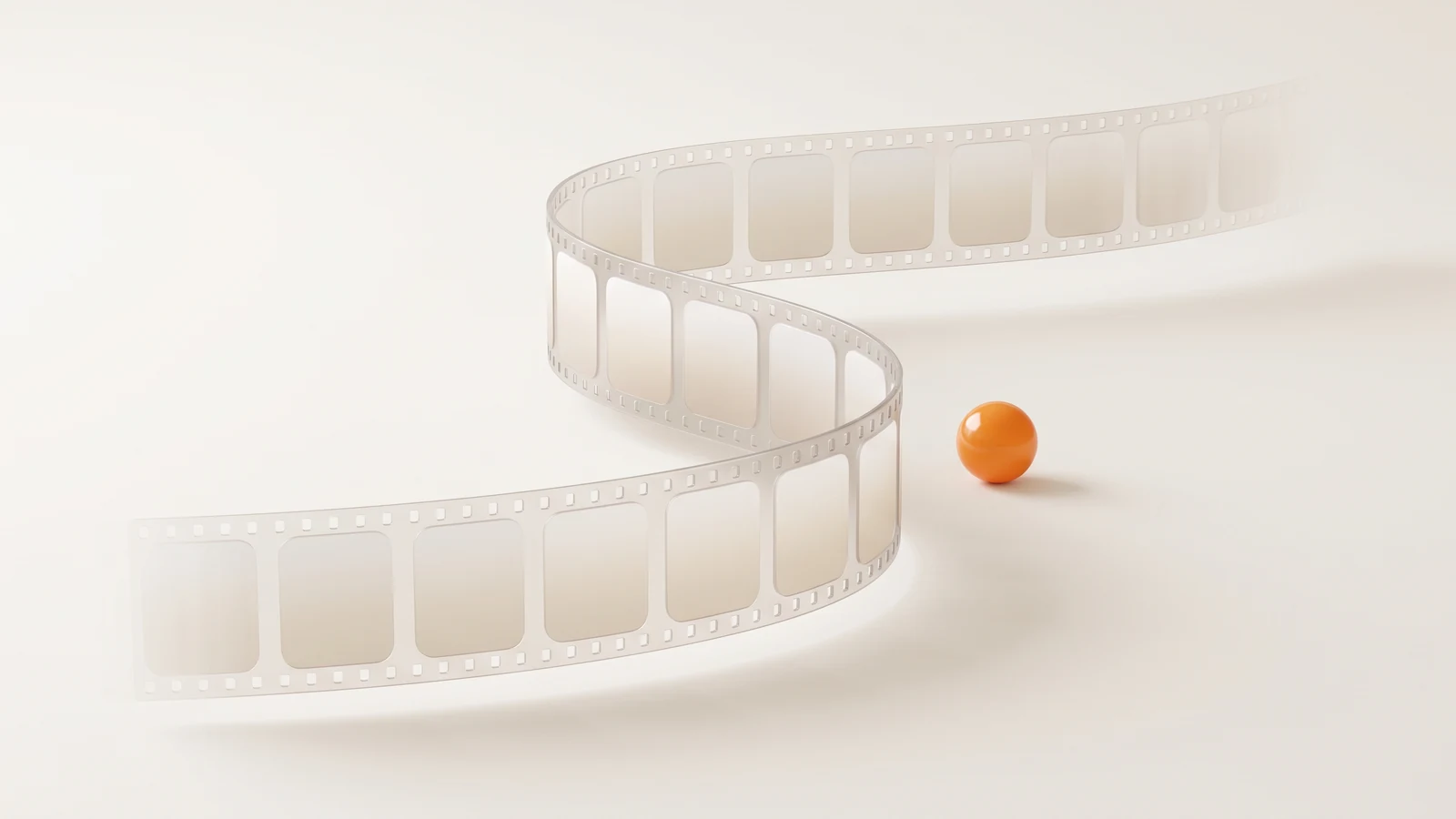
A progress photo timelapse plays every session back as a short video, so months of slow change become something you can see in seconds. Progress will turn your sessions into a smooth, aligned video, using the same on-device alignment that already lines up your photos.
Key takeaways
- Coming soon: an aligned timelapse video made from your Progress sessions.
- Alignment is what keeps a timelapse from jumping between frames.
- Today: scrub every aligned session on the filmstrip, or use the free timelapse maker.
- Start collecting consistent photos now so the timelapse has good frames.
Today, make one free with our timelapse maker, or scrub through every aligned session in the app.
What the timelapse will do
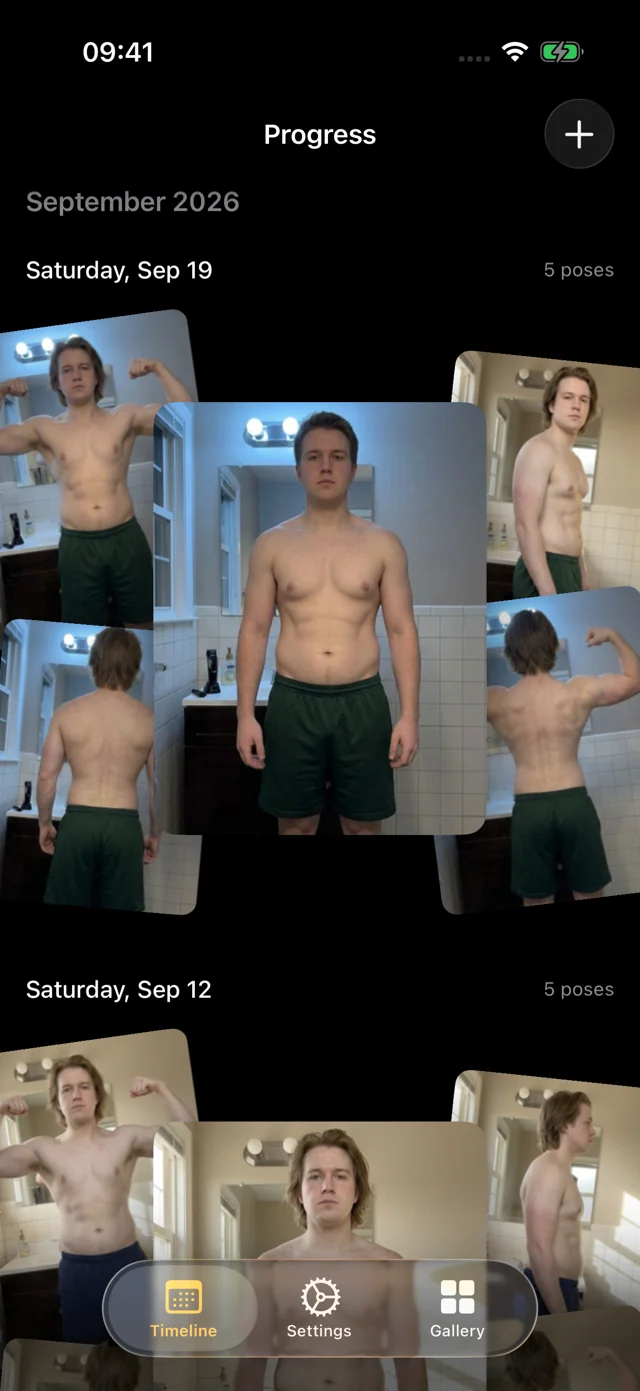
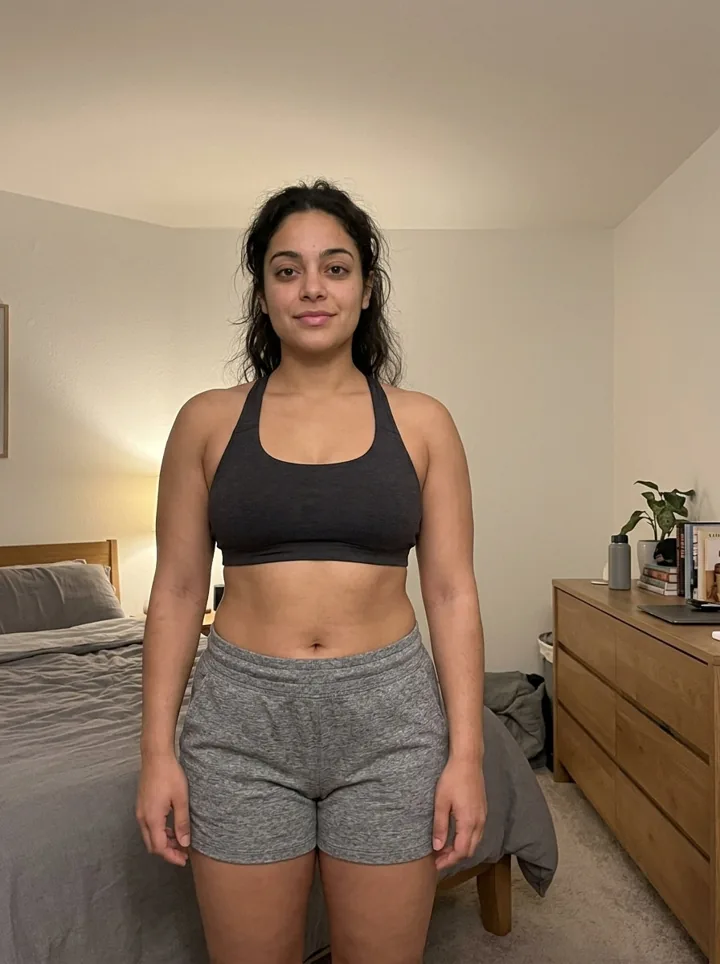
Progress already keeps every session in order, sorted by pose and AI aligned to the same frame. The timelapse puts that library in motion: a video of your own sessions where the only thing that moves is you. It's for when a single before-and-after can't show how you got there: a long weight loss, a slow recomp, a year of training.
Join the beta to try it first.
Why alignment makes or breaks a timelapse
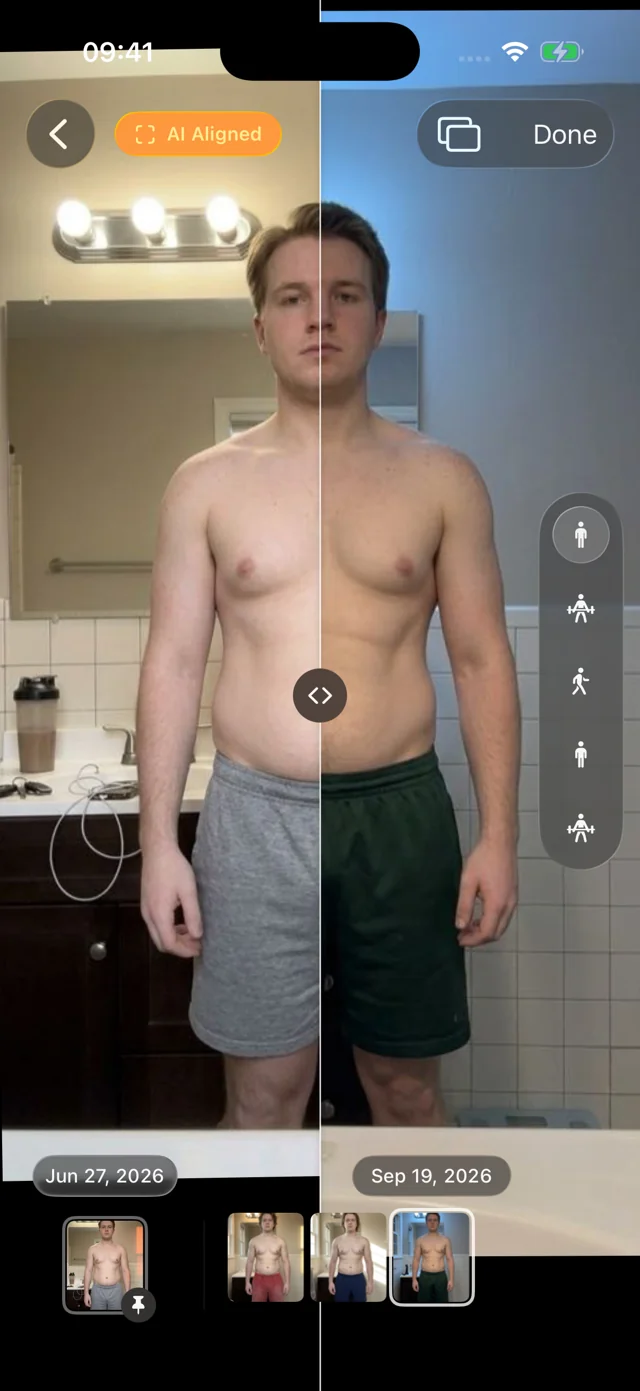
Stitching photos into a video is easy; making it watchable is not. If the phone sits a little closer one week and a little lower the next, the video jumps and shudders, and that motion drowns out the slow change you want to see. Switch AI aligned off above and play it again.
That's why a weight loss timelapse or body transformation timelapse made from raw camera-roll photos often looks worse than the two best photos side by side. The fix is to put every photo in the same frame first, which Progress does for every photo you add. See how AI-aligned comparison works today.
Make a timelapse today
- In your browser. The free timelapse maker turns your own photos into a timelapse.
- In Progress. Drag the filmstrip under any photo and every session plays back in order, AI aligned, with light haptics as each one passes. Not a video file, but the same view of your progress.
Start collecting now so your timelapse looks good later
A timelapse is only as good as its photos, so start collecting good ones now.
- Bring your history. Import old progress photos from Photos or Files. Progress suggests dates and poses and aligns them, so they'll be ready when the timelapse arrives.
- Keep a steady rhythm. Weekly or every other week works well. A timelapse needs regular frames more than daily ones.
- Keep conditions steady. Same room, same light, same time of day, never right after a workout. Alignment fixes framing, not lighting.
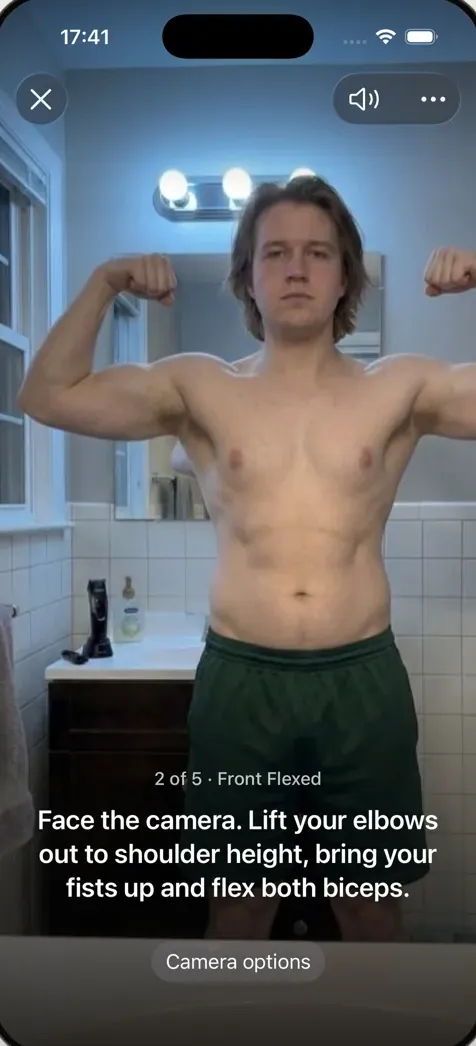
- Let the app take the set. Hands-free capture waits until you're in frame and still, counts you in, and calls each of the five poses in about a minute.
Our guide to taking progress photos that show change covers setup in detail, and the body transformation timeline helps you pick checkpoints.
FAQ
Is the timelapse available in Progress now?
Not yet; it's coming soon. Today you can scrub through every aligned session with the filmstrip, or make a timelapse in your browser with the free timelapse maker.
How do I make a timelapse with photos?
Collect photos taken from the same spot in the same pose, put them in date order, line them up so your body is the same size and position in every frame, and play them at a few frames per second. Aligning first is the step that keeps the video from jumping.
How often should I take photos for a progress timelapse?
Weekly is a good default. Body changes are slow, and day-to-day swings in water and food can make daily photos flicker. Consistent conditions matter more than frequency.
What is the best app for a progress photo timelapse?
Choose one that aligns every photo before it builds the video and keeps your photos private. Progress's aligned timelapse is coming soon, built on the on-device alignment it already has. See our roundup of progress photo apps for others available now.