Progress
Progress vs MacroFactor: Do You Need Both?
MacroFactor already has progress photos. Compare its documented photo workflow, Nutrition and Workouts apps, pricing and where a separate photo journal helps.
Keep MacroFactor for nutrition coaching, and try its built-in progress photos before adding anything. MacroFactor already tracks body metrics and progress pictures, shared across its Nutrition and Workouts apps. Add Progress if you want the photo side done for you: an AI that coaches you through each pose and takes the shot, and photos that line up on their own.
We make Progress, so weigh that.
MacroFactor - Macro TrackerStronger By Science Technologies LLC
Nutrition, Workouts and photos are already connected
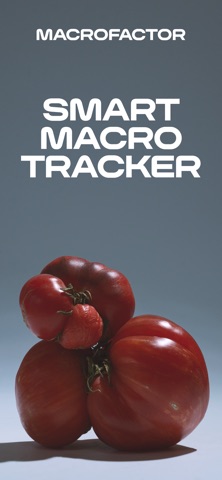
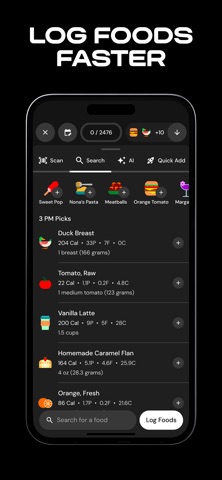
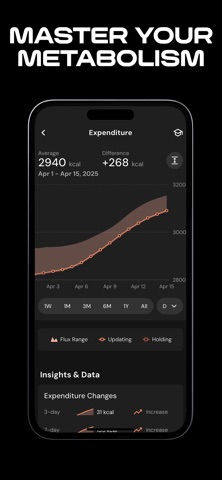
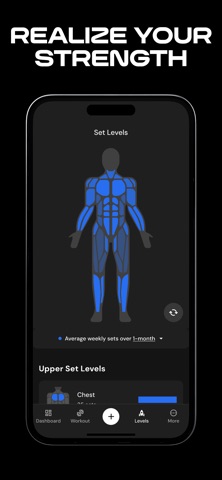
MacroFactor is a two-app family. Nutrition logs food and adjusts your calorie and macro targets; Workouts runs training programs and records sessions. Body metrics, weight and progress photos are shared between the two (MacroFactor Workouts).
To compare photos, you pick a front, side or back view, choose two dates from your gallery and generate a before-and-after to share (guide). You get one front, one side and one back photo per day (tips), which suits most check-ins. It's tighter if you like both relaxed and flexed versions of a pose.
MacroFactor Workouts - TrackerStronger By Science Technologies LLC
It comes down to how you take photos
| If you want… | Start here |
|---|---|
| Adaptive nutrition targets and a food diary | MacroFactor Nutrition |
| Training plans and exercise progression | MacroFactor Workouts |
| Photos inside the tracker you already use | MacroFactor's photo gallery |
| AI-guided, hands-free capture of five poses | Progress |
| Photos AI aligned automatically, any two dates | Progress |
| Bulk import of old photos, poses recognized automatically | Progress |
Give MacroFactor one ordinary check-in: save your usual views and make a comparison. If finding dates and comparing them feels easy, another app only adds work. If you want relaxed and flexed poses in one session, or want to scrub aligned photos against a fixed starting point, a dedicated journal is worth a look.
What the subscription buys
MacroFactor costs US$11.99/month, US$47.99 per six months or US$71.99/year for one app, or US$89.99/year for both (pricing), with a seven-day free trial. Prices as of October 2026.
That money pays for nutrition coaching and training, which Progress doesn't do. If you're weighing the two, the real question is whether you want a photo journal next to MacroFactor, not instead of it.
Your photos and your data
MacroFactor stores your progress photos with your account (privacy notice), so they're available in both of its apps. Progress keeps everything on your iPhone instead.
The two apps don't share data directly. Pictures you've saved to Photos or Files can go into Progress in one batch: it recognizes each pose and lines them up with nothing to label.
What Progress adds
MacroFactor gives you a place to keep photos. Progress takes over the hard parts: shooting the same set every time and making two dates genuinely comparable.
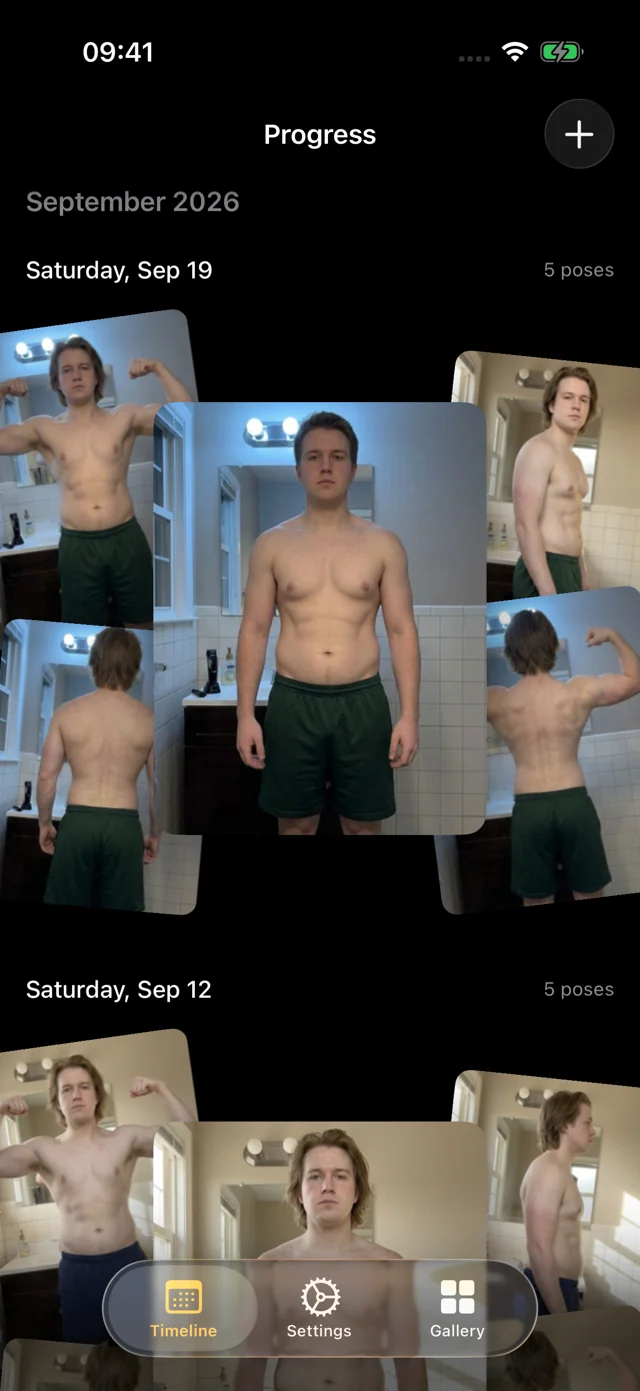
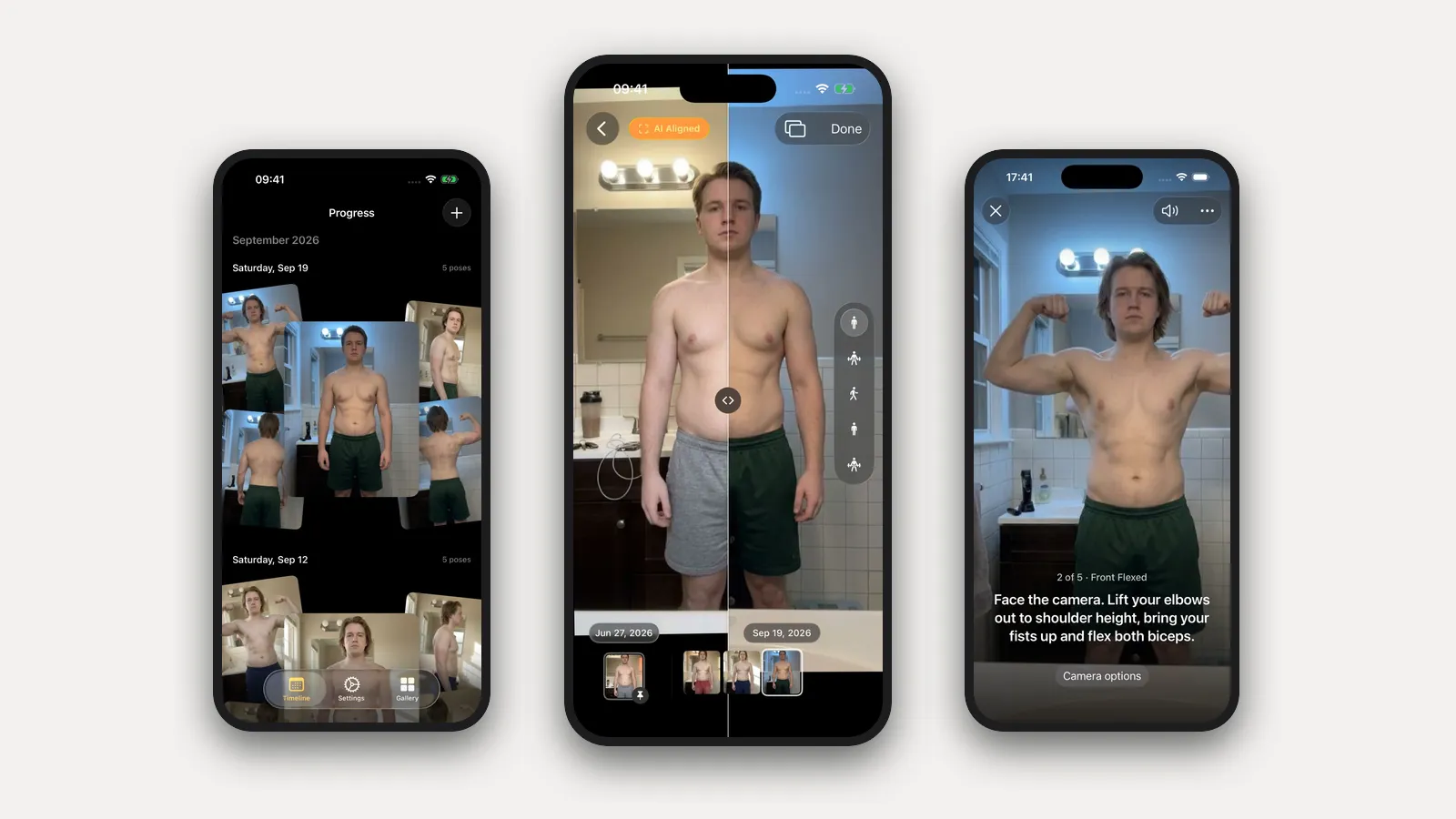
- It coaches you through the shoot. Set the phone on a shelf and step back. Progress watches through the camera and talks you into each pose: "Turn to your right until your left side faces the camera," "Lift your elbows to shoulder height and flex." When you're in place and still, it takes the photo itself. Five poses, relaxed and flexed, in about a minute.
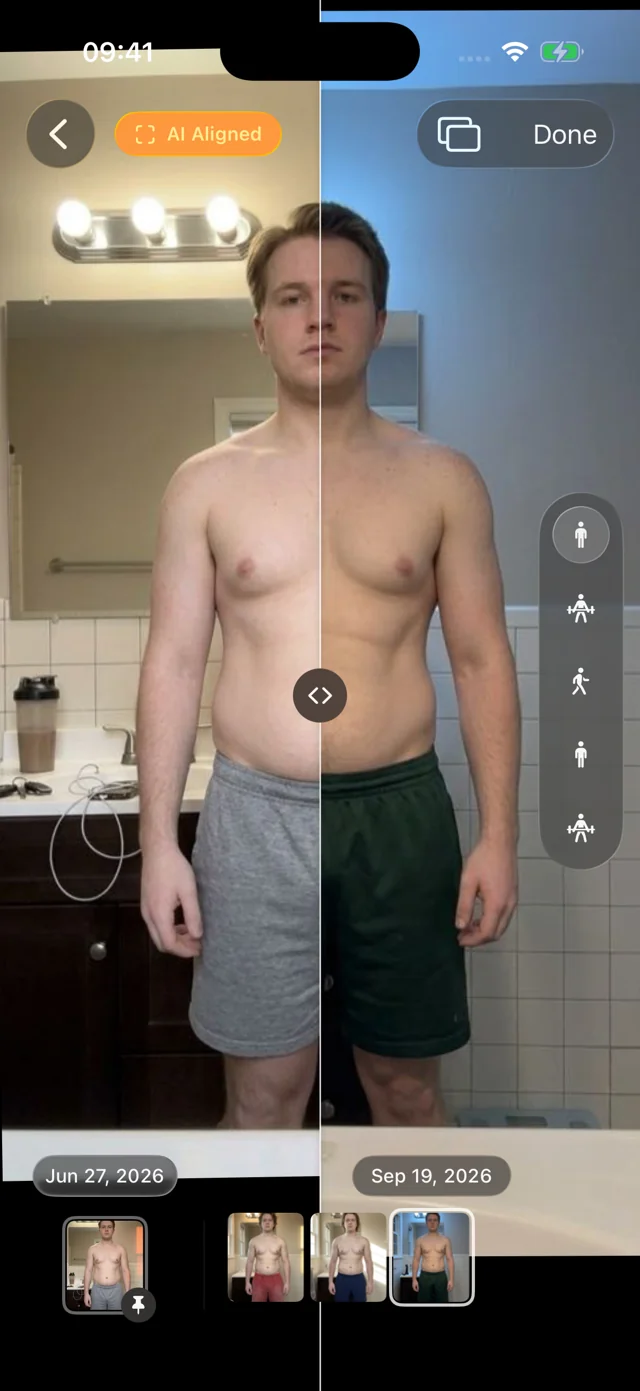
- It aligns the photos for you. You never stand in exactly the same spot twice. Progress's AI aligns every photo after it's taken, so the comparison shows your body, not the camera. Slide a divider between any two dates, or pin the start of a diet phase and scrub through every session since.
- Old photos fall into place. Our own pose model, trained for progress photos and shipped inside the app, recognizes front, side and back. Select a year of pictures at once and Progress sorts them into dated sessions and lines them up, with nothing to label.
- It's a pleasure to use. Photos appear instantly, the filmstrip scrubs with light haptics, and your weight from Apple Health sits beside each session.
It's a free TestFlight beta for iOS and iPadOS 26. There's no account. Your personal data (photos, measurements, health data) never leaves your iPhone. We only collect anonymous usage data to improve the app, and you can turn it off in Settings. Progress doesn't log food or workouts, so keep MacroFactor for coaching. Timelapse and iCloud sync are coming soon; Export Data gives you a copy of everything today.
FAQ
Do I need Progress if I already pay for MacroFactor?
Not necessarily. Its photo gallery may be all you need. Add Progress if you want hands-free, guided capture and photos that are aligned for you.
Does Progress sync with MacroFactor?
No. MacroFactor syncs between its own Nutrition and Workouts apps, and Progress keeps its own library.
Is MacroFactor only a calorie counter?
No. It includes nutrition coaching, weight trends and body tracking, and the separate Workouts app handles training.
For other options, see the dedicated progress photo app comparison and the food, lifting and photo app guide. For consistent capture, start with how to take progress photos.