Progress
Progress vs Strong: Workout Logs and Progress Photos
Strong already supports workout progress pictures. Compare the documented workflow, free routine limit and when a dedicated photo journal adds value.
Keep Strong for your workouts. It already lets you attach progress pictures to them. Progress is a photo journal you add alongside your training history, not a replacement for logging sets, reps and routines. It's for when you want check-ins that actually compare: an AI that coaches you through each pose and photos that line up on their own.
We make Progress, so weigh that.
Strong Workout Tracker Gym LogStrong Fitness PTE Limited
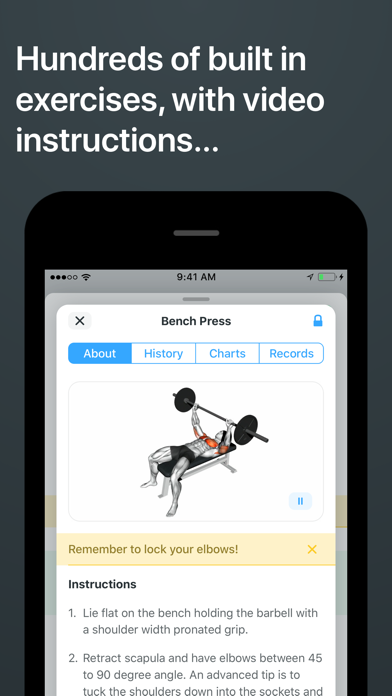
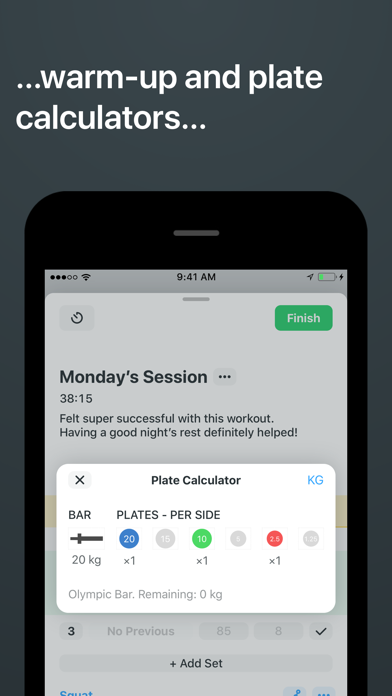
Strong has pictures, not just numbers
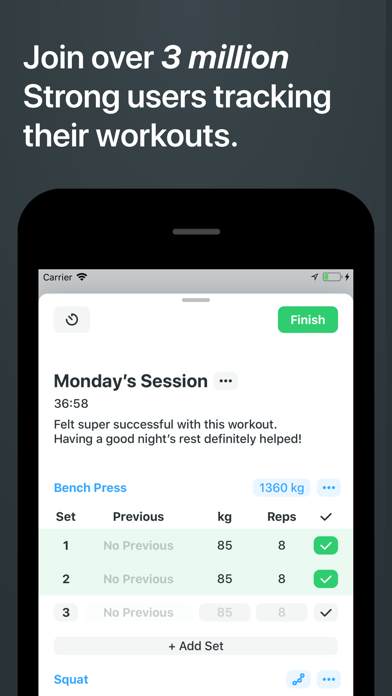
You can add notes and progress pictures to any workout in Strong. It also tracks body measurements, logs from Apple Watch, runs rest timers, charts your exercise stats and exports your history as CSV (App Store).
Try adding a picture to your next workout, then see how easy it is to find and compare later. If that works for you, you're set.
Training history and photo history answer different questions
A workout log tells you what happened in a session: exercise, load, reps, rest and notes. A photo journal shows how the same view of your body changes over time. You'll want both if you're training for how you look.
| If your priority is… | Choose |
|---|---|
| Remembering last session's sets and reps | Strong |
| A workout record with a picture and notes | Strong |
| Exercise records and performance charts | Strong |
| AI-guided, hands-free capture of five poses | Progress |
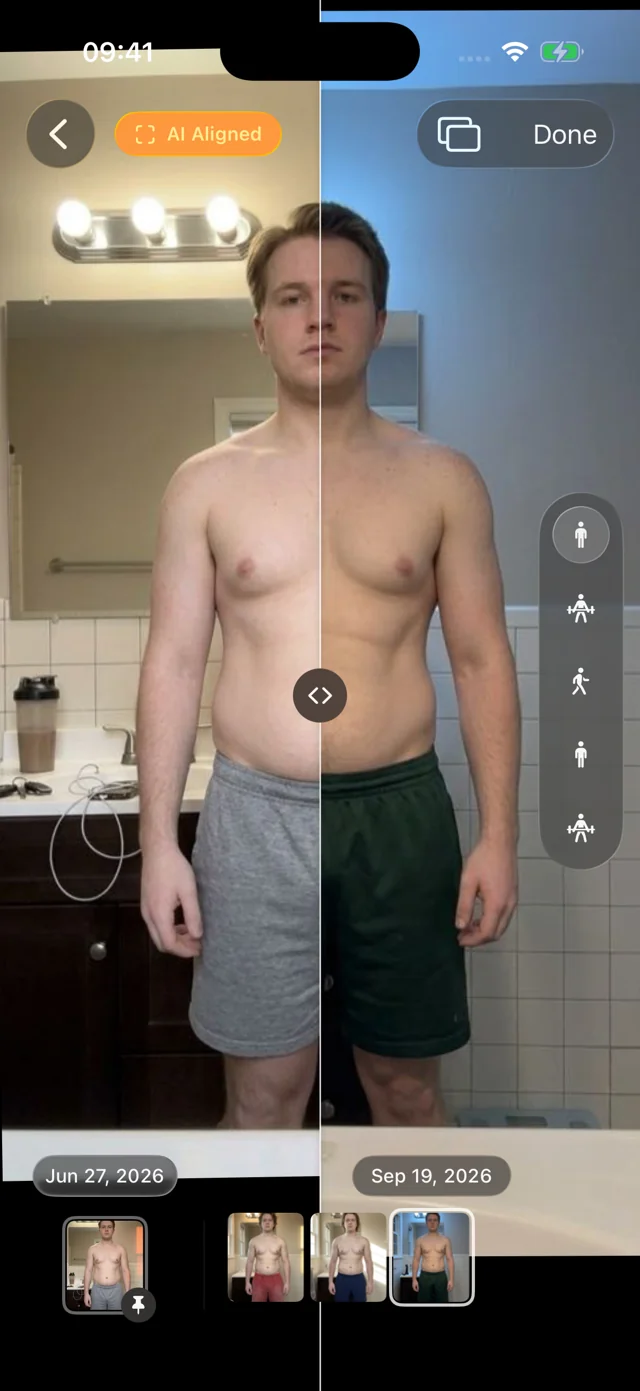
| Photos AI aligned automatically, any two dates | Progress |
| Bulk import of old photos, poses recognized automatically | Progress |
A picture from a hard session is nice context, but it's rarely comparable with the next one. A proper check-in uses the same light, stance and framing every time. Our capture guide covers the setup, whatever app you use.
Strong's free tier and PRO
The free version saves unlimited workouts with up to three custom routines. PRO costs US$4.99/month or US$29.99/year and unlocks unlimited routines and more. Prices as of October 2026.
If three routines cover your program, the free version may be all you need.
Using both
Keep logging training in Strong, and pick one place for your photo check-ins so you're not keeping two photo histories. If Strong's workout pictures are easy enough to revisit, keep them there. If you want repeatable poses and photos that line up, take them in Progress and leave the training in Strong. Pictures you've already saved to Photos or Files can go into Progress in one batch: it recognizes each pose and lines them up with nothing to label.
What Progress adds
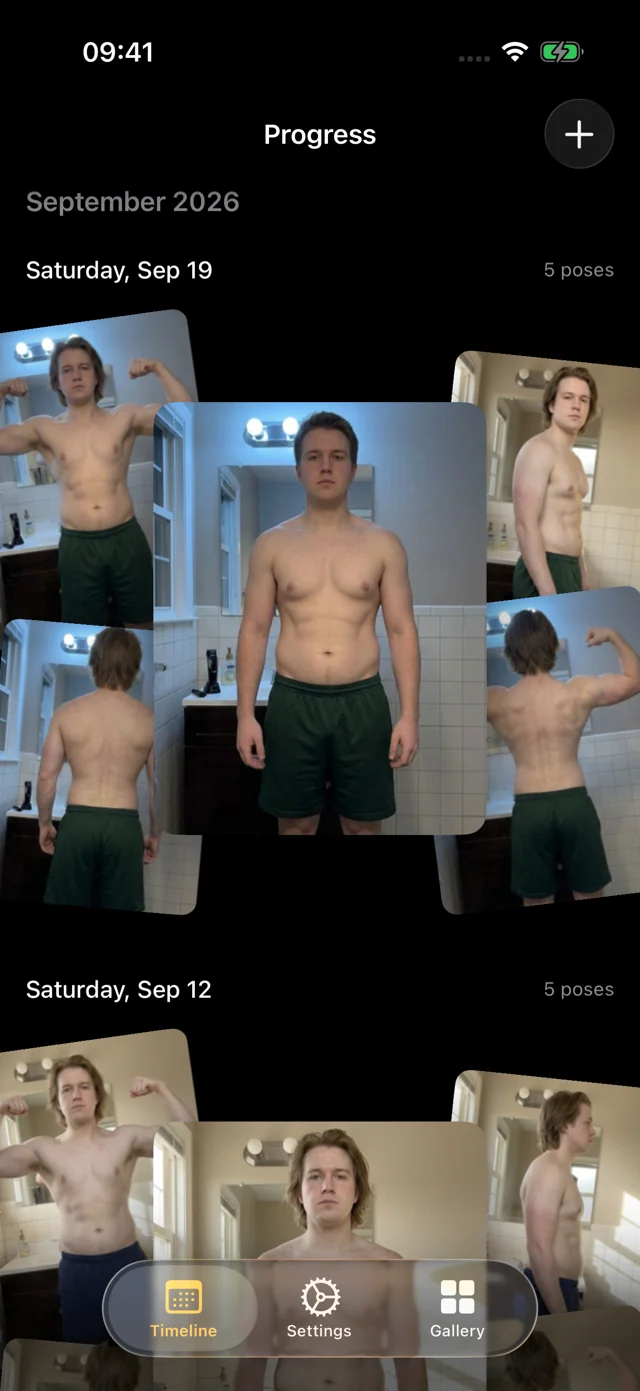
A picture from a hard session is a memory. Progress turns photos into a check-in you can compare.
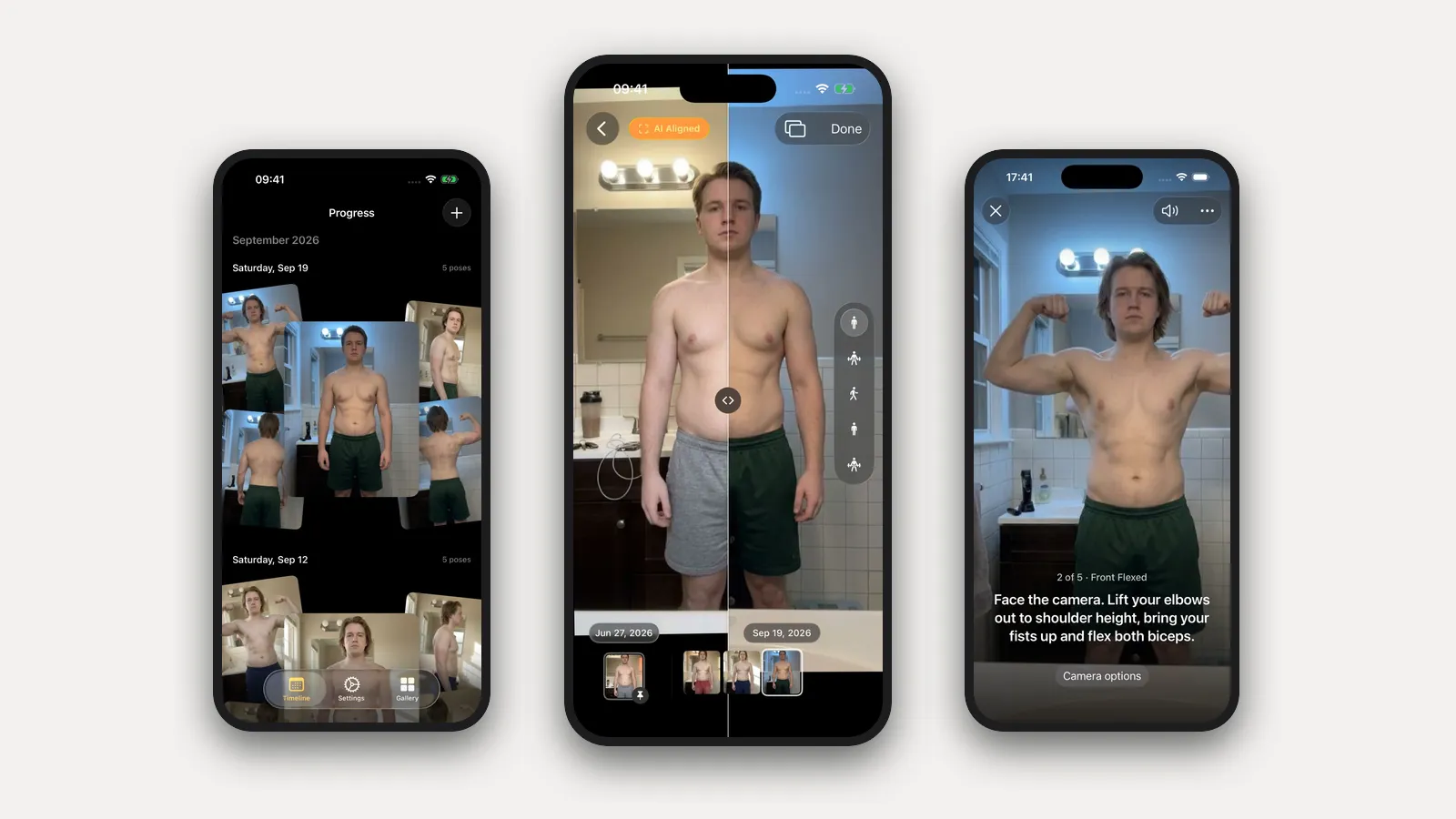
- It coaches you through the shoot. Lean the phone against a bench or a shelf and step back. Progress watches through the camera and talks you into each pose: "Turn to your right until your left side faces the camera," "Move a little closer." When you're in place and still, it takes the photo itself. Five poses in about a minute, no timer, no running back to the phone.
- It aligns the photos for you. You never stand in exactly the same spot twice. Progress's AI aligns every photo after it's taken, so the comparison shows your body, not where the phone was. Slide a divider between any two dates, or pin day one and scrub through every session since.
- Old photos fall into place. Our own pose model, trained for progress photos and shipped inside the app, recognizes front, side and back. Select years of gym photos at once and Progress sorts them into dated sessions and lines them up, with nothing to label.
- It's a pleasure to use. Photos appear instantly, the filmstrip scrubs with light haptics, and nothing waits on a spinner.
It's a free TestFlight beta for iOS and iPadOS 26. There's no account. Your personal data (photos, measurements, health data) never leaves your iPhone. We only collect anonymous usage data to improve the app, and you can turn it off in Settings. Progress doesn't log workouts or food, so keep Strong for training. Timelapse and iCloud sync are coming soon; Export Data gives you a copy of everything today.
FAQ
Does Strong support progress photos?
Yes. You can attach pictures and notes to a workout.
Can Progress import my Strong workouts?
No. Progress keeps photo sessions with weight and body fat; your training history stays in Strong.
Should a lifter use both?
Strong is the one for training. Add Progress for photo check-ins: it guides each pose hands-free and aligns every photo, so month three compares honestly with month one.
For other options, see the dedicated progress photo app comparison and the food, lifting and photo app guide. For consistent capture, start with how to take progress photos.